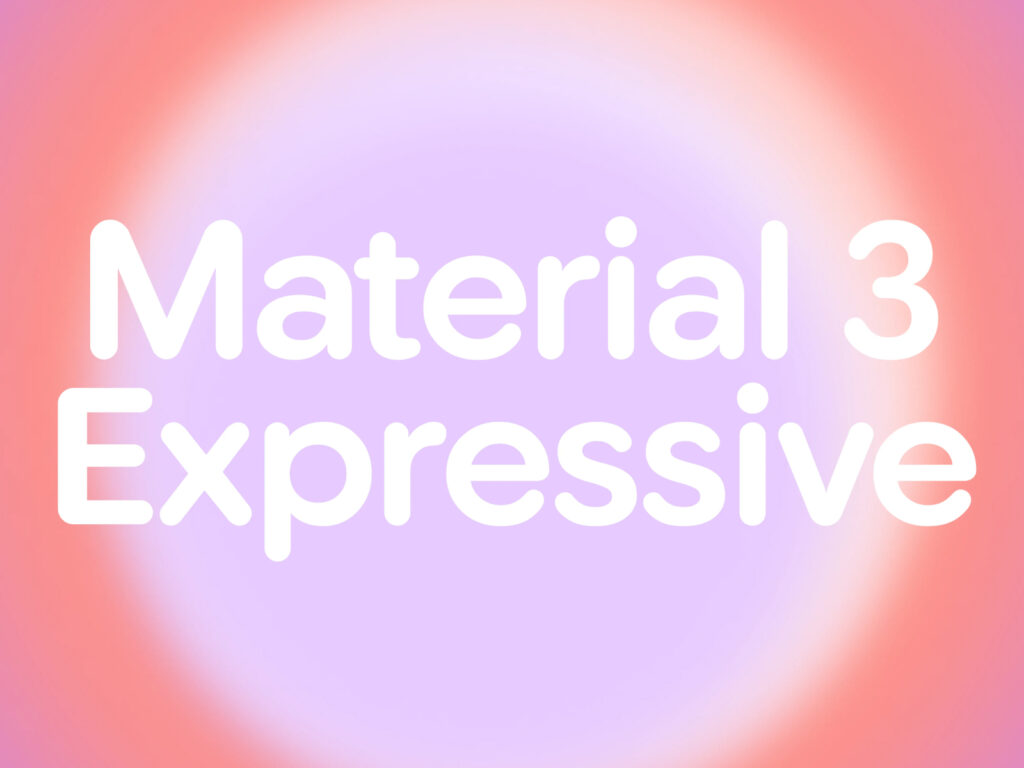
For this update, Google conducted 46 studies and surveyed over 18,000 global users over three years. Moving away from the traditional color- and layout-centric design, we focused on actively utilizing color, size, shape, and animation to guide users’ eyes and trigger emotional responses.
In particular, 87% among respondents aged 18 to 24 responded that they prefer this kind of emotionally-centered design. In an experiment evaluating design attributes, the M3 Expressive design received overwhelmingly high ratings in emotional factors such as 'lively', 'emotional', 'creative', and 'positive feeling'. It was found that it went beyond simply being visually pleasing and had a positive effect on changing the perception of the brand. After experiencing the emotional design, users perceived the app as more modern, trendy, and 'innovative'.
Google had participants wear state-of-the-art eye-tracking equipment and tested the old design and the new Expressive design back-to-back. The results showed that participants were able to recognize key UI elements up to four times faster and perform desired functions more quickly in the M3 Expressive design. The improvements were consistent across all visual abilities and ages, and there was a notable improvement in digital accessibility, with users over 45 showing nearly the same response times as younger generations.
However, Google emphasized that emotion-centered design is not a solution for all situations. For example, when they experimented with a free-form arrangement of images in a music playlist UI, they got a positive visual response, but the functionality and clarity were poor, which lowered the overall usability.