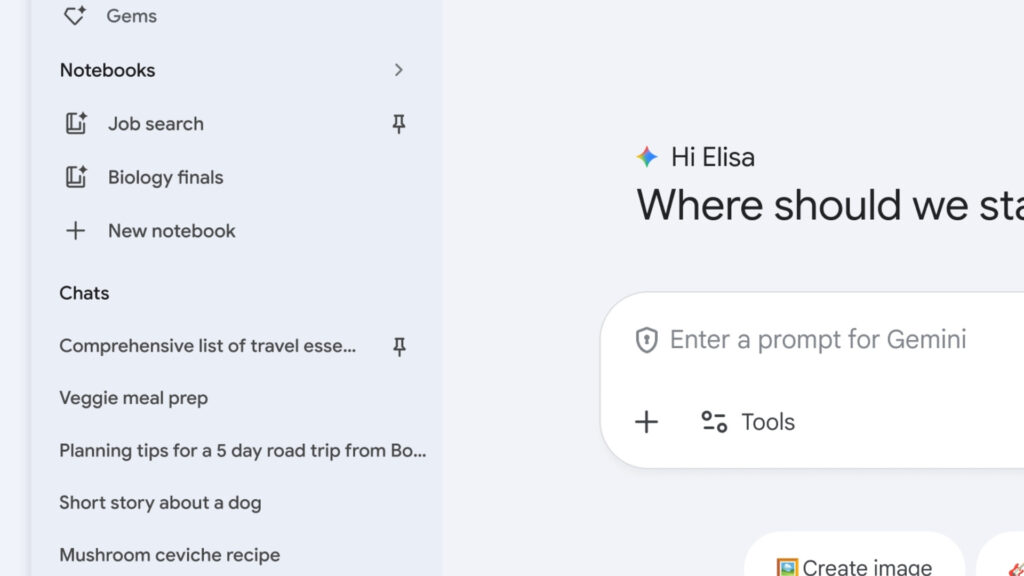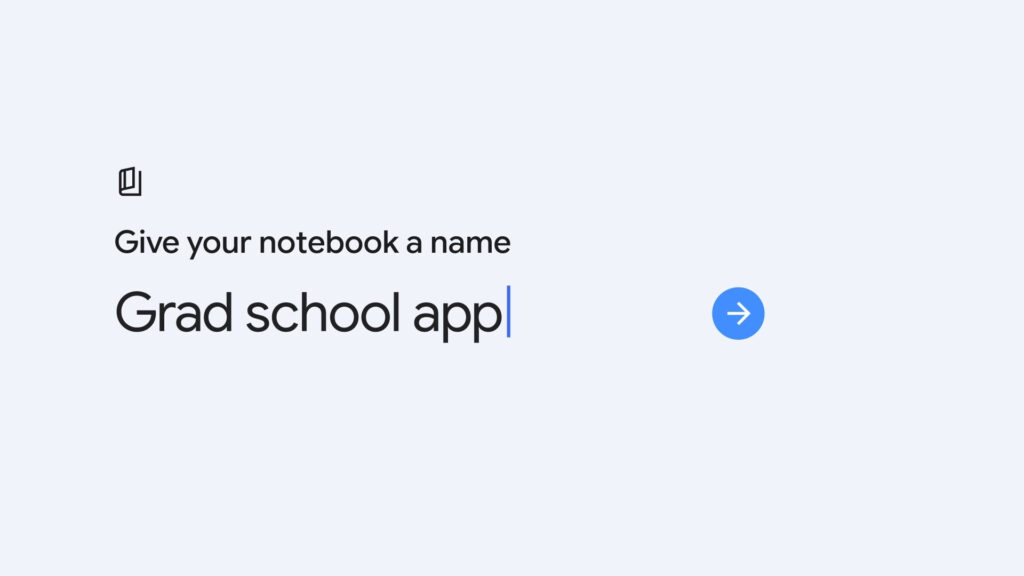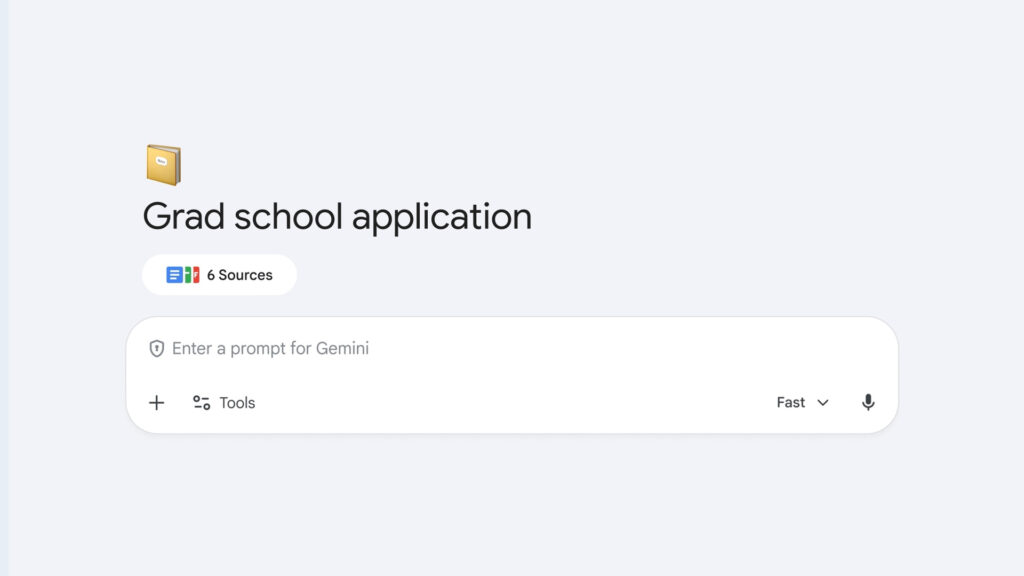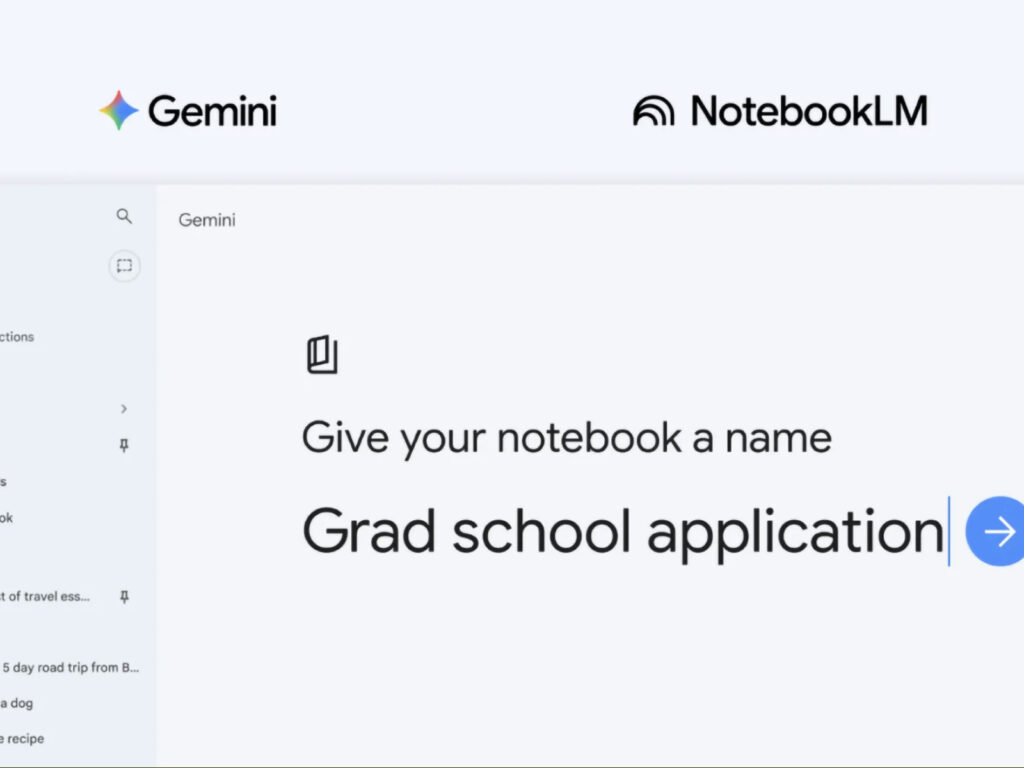
Google is aiming to change the very way AI is used by adding a 'Notebook' feature to the Gemini app. The core of this update is that it expands Gemini from a chatbot that ends after a single conversation into a long-term workspace where files, conversations, and instructions are grouped together in one place. Google described Notebooks as a ‘personal knowledge base shared across all Google products.’ A new 'Notebooks' section has been added to the Gemini side panel, allowing users to organize conversations and files by project.
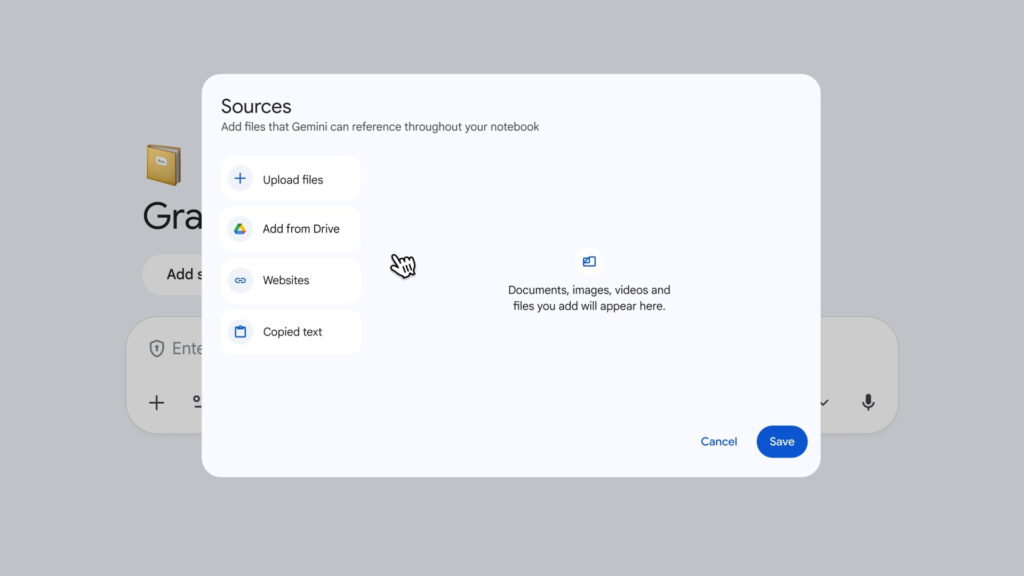
Its operation is also quite practical. An 'Add to notebook' option is added to existing chats, allowing you to add files, Drive data, website links, and copied text. Gemini utilizes this collected material in conjunction with web searches and its own tools to create more contextual responses. Within the notebook, you can also provide custom instructions to determine the response style and tone, making it closer to a continuous work environment than a simple storage space.
The biggest change is the connection with NotebookLM. According to Google, notebooks created in Gemini appear in NotebookLM, and content covered in NotebookLM also leads to sources in Gemini. In other words, it is a structure where the flow of gathering and organizing materials merges with the flow of writing or asking questions based on them. Google presented an example where class notes are put into a notebook, a video outline is created in NotebookLM, and an essay outline is written in Gemini the next day based on the same materials.
This change resembles OpenAI's project features. However, by bundling Gemini and NotebookLM together, Google is pushing data-centric workflows more strongly. This can be seen as a more pronounced trend of conversational AI moving beyond search tools to become a personal work operating system. The Notebook feature is currently available first to Google AI Ultra Pro Plus subscribers on the web and is scheduled to be gradually expanded to mobile and free users.