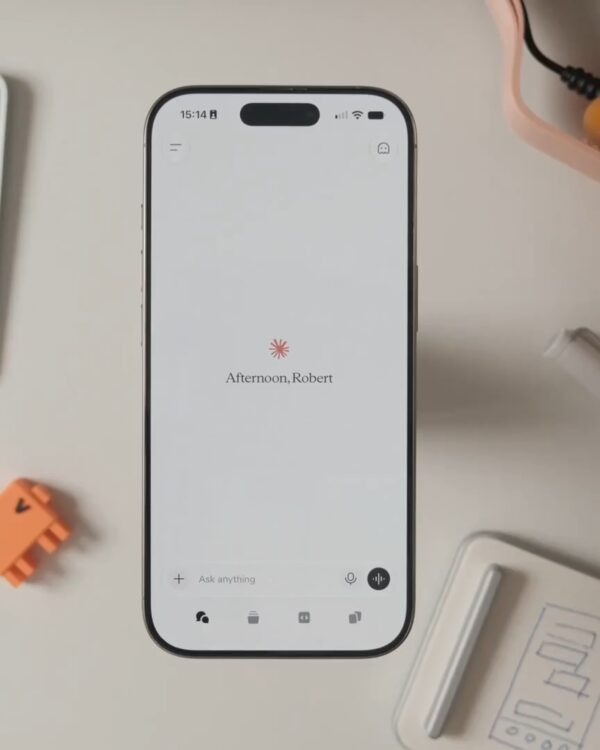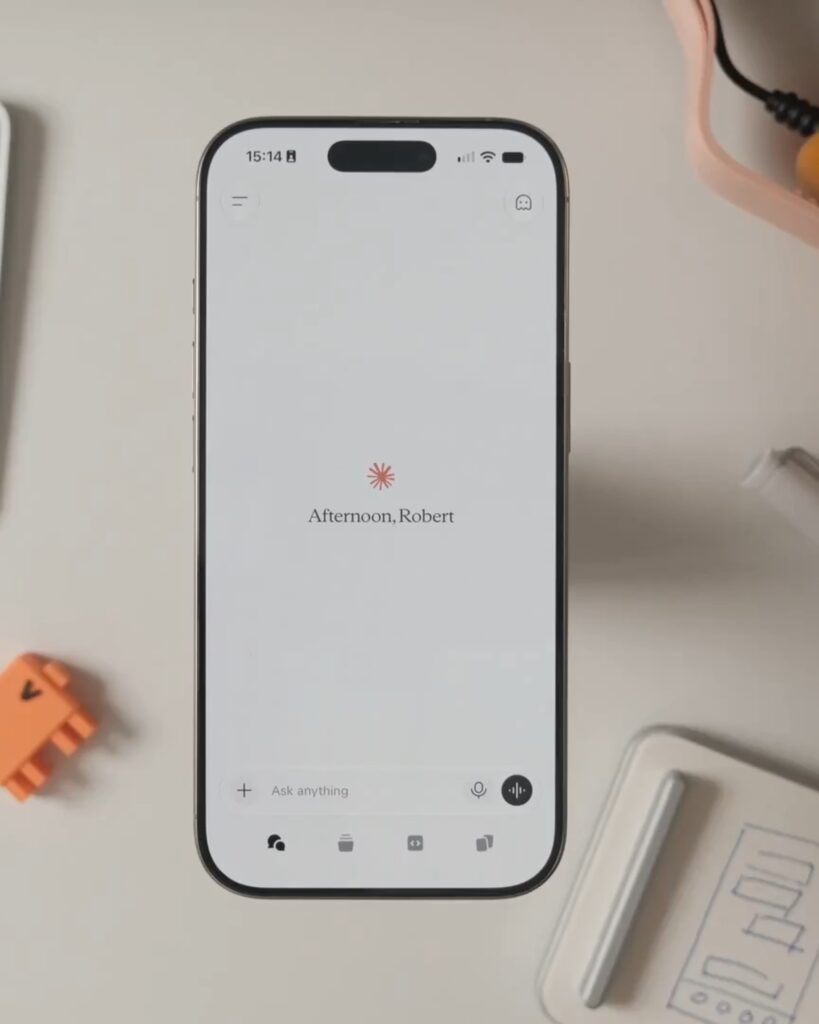
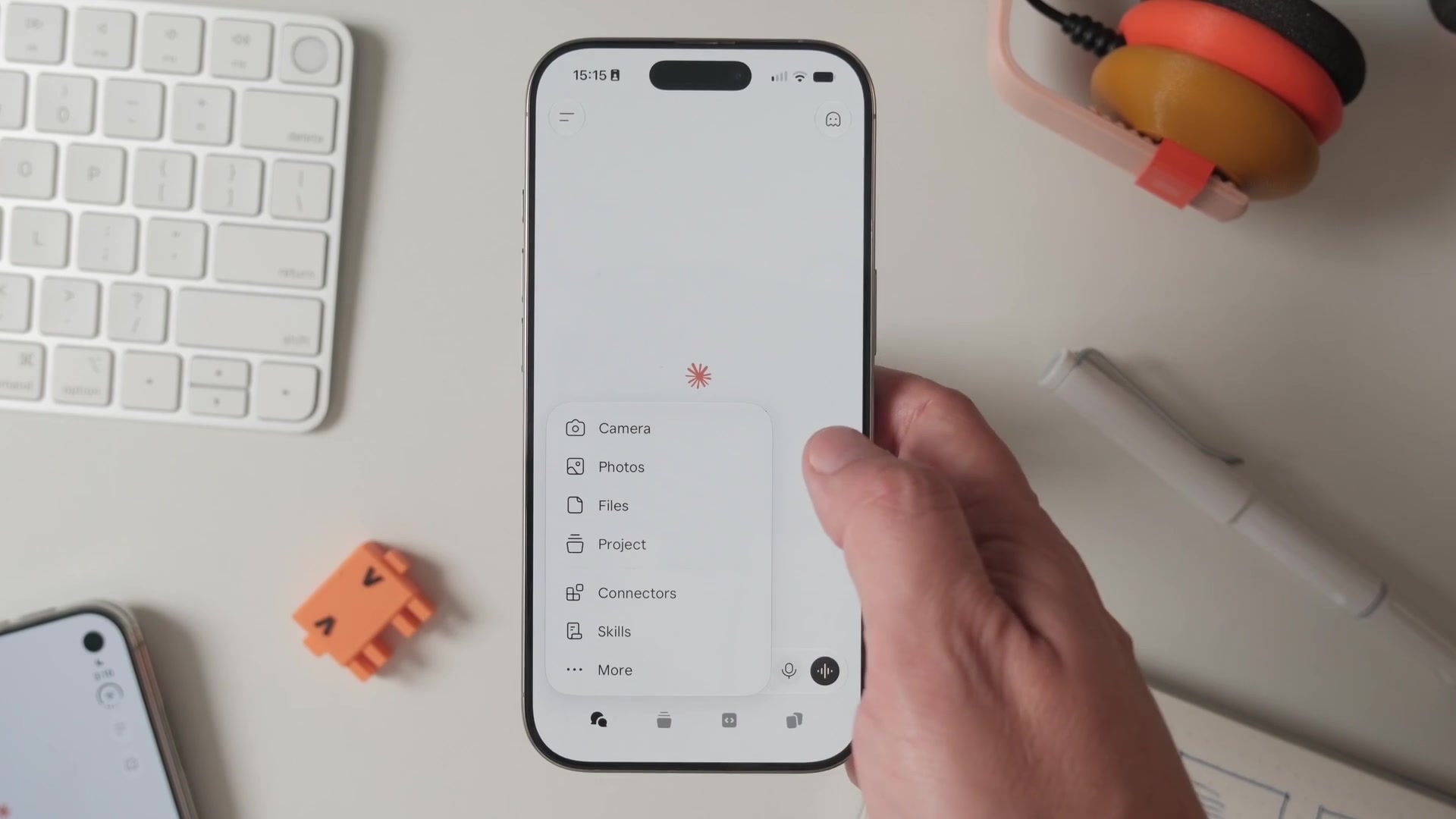
Antropic unveiled a new design for the Claude mobile app on November 20. Chat, Project, Code, and Artifact tabs are placed side-by-side at the bottom of the screen. You can select the desired action from the bottom of the screen when starting a new conversation, continuing ongoing coding work, or opening results created with Claude.
There are three ways to interact with tabs. You can open a screen by tapping the desired tab, or switch to other tabs by swiping your finger left or right across the tab bar. Pressing and holding a tab displays recently used items just above the tab bar. For example, pressing and holding the Projects tab expands the names of recent projects into a list. From here, you can continue working or start a new task by tapping 'New Project' at the bottom of the list.
According to product designer Daniel DeStefanis, the team tested the operating system's default tab bar in several drafts. Ultimately, they designed the tab bar themselves to draw more attention to the message input field. They also changed the flow for starting coding from the home screen. Users can select a connected device to run the code on and start a new Claude Code session on that device.
The new design will be rolled out sequentially, starting with iPhones running iOS 26 or later. If you keep the app up to date, it will be applied without any separate settings, and your existing conversations, projects, and subscription plans will continue as before.
More and Sources
https://x.com/RobertJBye/status/2123930535437504635
https://x.com/daniel__designs/status/2123860186951516287
https://x.com/pranathiperii/status/2123861044464693453
https://support.claude.com/en/articles/12138966-release-notes