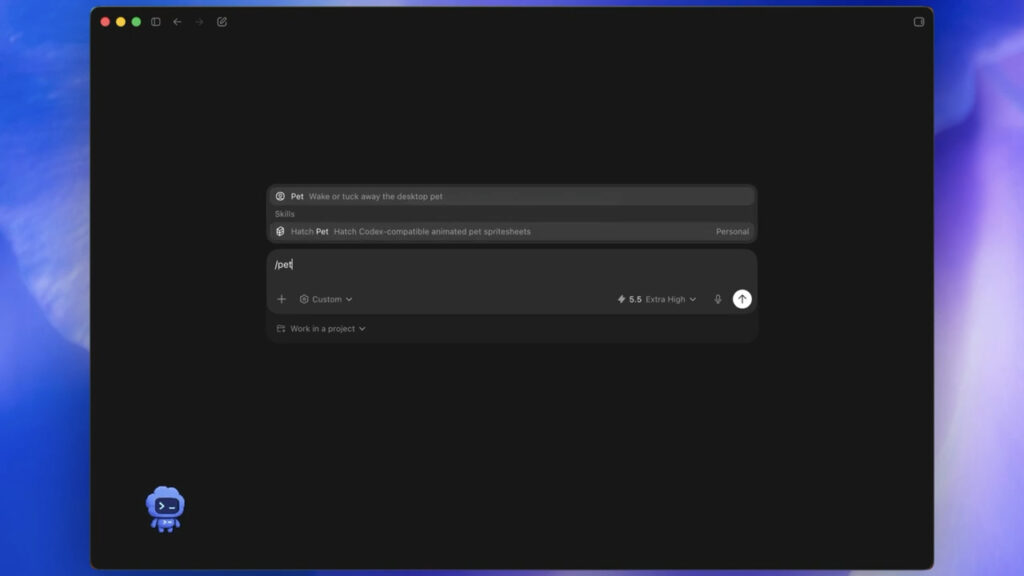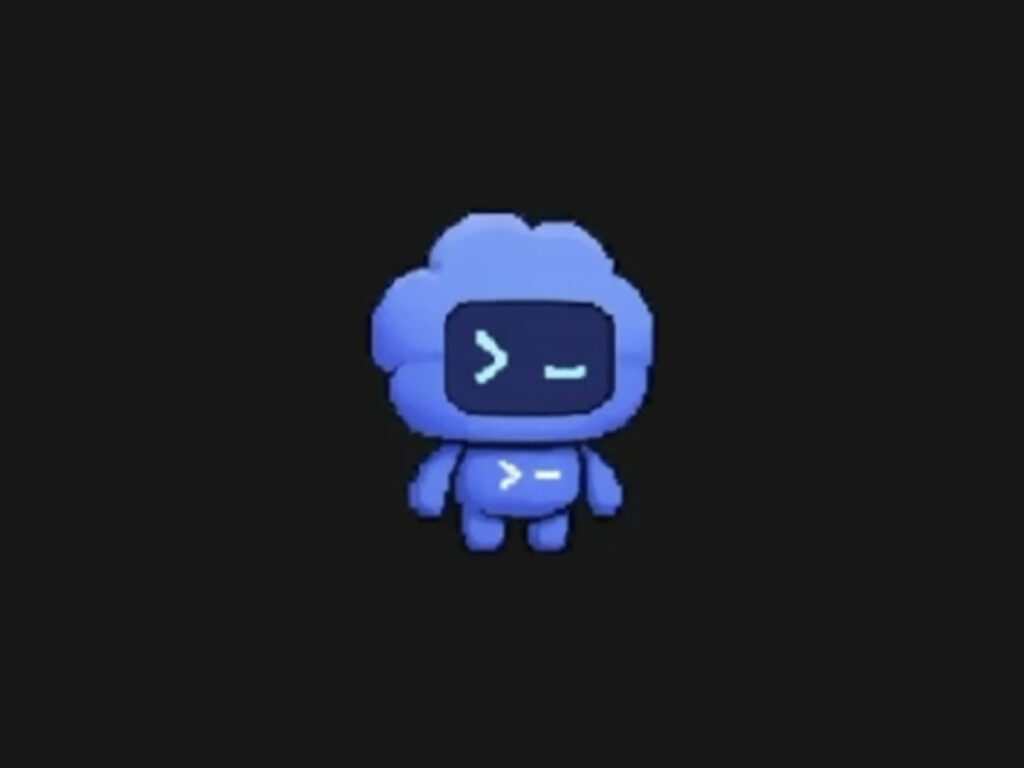
OpenAI has added Codex Pets, an optional animated companion feature, to its coding tool, Codex. This feature does not require you to write code directly. Instead, it operates as a small overlay floating above the screen, displaying the status of Codex, such as whether it is currently working, waiting for user input, or ready for review. Developers can check the progress of Codex without leaving the app or window they are working on.
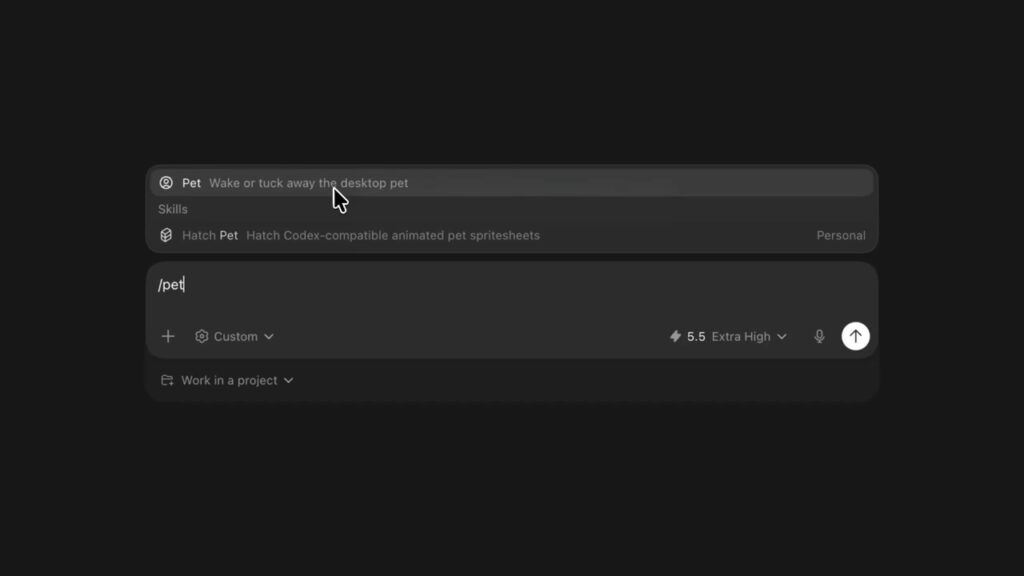
It is simple to use. You can select a default pet by going to Settings → Appearance → Pets in the Codex app. /pet You can turn the pet overlay on and off by entering a command, selecting Wake Pet / Tuck Away Pet in Settings, or pressing Cmd+K on Mac or Ctrl+K on Windows.
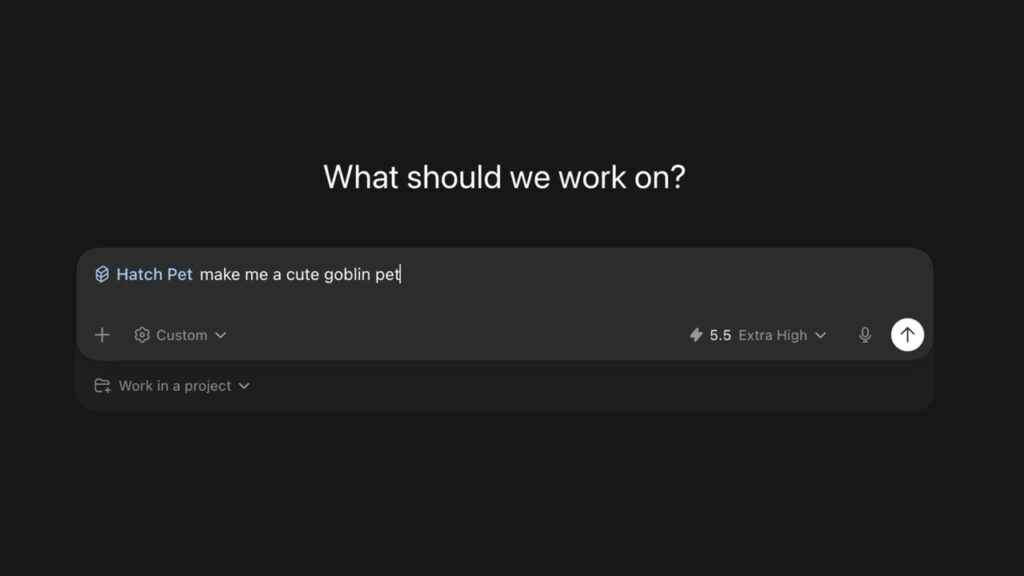
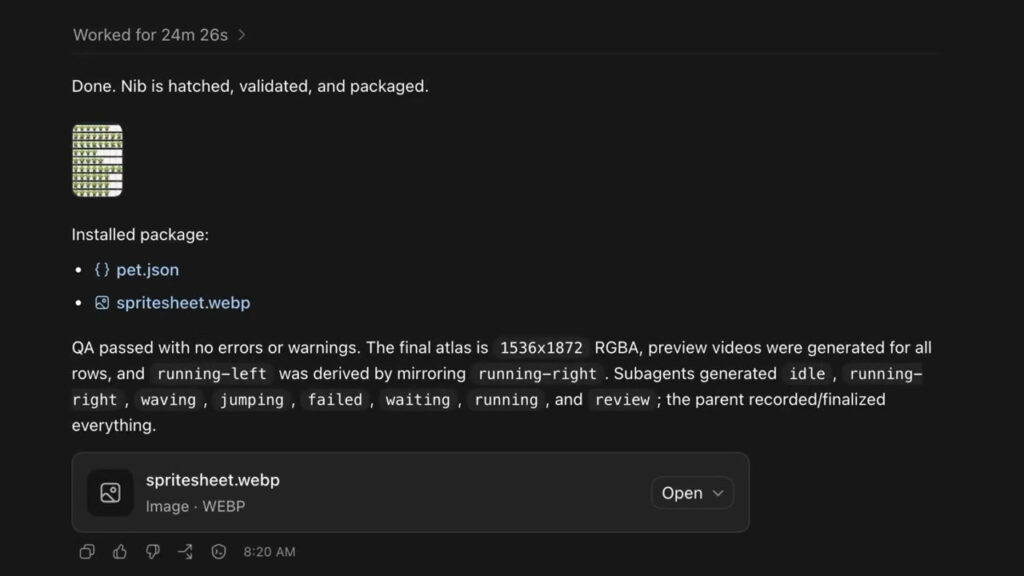
There are 8 types of pets provided by default. This includes basic characters such as cats and dogs. A more notable feature is the creation of custom pets. Users /hatch You can create new AI-generated companions with commands. Early users are already sharing goblins, Clippy, and pets styled after famous characters. It is available in the Codex app for Windows and macOS.