WWDC26, the second test of Apple's AI strategy

Apple WWDC 26 will be held from June 8 to 12, 2026. Apple has released this year's WWDC schedule via its official developer page, and it is expected to introduce major operating system updates, including iOS 27, iPadOS 27, macOS 27, watchOS 27, and visionOS 27, during the keynote on the first day. The core of this WWDC 26 is Siri and Apple Intelligence. While Apple heavily teased AI features at the 2024 WWDC, some Siri features were delayed. Therefore, this year [… ]
Telegram Liquid Glass Update

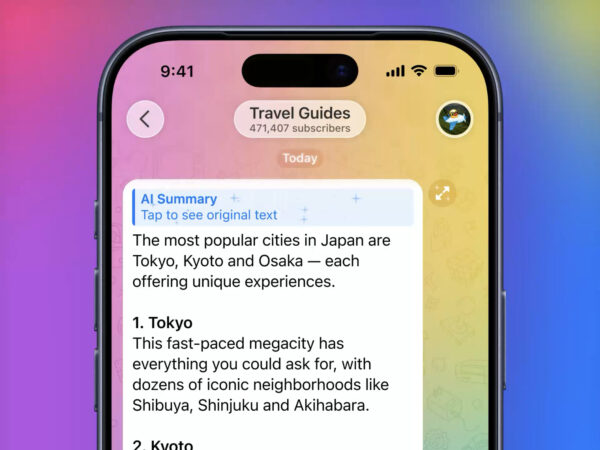
Telegram has announced its first update of 2026. This update highlights the broader adoption of the Liquid Glass interface on iOS and the addition of AI summaries to channel posts and Instant View pages. Telegram emphasized that all features are designed to maximize privacy and protect user data. AI summaries instantly condense long channel posts, allowing users to see key content without having to read the entire post.
Android now supports iPhone AirDrop

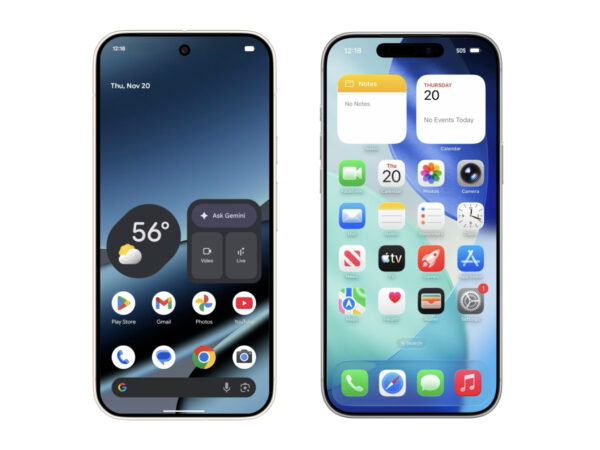
Google has introduced a feature for the Pixel 10 series that allows users to directly share files with iPhones. This means Android's QuickShare is now compatible with Apple's AirDrop. This is a welcome change for consumers, as file transfer between the two operating systems was previously blocked. Google implemented this feature independently, without any separate collaboration. To open AirDrop on an iPhone, iPad, or macOS device, simply switch the settings to Everyone. Pixel 10 users […]
A Look at the iOS 26 Visual Design
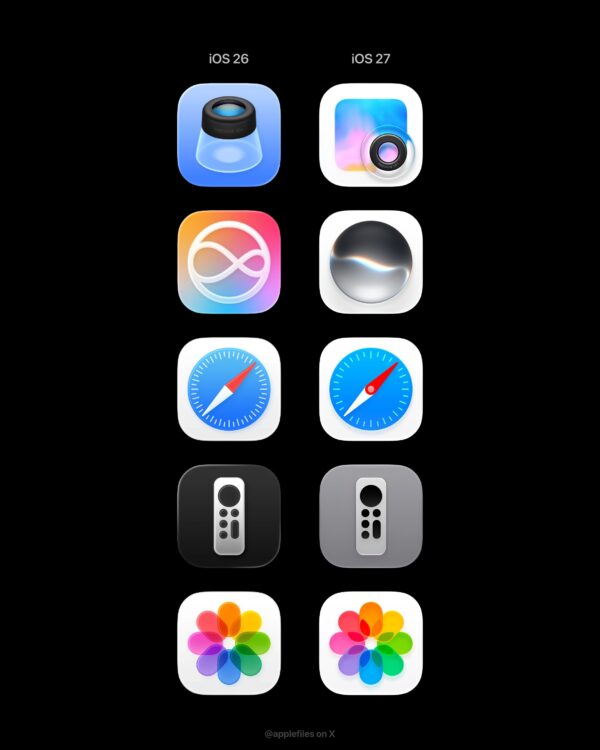
Liquid Glass vs. Flat: iOS 26 Icon Design
One of the first changes iPhone users will notice in iOS 26, which Apple plans to release this fall, is app icons. For the first time since iOS 7, all system app icons will be redesigned, and this update is part of Apple's effort to unify the entire UI with a visual style called "Liquid Glass." Previously, Apple rendered icons differently across iOS, macOS, watchOS, and visionOS. For example, on the Mac […]
Apple iOS 26 Design Kit Released

Apple has released official design resources for iOS 26, iPadOS 26, and macOS Tahoe 26. This update is attracting attention from designers and developers as it reflects a new cross-platform design language called "Liquid Glass." The resources available on the Apple Design Resources website include Sketch libraries and app icon templates for iOS 26, iPadOS 26, and macOS Tahoe 26. Figma also released official app […]
Figma Glassmorphism Effect Released

Figma has officially adopted Apple's new design language, "Glassmorphism." With this update, Figma introduces a new effect called "Glass." It refracts light like real glass and expresses depth and texture, allowing you to embody the physical properties of glass in your digital designs. The Glass effect is available in Figma's Design and Draw modes, and can also be activated in products that support Design Mode, such as Figma Buzz and Slides. Currently in beta […]
iOS 26, Transparent UI and Personalization

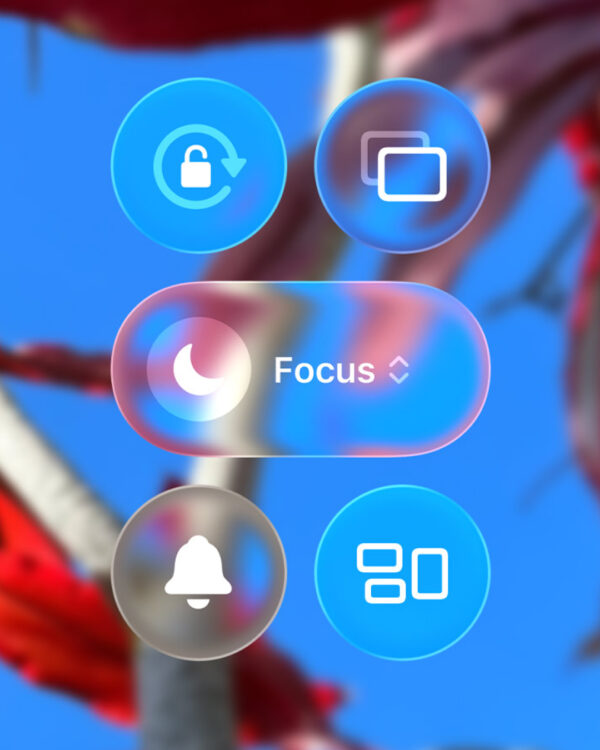
Apple has officially announced iOS 26, its next-generation operating system. Starting with this release, the serial number has been replaced with the release year. iOS 26 introduces a new "Liquid Glass" design language, redefining the iPhone interface with transparent, fluid visuals. Icons and widgets on the home and lock screens can also be customized, and the lock screen's clock automatically shifts position based on the background image, creating a sense of space. Live translation […]
Apple WWDC 2025 invitations sent out

Apple has officially sent out invitations to the keynote speech for the 36th WWDC 2025, which will be held from June 9 to 13. The keynote will be held at Apple Park in Cupertino, California, USA at 10 a.m. (local time) on the first day, the 9th, and an online event for developers around the world will also be held. The reason this invitation is drawing attention is because it overlaps with Google I/O 2025, which was held on the same day. IT media outlets say that Apple is strategically […]
iOS 18.2 Beta Update: Apple Mail App Gets AI-Organized

Apple's iOS 18.2 beta update brings significant changes to the Mail app. The Mail app now resembles the Messages app. Instead of being a text-heavy screen, the inbox now displays the sender's profile picture or business logo, making it visually richer. If a business logo isn't registered, an icon based on Apple Maps data will automatically be applied. The Mail app automatically organizes your inbox into four categories: "Primary," which collects important messages; "Ordered"; and "Primary" (which stores important messages).
iOS 18: Customize your home

iOS 18 was released at WWDC24. In addition to the experience being enhanced with Apple Intelligence, there have been major changes to the UI. The home screen, control screen, and lock screen can now be freely modified to suit the user's preference. We've also significantly reduced user action steps across many apps. It's surprising that Apple, which recommends the most optimal defaults, gives freedom like Android does. You can place apps and widgets wherever you want on the home screen. The app icon […] ]