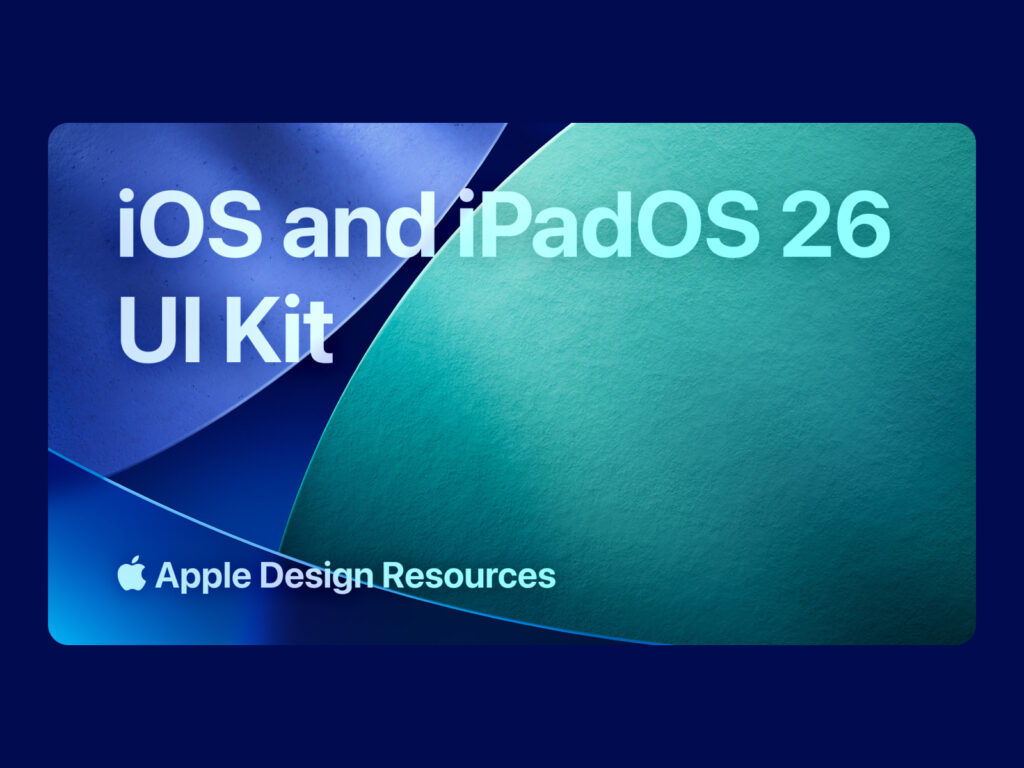
Apple has released official design resources for iOS 26, iPadOS 26, and macOS Tahoe 26. This update is attracting attention from designers and developers because it reflects a new cross-platform design language called 'Liquid Glass'.
The resources available on the Apple Design Resources website include Sketch libraries and app icon templates for iOS 26, iPadOS 26, and macOS Tahoe 26. In addition, official app icon templates are provided separately for Figma, so you can use them in various tools.
Apple explains that these materials will help designers easily create accurate iPhone and iPad design comps and user flows. Specifically, the UI components for iOS 26 and iPadOS 26 are as follows:
iOS 26, iPadOS 26
macOS Tahoe 26
Figma UI Kit for iOS and iPadOS 26 fully reflects the Liquid Glass design system, with updated control sizes, layouts, corner radiuses, and system colors. It provides a variety of common controls and views, design templates, text styles, color styles, materials, and layout guides to help designers use it efficiently.
Apple will also be releasing additional design resources for tvOS 26, visionOS 26, and watchOS 26 soon. Designers and developers can report bugs or submit requests through the Feedback Assistant under Developer Tools > Apple Design Resources.