Lottie AI, animations created from sentences and edited directly
Lottie Files has released 'Lottie AI,' which creates vector animations from text. By entering the desired movement as a sentence, it generates Lottie animations that can be used on the web and apps. It can be used for loading indicators, animated icons, onboarding guides, task completion notifications, and more.
Generation methods are divided into 'Turbo' and 'Quality'. Turbo creates a result in a single step, while Quality plans and refines the movement over multiple stages. You can import SVG or image files to add movement. By specifying a palette before generation, you can work in alignment with your brand colors.
The generated result maintains a vector structure that allows you to change shapes, colors, and timing. Layers are named according to their role and grouped. The outlines of icons do not blur when enlarged, and the same animations can be used on screens of different sizes.
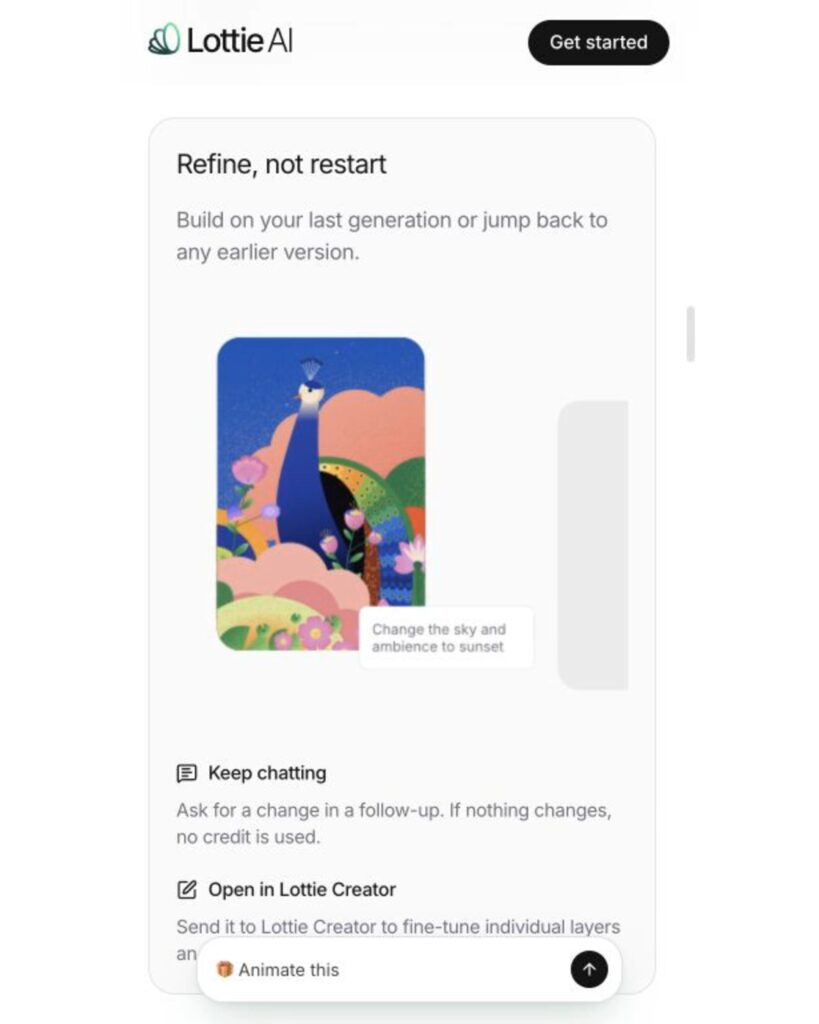
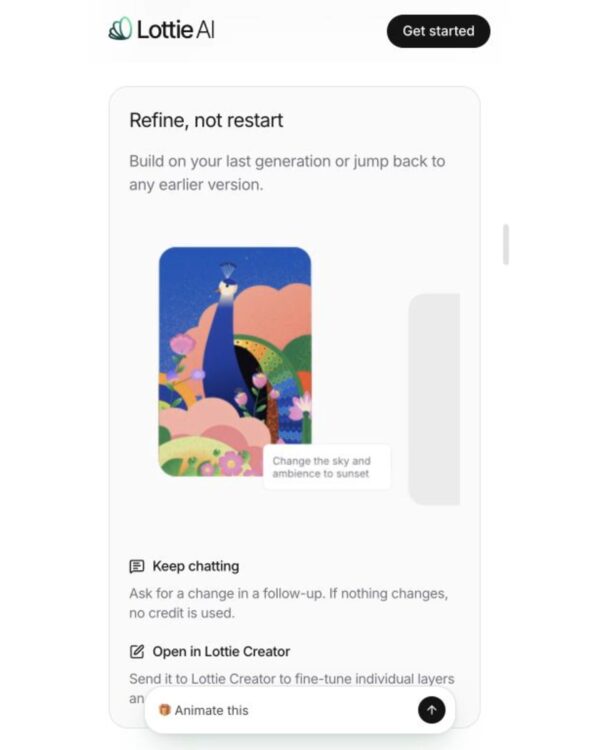
Adjust color, size, and speed using the controls provided for each animation. Credits are not used when changing values with the controls. You can also select a layer to modify on the canvas and request desired changes via text. If detailed editing is required, send the results to Lottie Creator.
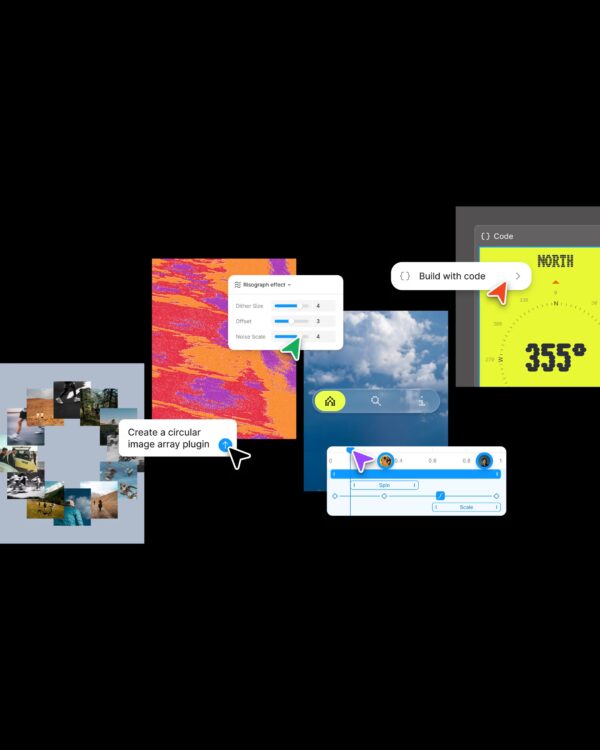
Export your finished work as Lottie JSON or dotLottie to play on the web and in apps. GIF and MP4 are also supported. You can open and edit the code in 'Frolic,' the proprietary language used for animations, or copy the code to use in SwiftUI and Jetpack Compose.
From freelancer to head of design at a unicorn startup, I've been creating impact through brand and product design for over 18 years. Currently, as CEO and editor-in-chief of Design Compass, I research design that drives business impact.