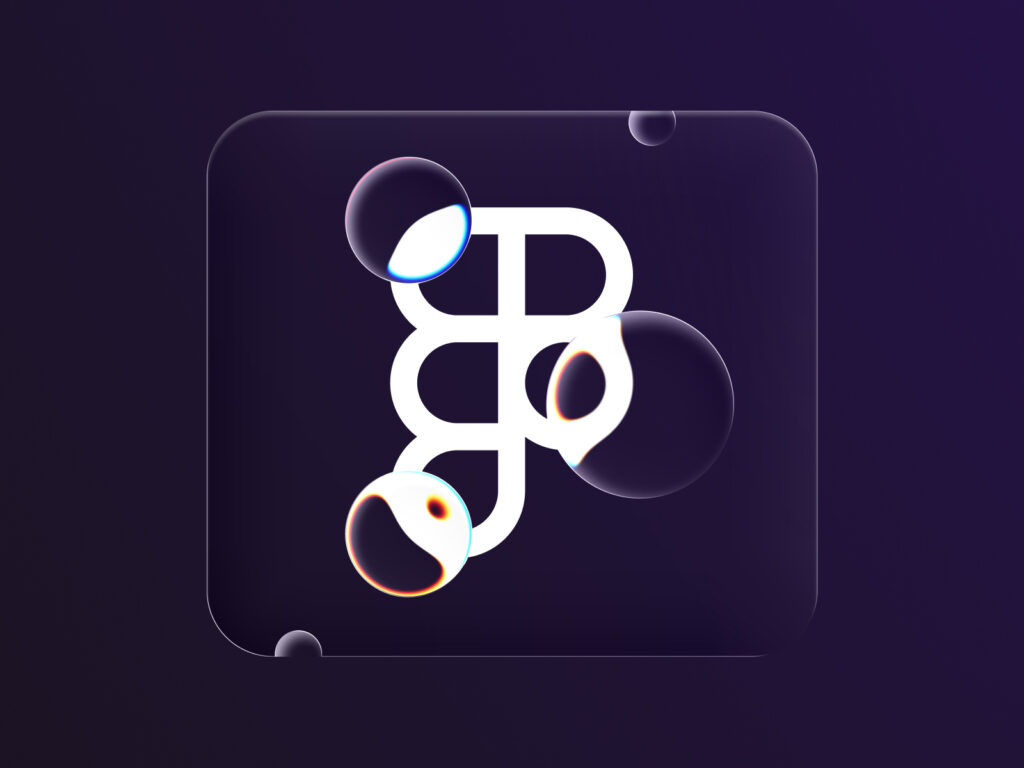
Figma has officially introduced Apple's new design language, Glassmorphism. With this update, Figma has released a new effect called Glass. It allows you to implement glassy properties in digital designs with the ability to refract light and express depth and texture like real glass.
The Glass effect is available in Figma’s Design and Draw modes, and can also be enabled in products that support Design Mode, such as Figma Buzz and Slides. It is currently in beta, with ongoing improvements expected.
This effect can only be applied to frames. It does not apply to shapes or text, and will be expanded to more types of objects in the future. Glass adds a new effect to frames, and can be applied by selecting 'glass' from the dropdown. After applying, you can fine-tune the effect as desired by adjusting the five main parameters.
However, there are still some limitations that have not been resolved. It cannot be used on frames with mixed corner radii, and all corners must have the same radius. When using the glass effect overlay, the background glass does not reflect the foreground glass, and the effect is applied when the glass is placed on top of a blurred layer. Also, frames with the glass effect applied cannot be exported to SVG format, and will only render properly when exported as an image or copied to PNG.
Even on the Figma site, frames with glass effects applied are visible on the canvas, but errors occur when publishing. Unlike Apple's Liquid Glass, which reflects the reflections and colors of surrounding objects, Figma's Glass does not have these features.
Finally, be careful, as complex designs or low-performance computers may experience slowdowns. Figma says it will continue to improve the user experience during the beta period.