Google Maps adds numbered pins to indicate the order of visits on travel itineraries
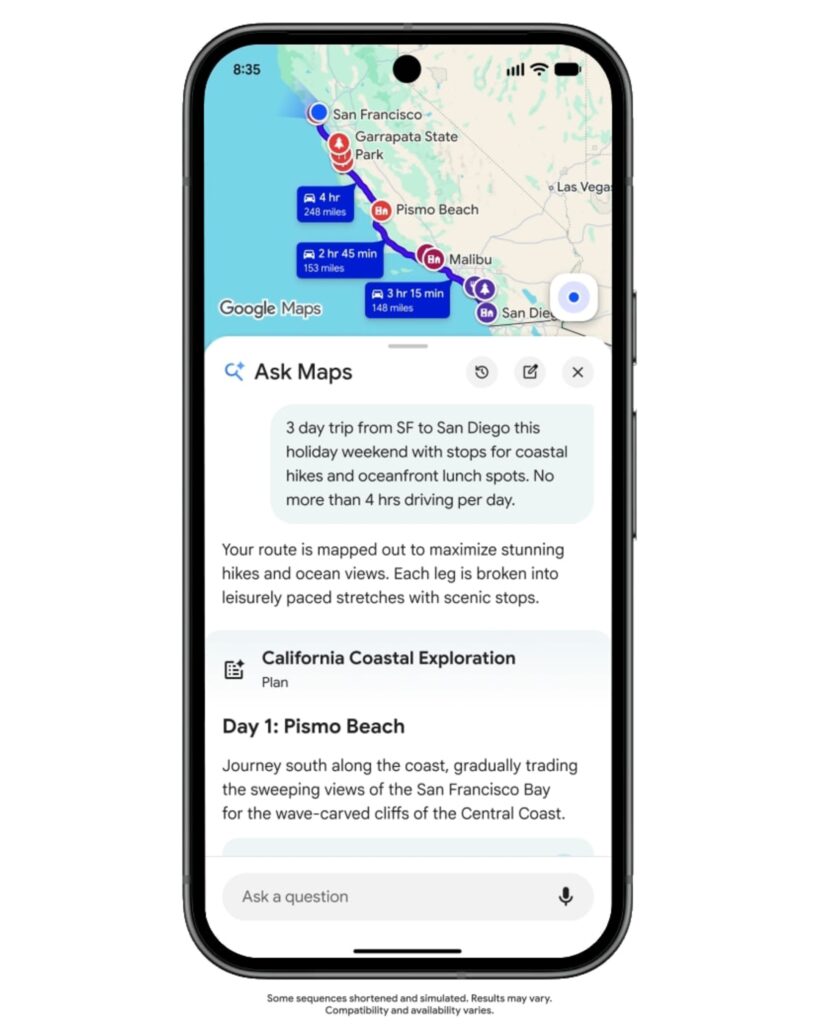
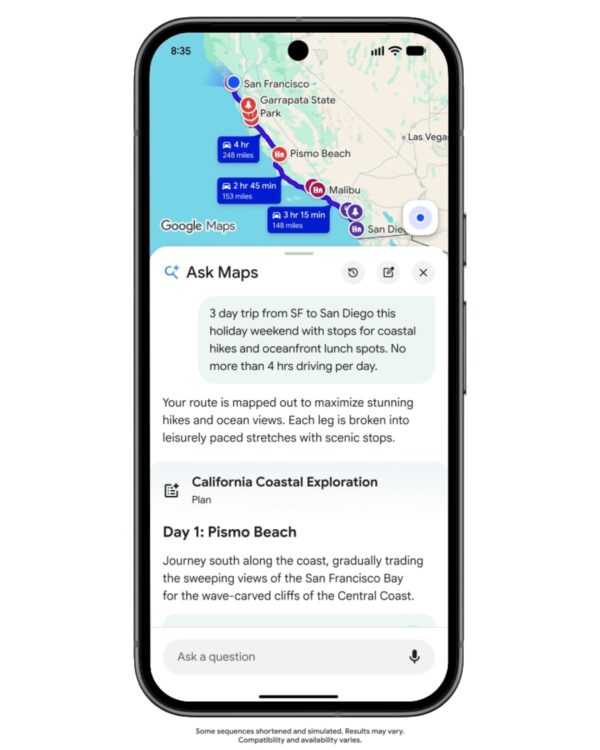
On November 16, Google added the ability to create travel itineraries to Ask Maps, a Gemini-based feature of Google Maps. If you enter your destination, travel duration, and desired activities into the chat window, it organizes places to visit by date. You can plan everything from day trips to multi-day road trips.
Numbered pins are displayed on the map according to the order of visits. You can read the names of the destinations from the daily itinerary and check where each place is located on the map and where to go next. For example, if you request a trip that includes a coastal walk and a seaside meal, the list of daily visits and the pins on the map will appear together.
While traveling, you can reopen your plan by tapping the itinerary badge in your chat history. You can check the opening status of your next destination or real-time traffic conditions, and add viewpoints or lunch spots via chat. Tapping a destination in your itinerary opens directions. You can share your completed itinerary with others or export it to Google Docs on your desktop.
Google has been rolling out the new feature to Android and iOS sequentially since November 16. Travel itineraries are available in regions where Ask Maps is available. The announcement did not specify whether the feature would be available in Korea.
From freelancer to head of design at a unicorn startup, I've been creating impact through brand and product design for over 18 years. Currently, as CEO and editor-in-chief of Design Compass, I research design that drives business impact.