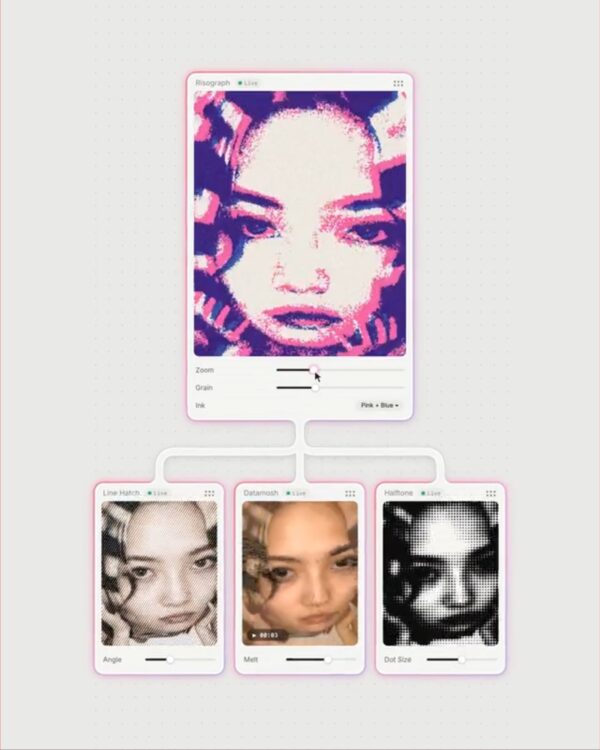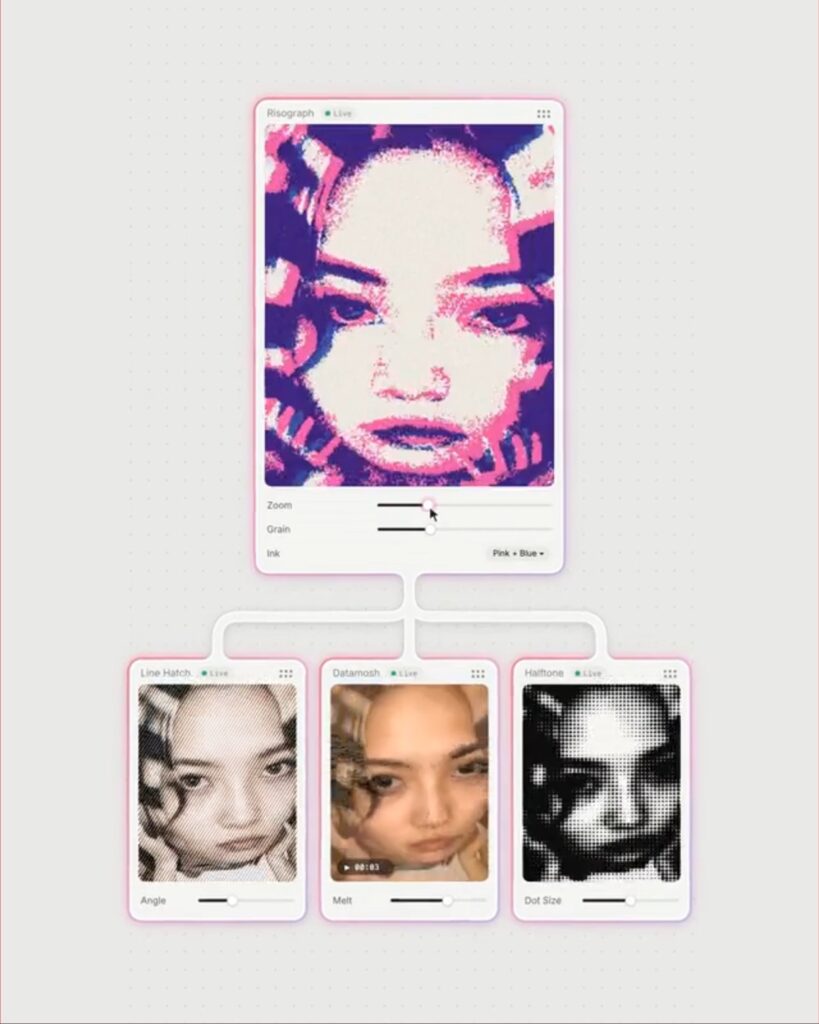
On November 13 (KST), Fuser unveiled 'Tool Nodes,' which allow users to create custom editing tools using text. Simply place a Tool Node on a canvas and specify what data to accept, what to change, and what values you want to adjust directly. Fuser designs sliders and switches based on the request, writes and tests the tool, and then places it on the canvas.
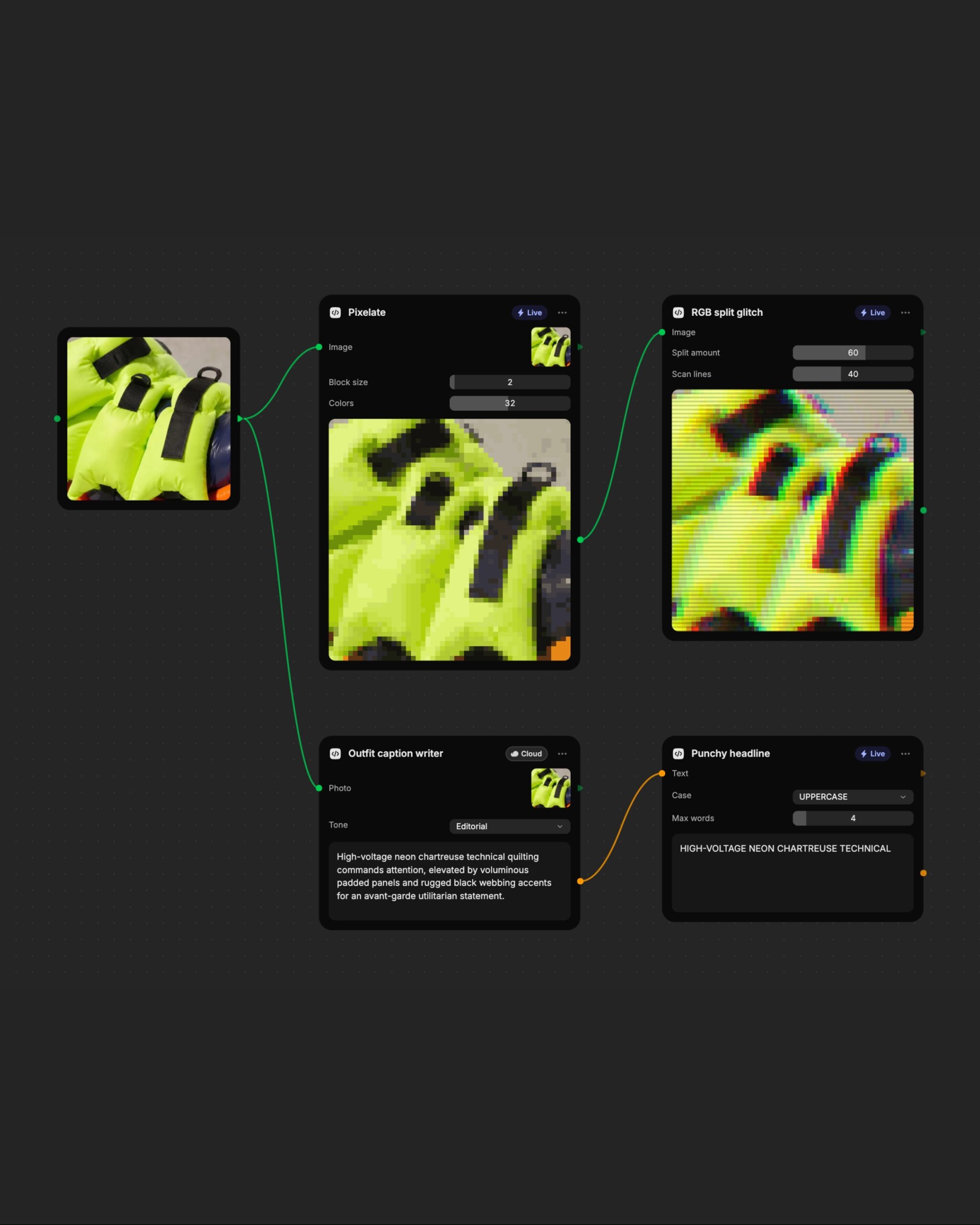
If you request a tool to pixelate a photo, you can create a slider to adjust the size of the pixel blocks and the number of colors to use. Connect a photo to a node and move the slider, and the result changes immediately. If you connect another photo to the same node, you can apply the existing settings. You can also apply the two effects sequentially by connecting the pixelated result to the next node that separates color channels.
'Live' tools, such as color adjustment or cropping, run for free in the browser. 'Cloud' tools, such as reading text in images or finding objects, use AI models on the Fuser server when you press the run button. The credits required for execution are displayed on the button. Credits are also required when creating new tools or modifying sentences.
The completed tool is automatically saved to the library. You can retrieve it for your next project or share it with colleagues in the team workspace. If you want to add a slider, simply enter the changes as a sentence. Fuser saves the revision as a new version and retains existing node connections and settings whenever possible.
More and Sources
https://fuser.studio/features/tools
https://docs.fuser.studio/docs/tools