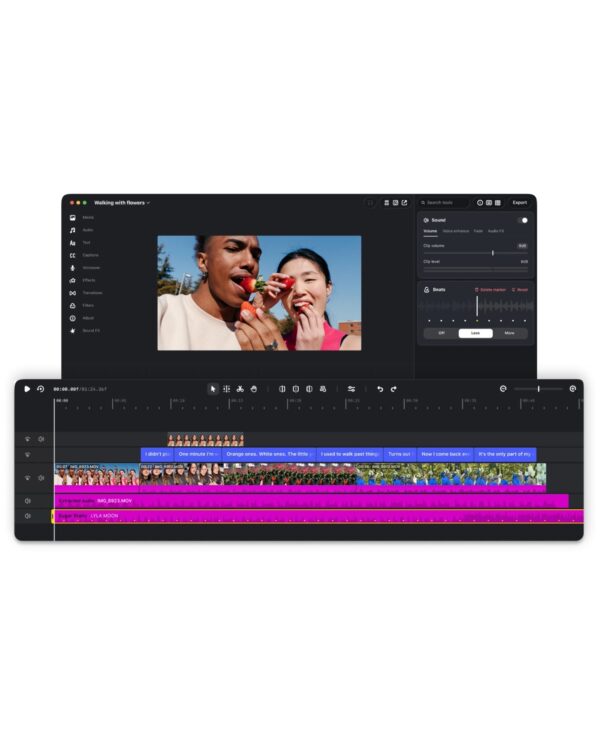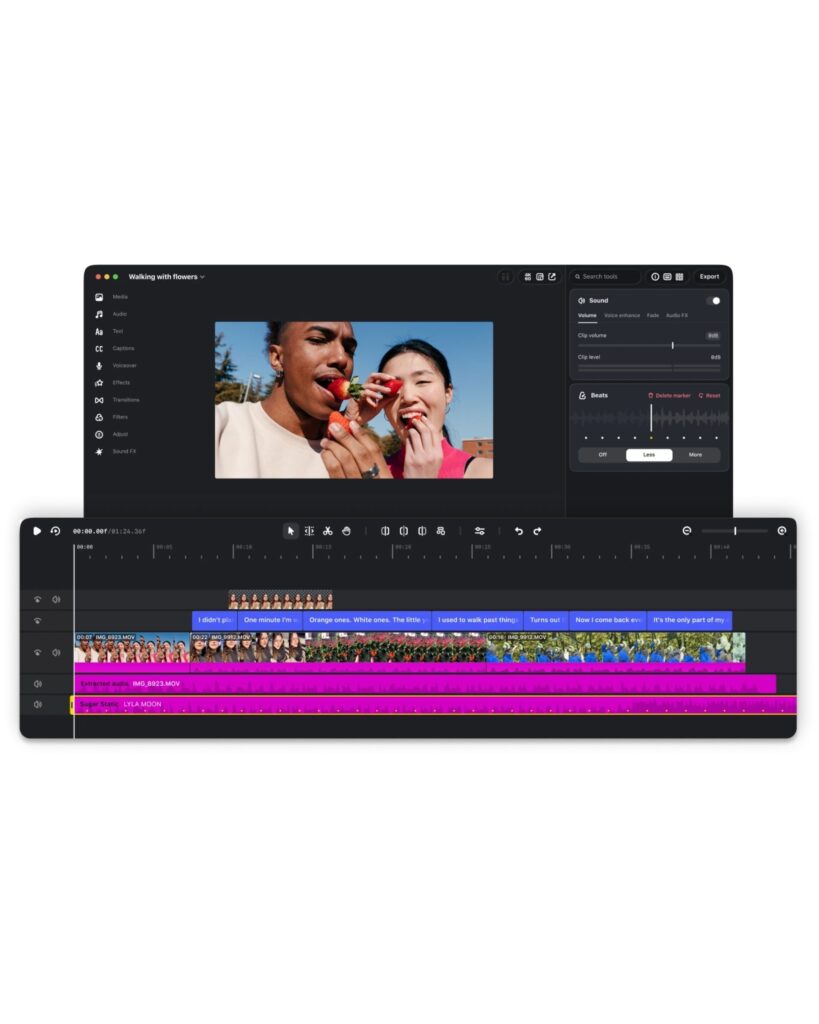
Instagram has released the Mac version of its video editing app, Edits. It expands the mobile interface into a wider workspace and provides a multi-track timeline for layering multiple videos and audio tracks. The app is free and available on Macs running Apple Silicon M1 or higher.
The editing screen features a video preview, timeline, and detailed adjustment tools. Place video, subtitles, and music on separate tracks to adjust the length and position of each element. Use keyframes to set movement and transitions over time, and view the audio waveform to trim scenes in time with the music.
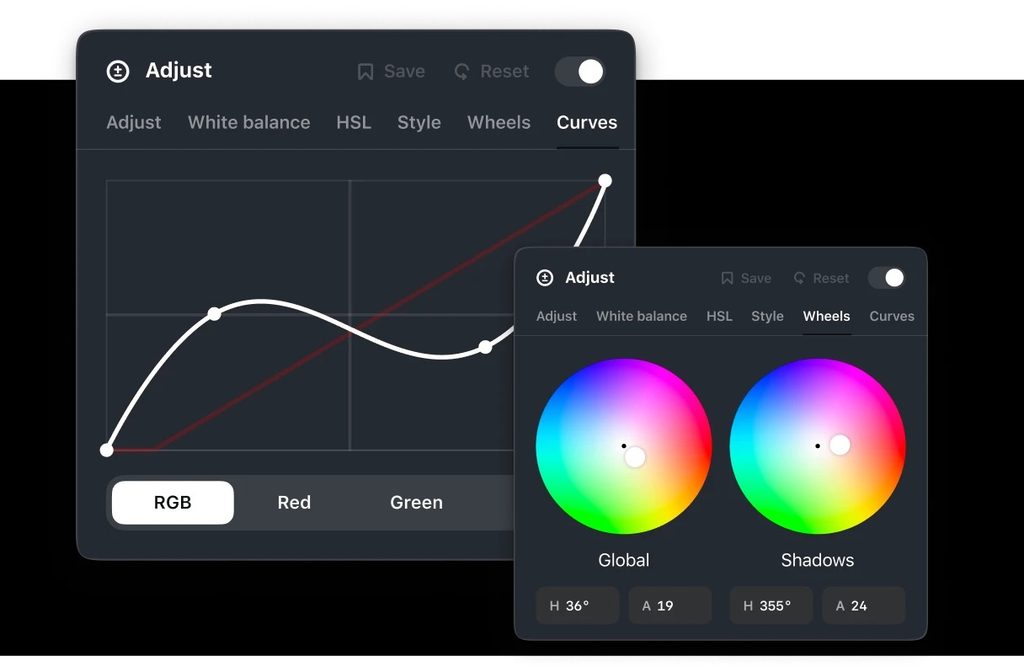
It provides color wheels and curves for color correction. Users can import their own LUT files to adjust the video's color tone, and also load separately prepared font files. It maintains the familiar layout of mobile apps while adding editing tools to handle long videos and various elements.
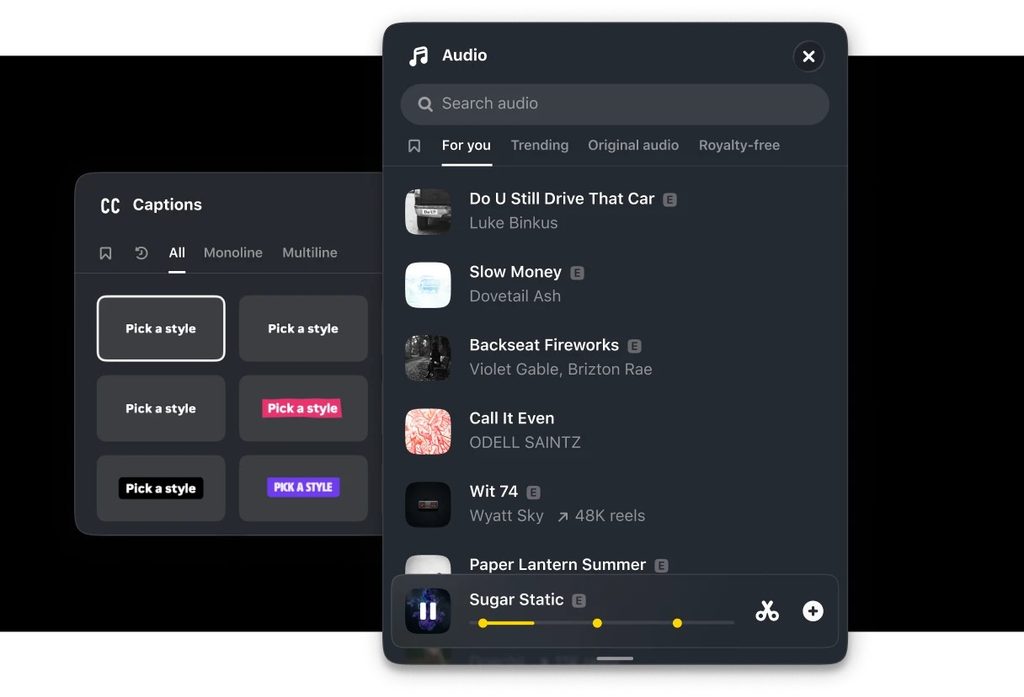
You can use Instagram's licensed music and royalty-free audio library within the app. Automatic subtitles can be generated without any limit. The app is designed to manage sounds, fonts, and subtitles used for editing in a single workspace.
You can post your finished video directly to Instagram without the need to download and re-upload it. You can also create videos in various aspect ratios or export them in 4K without watermarks to share on other platforms. To use this feature, you must log in with your Instagram account. Currently, the desktop version is exclusive to macOS and is not available for Windows.

See more and sources
https://edits.instagram.com/desktop/