COMPASS UPDATE: Block updates for web and app screen composition
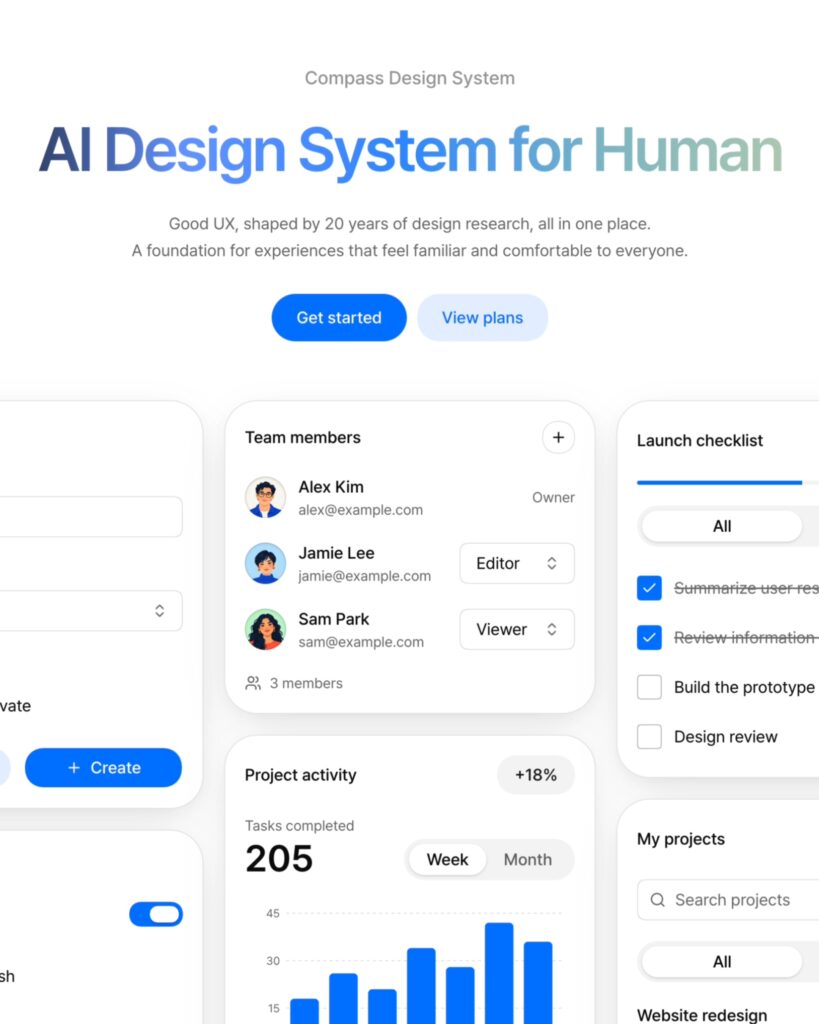
Compass has updated blocks that can be used for website and app development. Blocks are screen composition units that group elements necessary for a specific function. Based on layouts familiar from web and apps, the blocks are designed to allow users to create screens by combining the necessary blocks.
When creating a screen, you must decide what information to display and where to place buttons and input fields. Compass Blocks provides a basic framework to begin this configuration. Users can select blocks for the necessary functions and customize the content and design to match their brand.
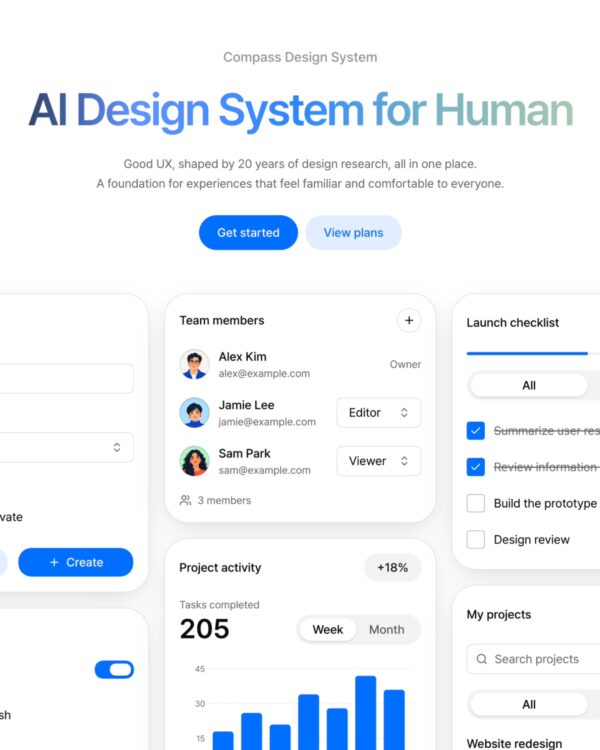
On the official website, you can view screen examples for project creation, notification settings, team member management, project activities, and the release checklist. The team member management screen groups names, emails, and role settings in one place. The release checklist displays progress status and tasks together. You can see how the necessary information and operational elements for each feature are grouped.
The process of utilizing blocks is a flow of selecting, combining, and modifying necessary components. While using a prepared layout as a starting point, you can refine its form to suit the product's purpose and content. You can also continue working based on blocks when configuring screens as the product grows.
Compass plans to add blocks for a wider variety of functions in the future. The updated blocks can be found on the Compass website.
From freelancer to head of design at a unicorn startup, I've been creating impact through brand and product design for over 18 years. Currently, as CEO and editor-in-chief of Design Compass, I research design that drives business impact.