Microsoft is introducing various features to improve usability in Windows 11 version 26H2, scheduled for release in the second half of this year. This update focuses on refining areas where users frequently experienced inconvenience, rather than making major design changes.
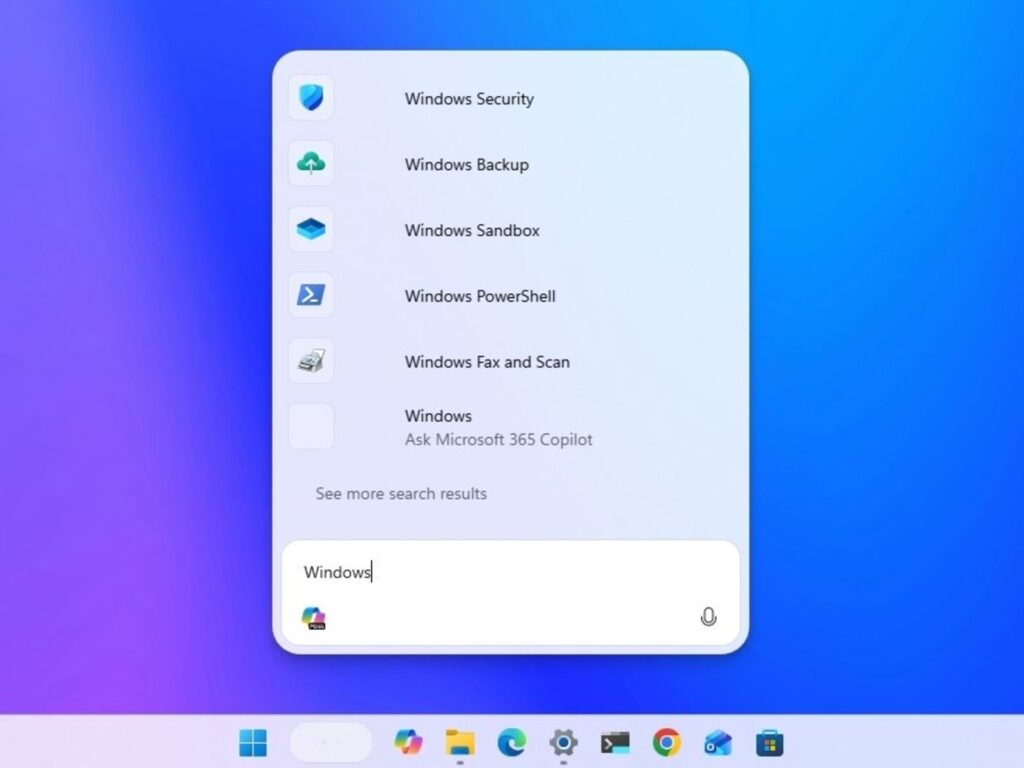
The most notable change is the enhancement of AI-based Copilot search. The search experience is improved as it integrates more naturally with Copilot when finding necessary information or performing tasks in the search bar.
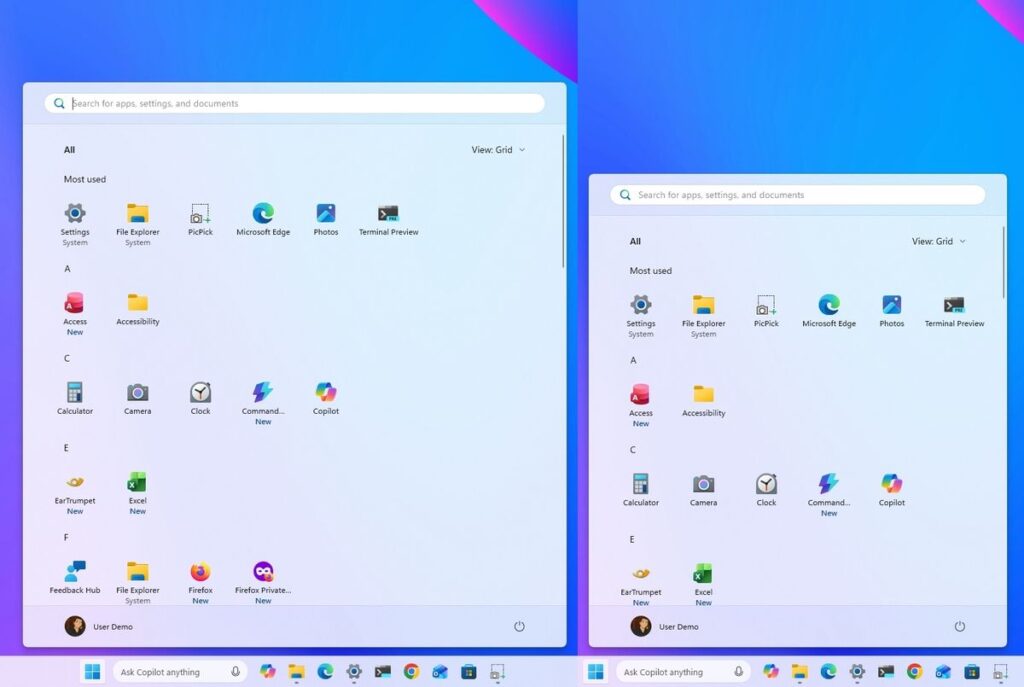
You can also customize the taskbar more freely. The ability to adjust its position and size has been expanded, allowing you to personalize it to fit your screen size and work style.
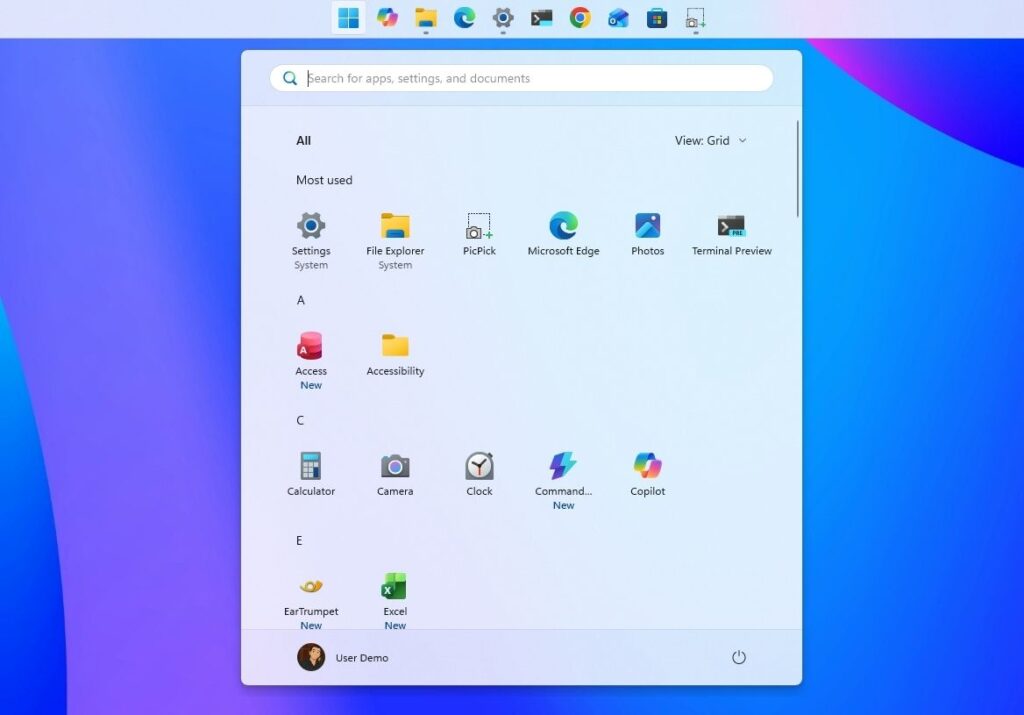
The Start Menu is also being revamped. You can configure the layout to your liking, and manage recommendations and app lists more easily, allowing for quick access to the apps you want.
Search functionality is also being improved. An option to turn off web search results in Windows Search has been added, allowing you to create a clean environment that searches only for files and apps stored on your PC.
Windows Update is also becoming more user-centric. You can defer updates for longer periods according to your schedule, and the frequency of reboots is reduced to minimize interruptions during work.
In terms of security, Administrator Protection is added. It reduces the risk of malware exploiting administrator privileges by granting permissions only when necessary, rather than maintaining them indefinitely.
Finally, the Run window is also revamped with a modern interface. While applying the new design, an option to maintain the existing UI is also provided, allowing you to choose the familiar way of using the interface.