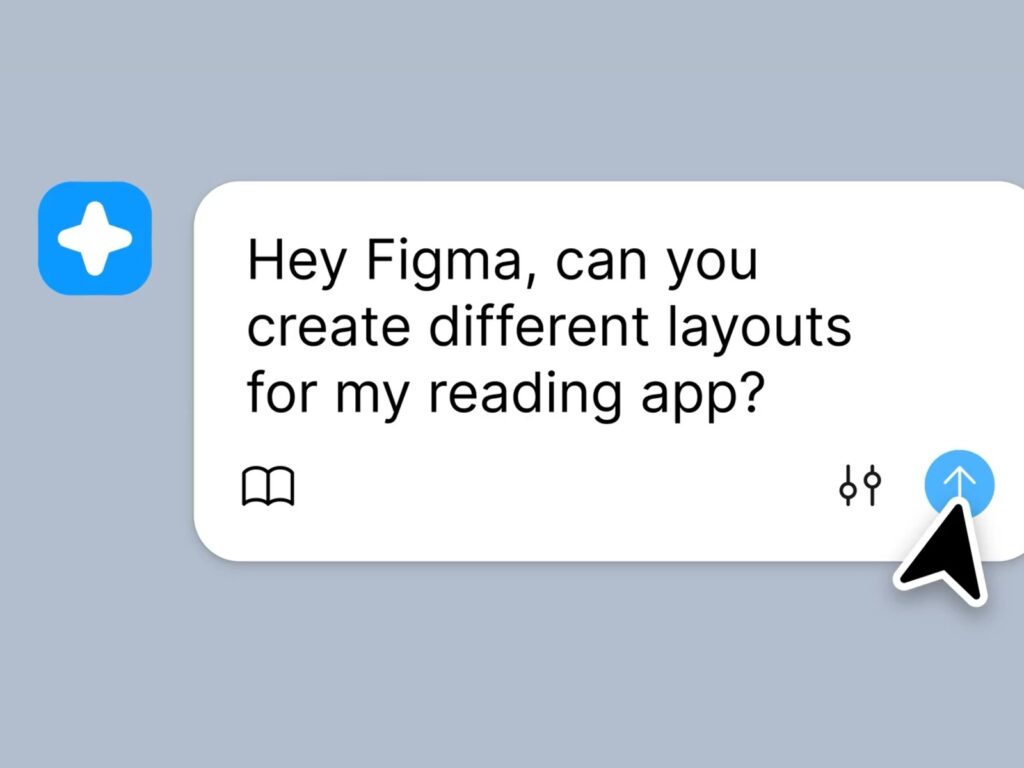
Figma has unveiled the Figma design agent, which works directly on the Design Canvas. On May 20, 2026, Figma introduced the feature on its official channels, stating, “An agent that understands Figma and fits your team’s workflow is inside the Design Canvas.” This feature will be rolled out sequentially as a beta over the next few weeks. The official Figma blog also explained that the agent understands the design system context as it works on the Canvas.
This feature allows users to create new screens, modify existing designs, or automate repetitive tasks using prompts. TechCrunch reported that users can request tasks such as creating new designs, editing existing ones, and generating multiple mockups using natural language. Figma describes this as “a way for humans and agents to work together on a multiplayer canvas.”.
The important point is that this agent does not simply generate and throw images like external AI tools. It works based on the components, design system, and team file context within Figma. This allows it to better reflect the buttons, variables, and layout rules used by the team. Figma explained that users can switch between AI assistance and direct editing.
For users, it offers a significant benefit in reducing repetitive tasks. Instead of designing the screen from scratch on a blank canvas, designers can have agents create mockups in various directions and make their own judgments. Teams can see edge cases, style variations, and layout experiments more quickly. However, as this is a beta feature, it is not available to all users immediately. It will be rolled out sequentially, starting with users on paid plans.
This update changes the role of Figma. Figma is no longer just a design tool for manual drawing. It becomes a collaborative space where AI agents read the team's design system and work directly within the canvas. The tasks that matter to designers also change. Organizing good rules, components, and criteria for judgment becomes just as important as the ability to build screens one by one.
From freelancer to head of design at a unicorn startup, I've been creating impact through brand and product design for over 18 years. Currently, as CEO and editor-in-chief of Design Compass, I research design that drives business impact.