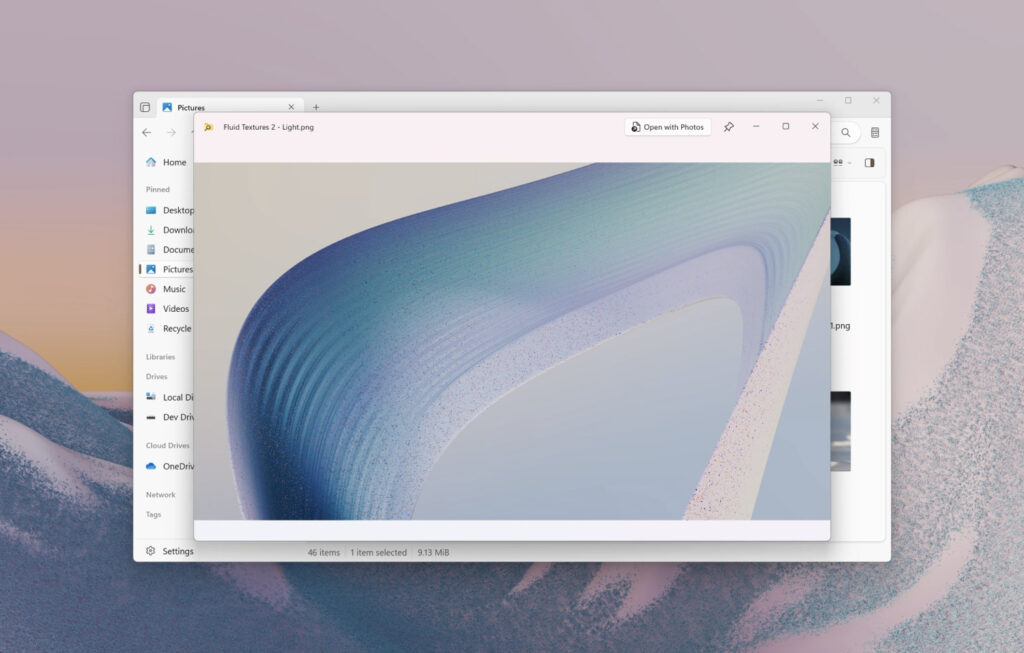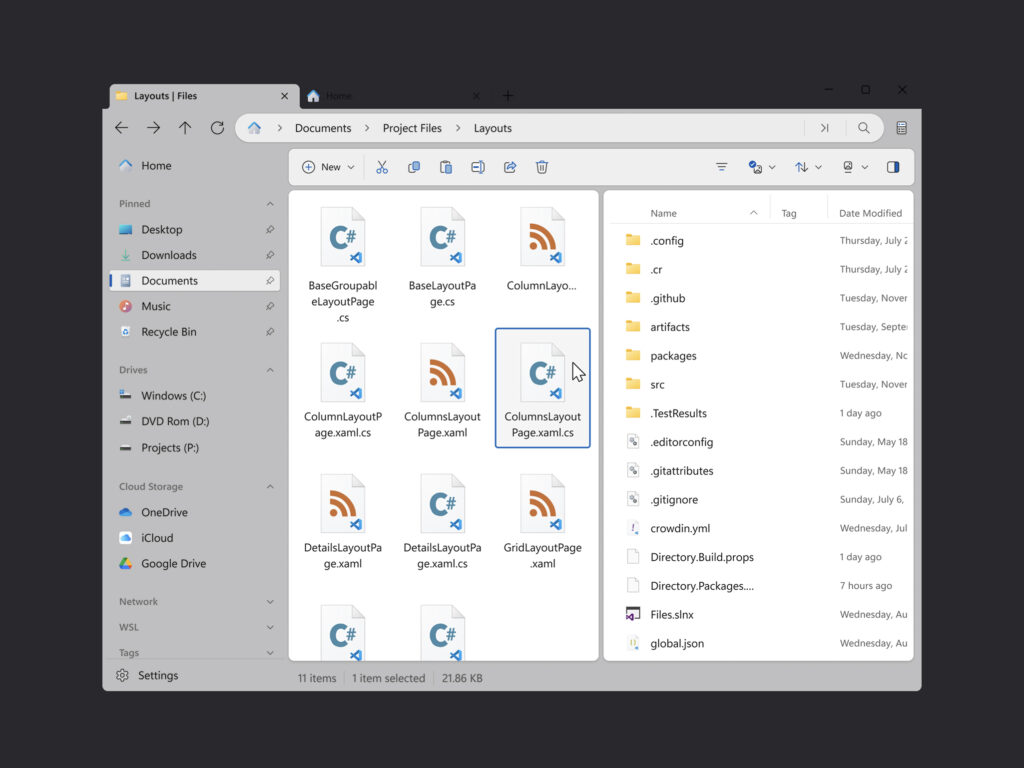
The third-party Windows file explorer app Files has integrated PowerToys' Peek feature. Starting with Files 4.0.24, you can quickly preview files by selecting them and pressing the spacebar without opening a separate app. The rollout began in late December 2025, between Christmas and New Year's.
Peek aims to mimic the Quick Look feature in macOS Finder. It's designed to seamlessly interrupt your workflow by displaying preview windows as an overlay. On Windows, you often have to repeatedly launch the document app or viewer to check the same file, so this integration is expected to reduce switching costs.
The range of support is also wide. According to Microsoft documentation, Peek can preview images, Office documents, videos, web pages, Markdown, text, and developer files. It also supports displaying folder summary information.
The requirements are simple. If you have PowerToys installed and Files updated to 4.0.24, it should work without any additional setup. With this combination, you can immediately enjoy the spacebar-based preview experience within Files. 
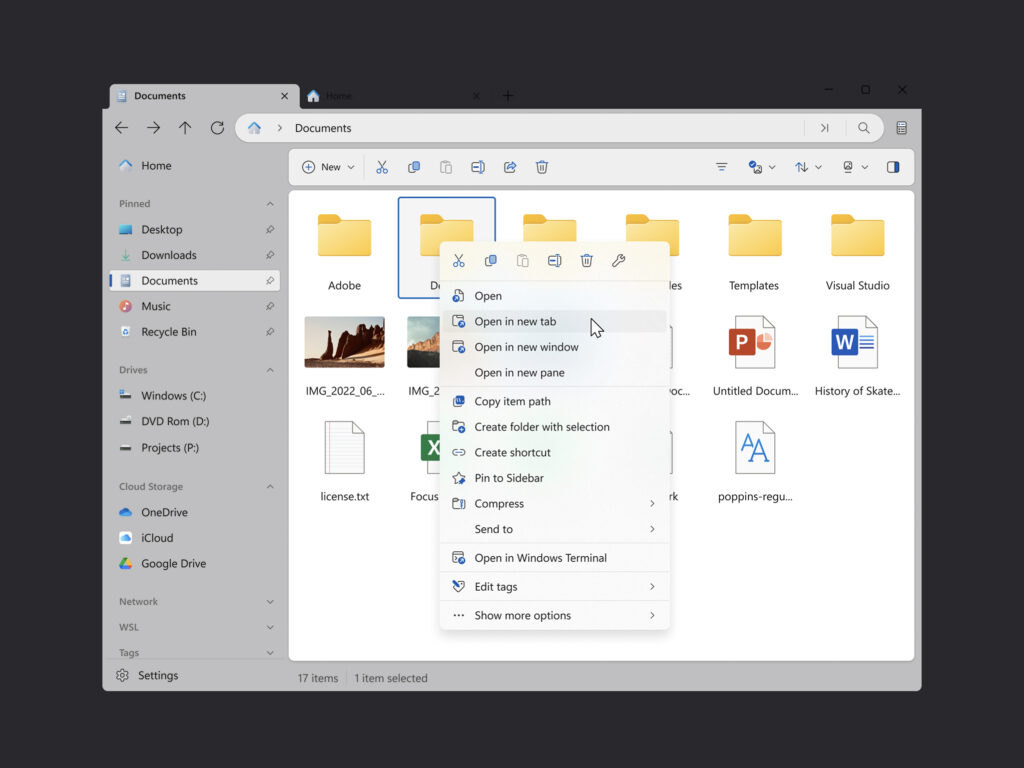
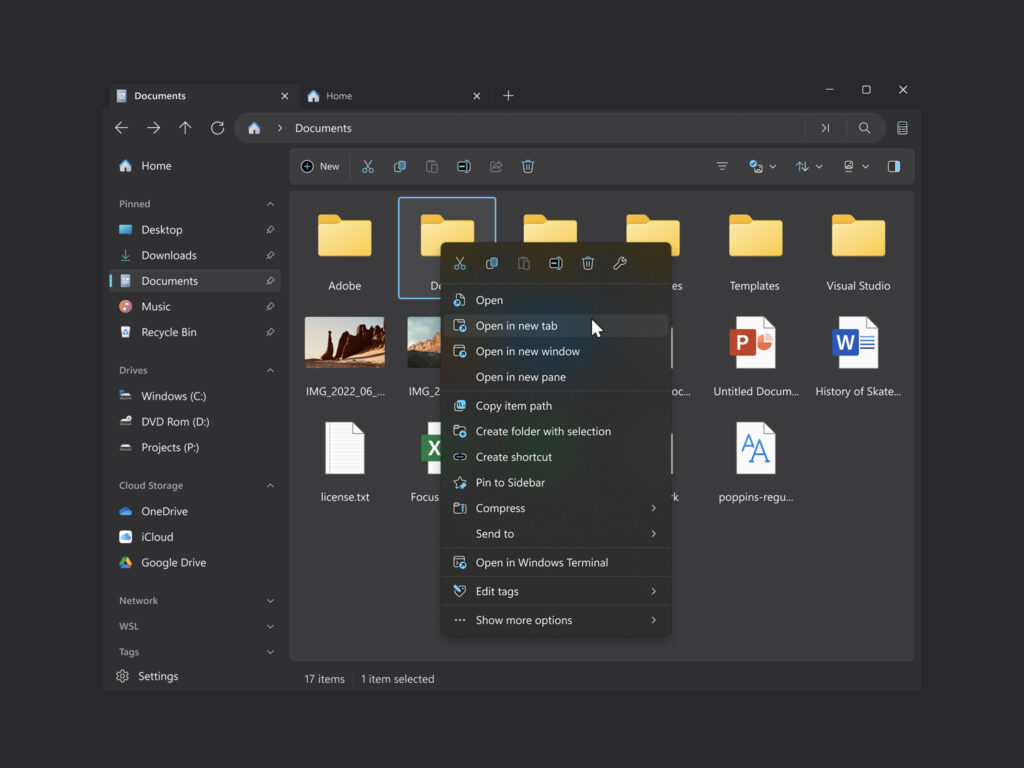
In addition to preview integration, Files 4.0.24 adds a few minor improvements. A copy action has been added to the right-click menu of the sidebar and home widget. When creating new files and folders, default names are now autofilled and text selection is now available to streamline renaming. The omnibar recommendations flyout has received visual polish, and the status center now supports wrapping long folder names. And and Or operators have been added to tag search.
Stability improvements have also been included. We've announced fixes for crashes that occurred when resizing windows in dual-pane mode and when switching Git branches during merge conflicts. We've also addressed some icon display issues.