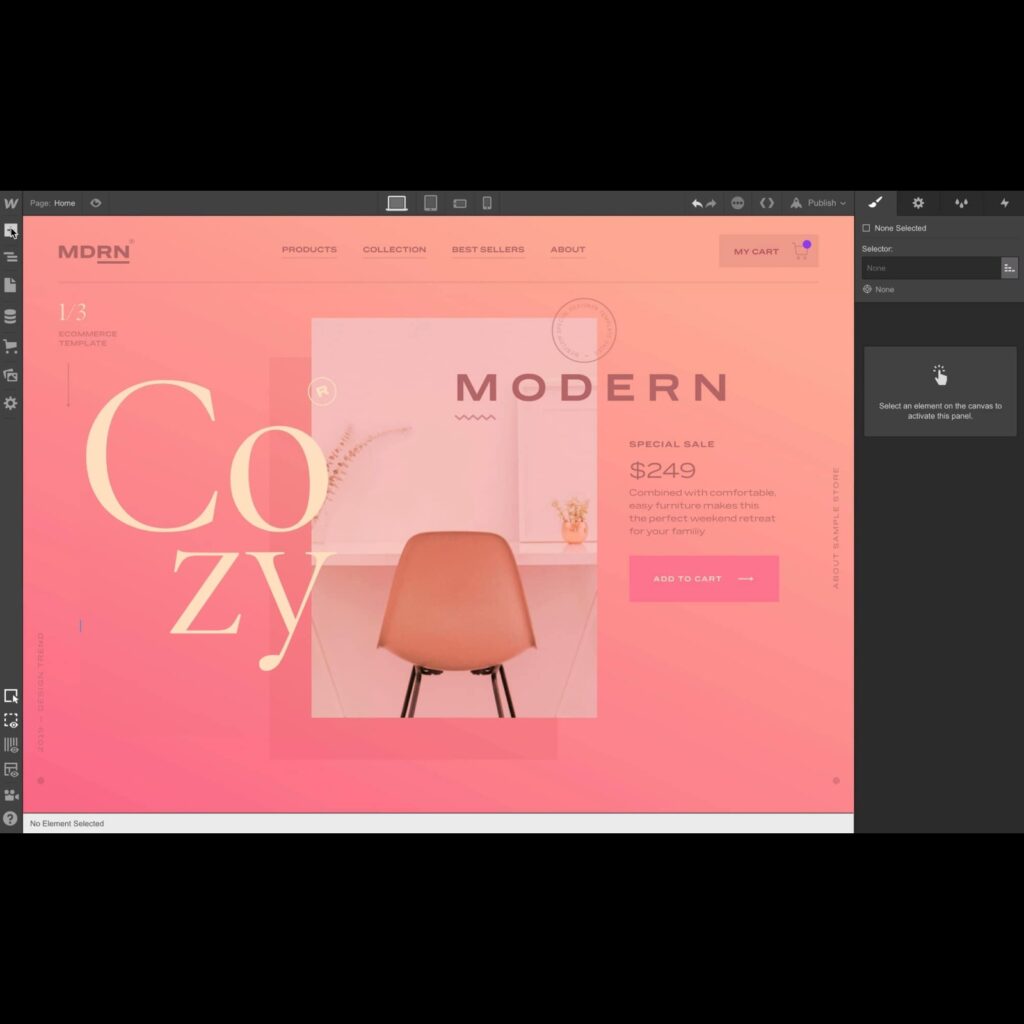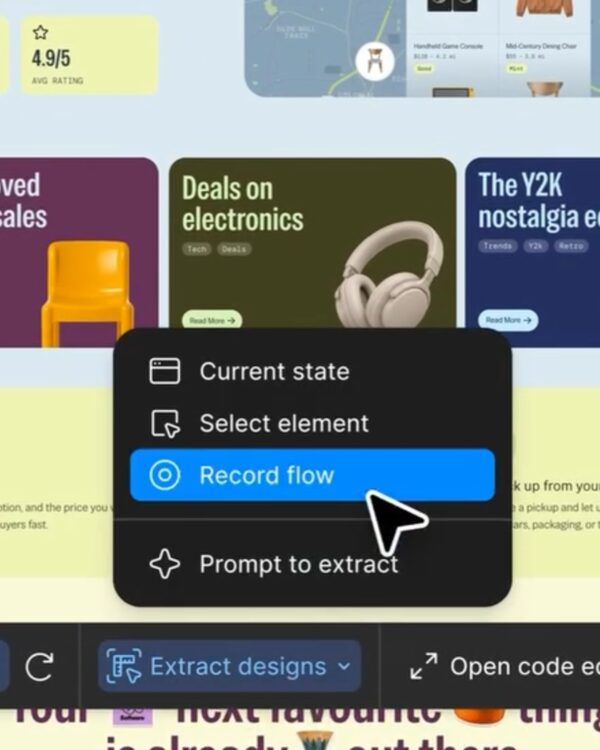
“Webflow,” a no-code website builder, said, “How will AI technology give superpowers to designers and front-end developers in web design and development?” We have prepared several features to answer your questions.
What happened?
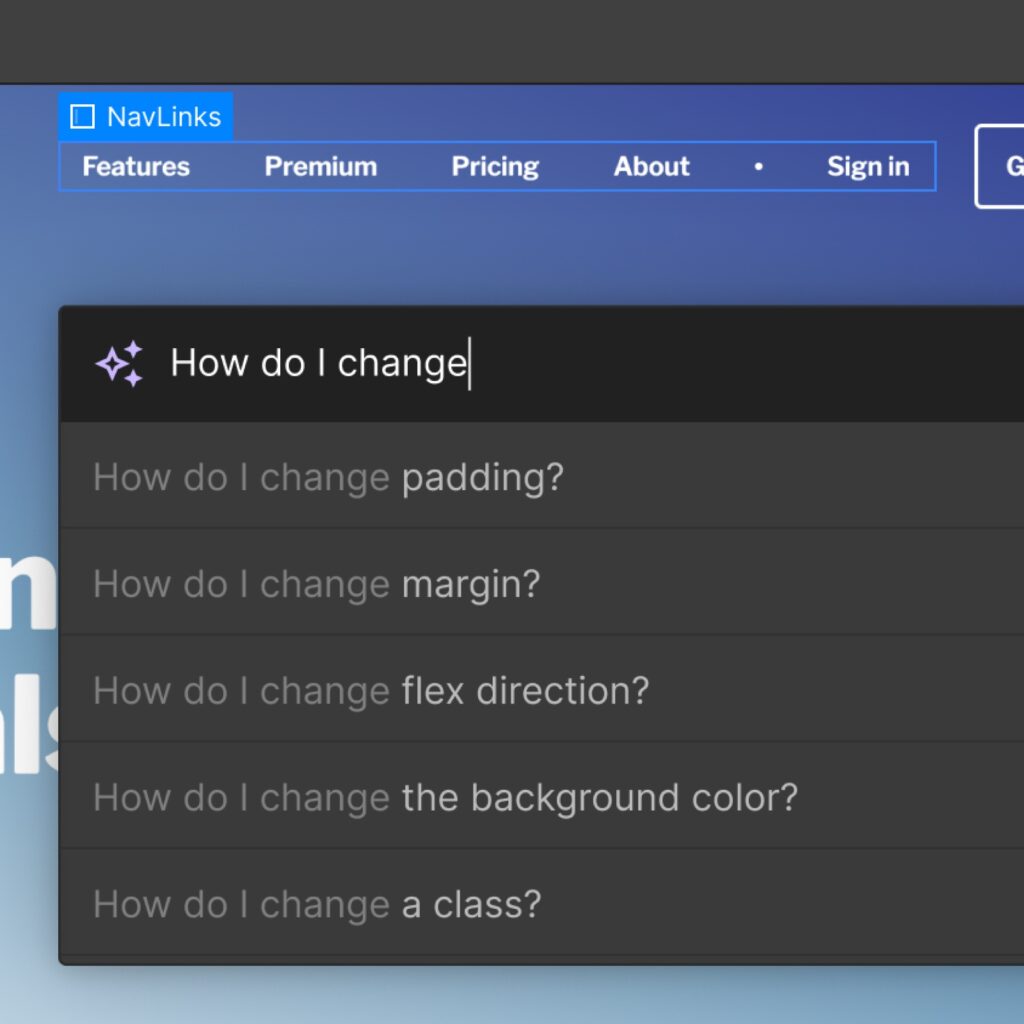
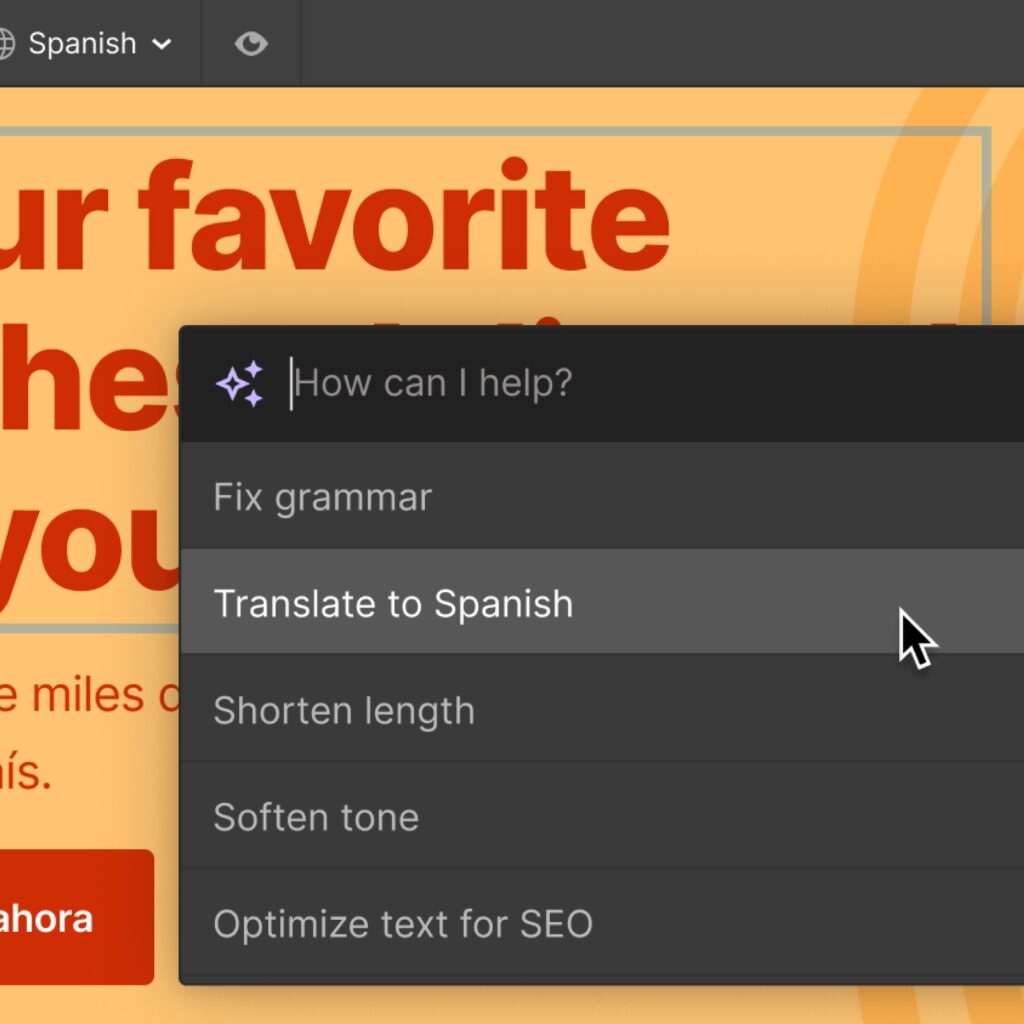
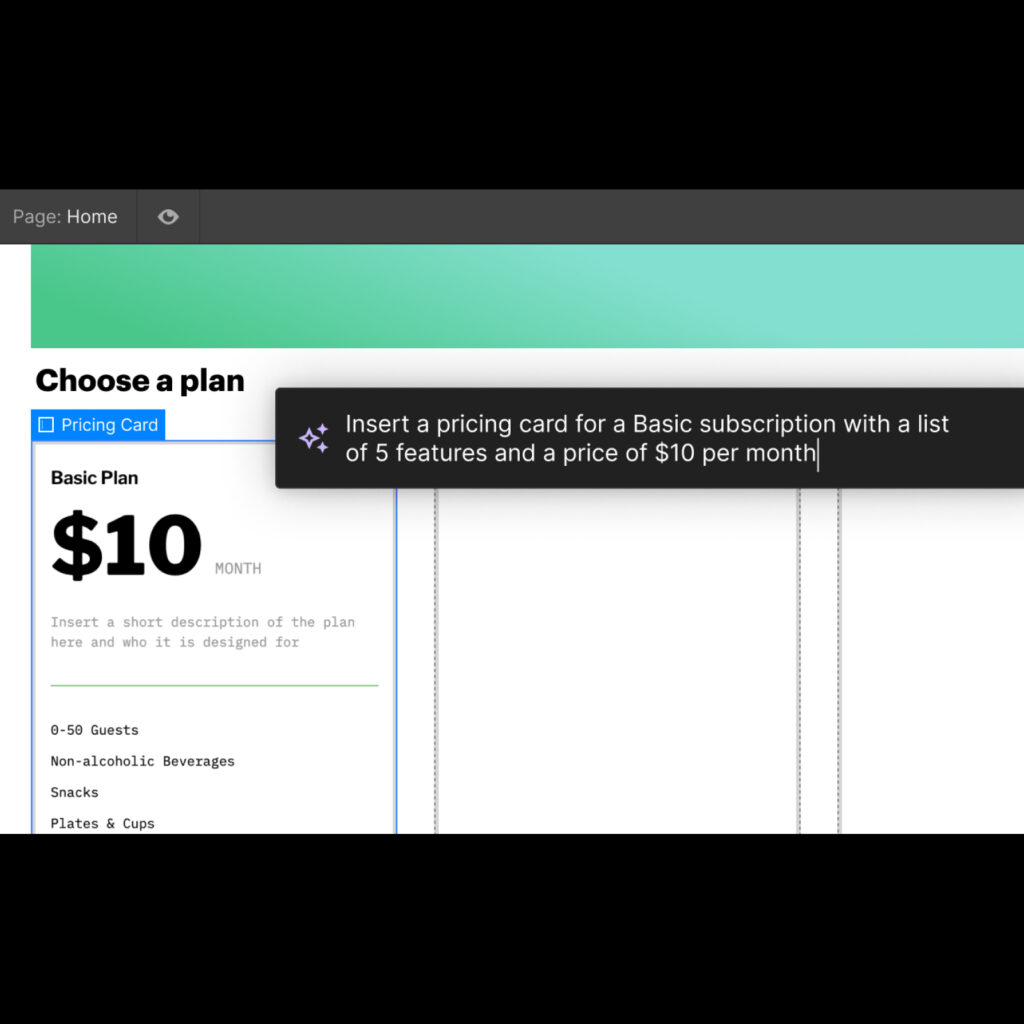
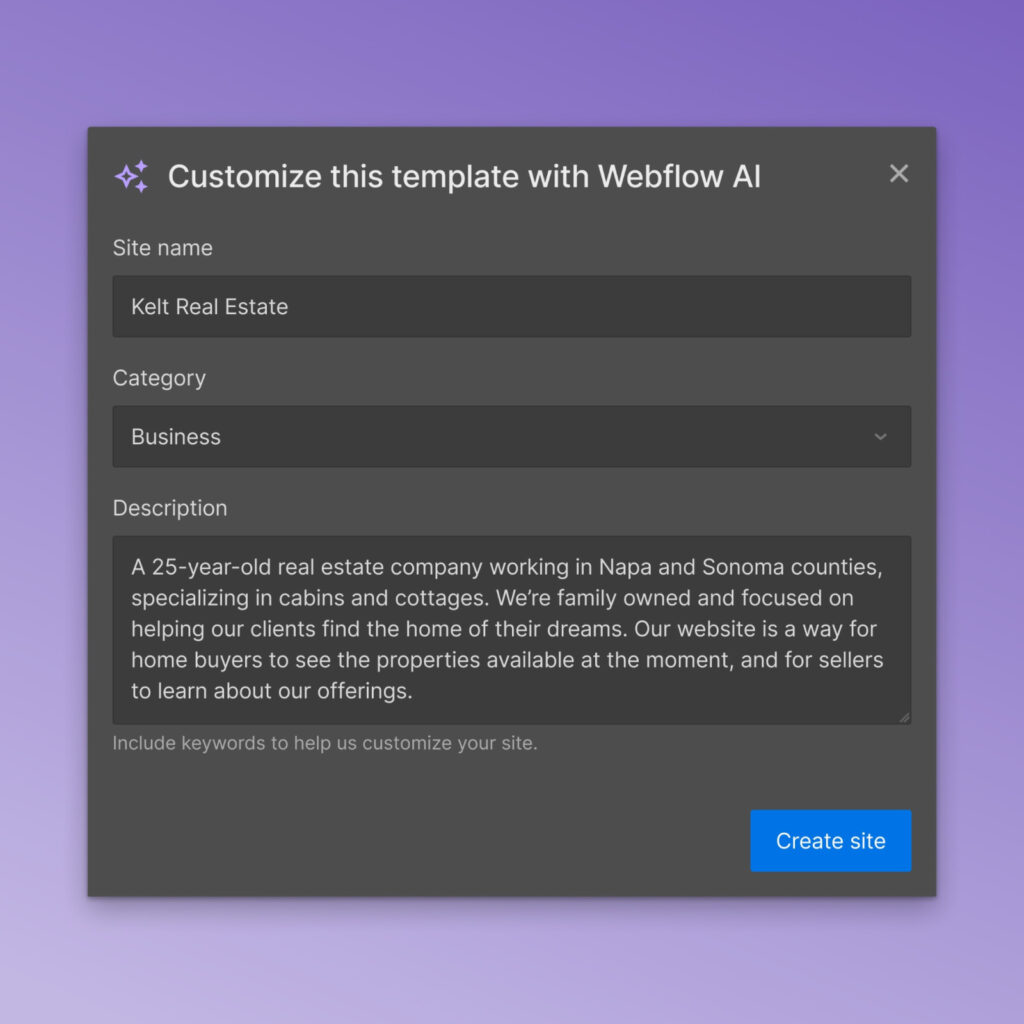
Webflow introduced various features through its blog. Webflow Designer AI gives you instant access to a wealth of educational content when you need help. With AI Copilot, you can increase the efficiency of your original work and create a website really easily using templates.
Eye of Design
While amazing things are happening with text-based interactions using AI technology, image creation from a design perspective has changed a lot, but visual design tools haven't changed much yet.
Although it has a lot of influence on the production of illustration or photo contents with relatively free conditions, an appropriate solution has not yet been found in the UI area, which requires sophisticated design of not only visual elements but also various contexts.
Webflow's strategy seems to be directly intervening in ways to make the existing process shorter and more efficient. Figma seems to rely on plugins and Framer seems to focus on CMS.
Editor's Note
Recently, Webflow's quick response is unusual. The paradigm shift seems obvious after passing by, but contemporaries do not know when and how it will change. In the past, Adobe dominated all design tools in the world, but now tools that quickly adapt to the environment are rapidly expanding their own domain. With increasingly zero-learn tools emerging, it's exciting to see what the next generation of tools for designing the user's experience will be.