Figma introduced 'Figma Weave,' which connects AI generation and editing tools into a single workflow. On October 31, the official blog summarized how teams create images and videos and share the production process. It is a tool that leaves the steps taken to reach a result on a canvas, along with the finished product.
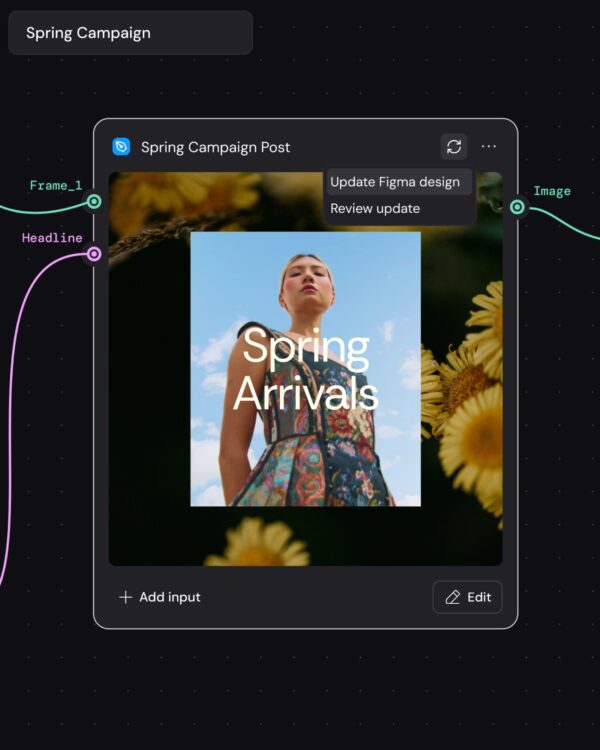
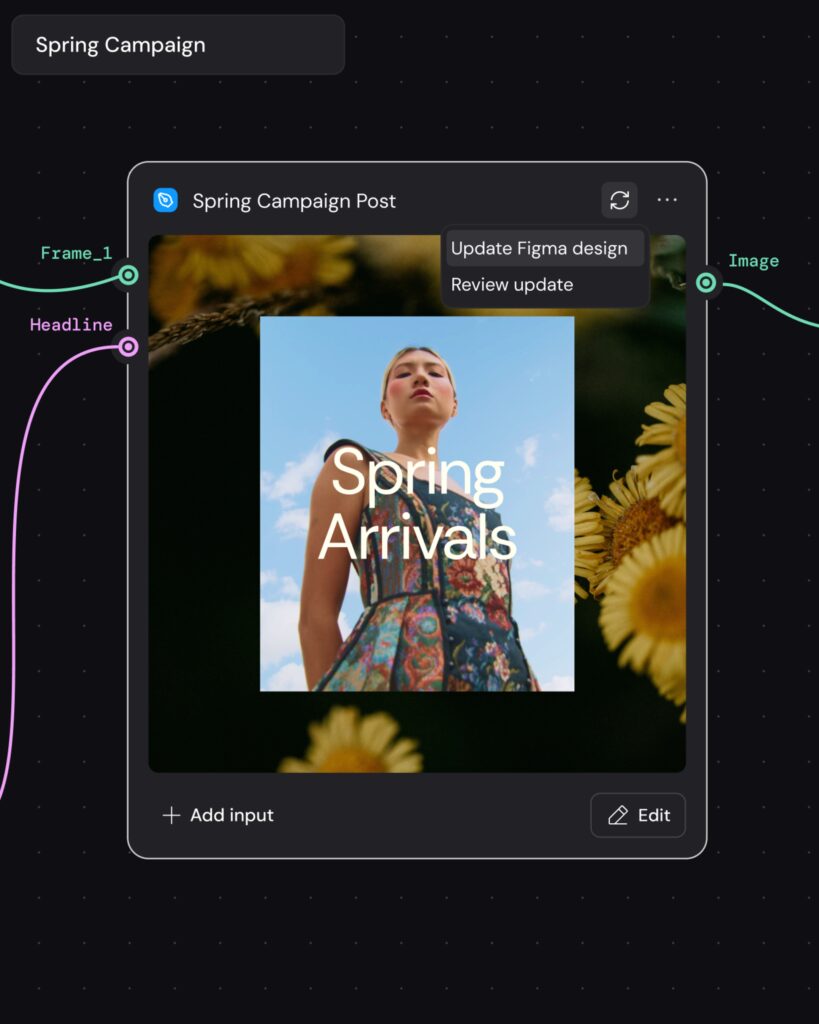
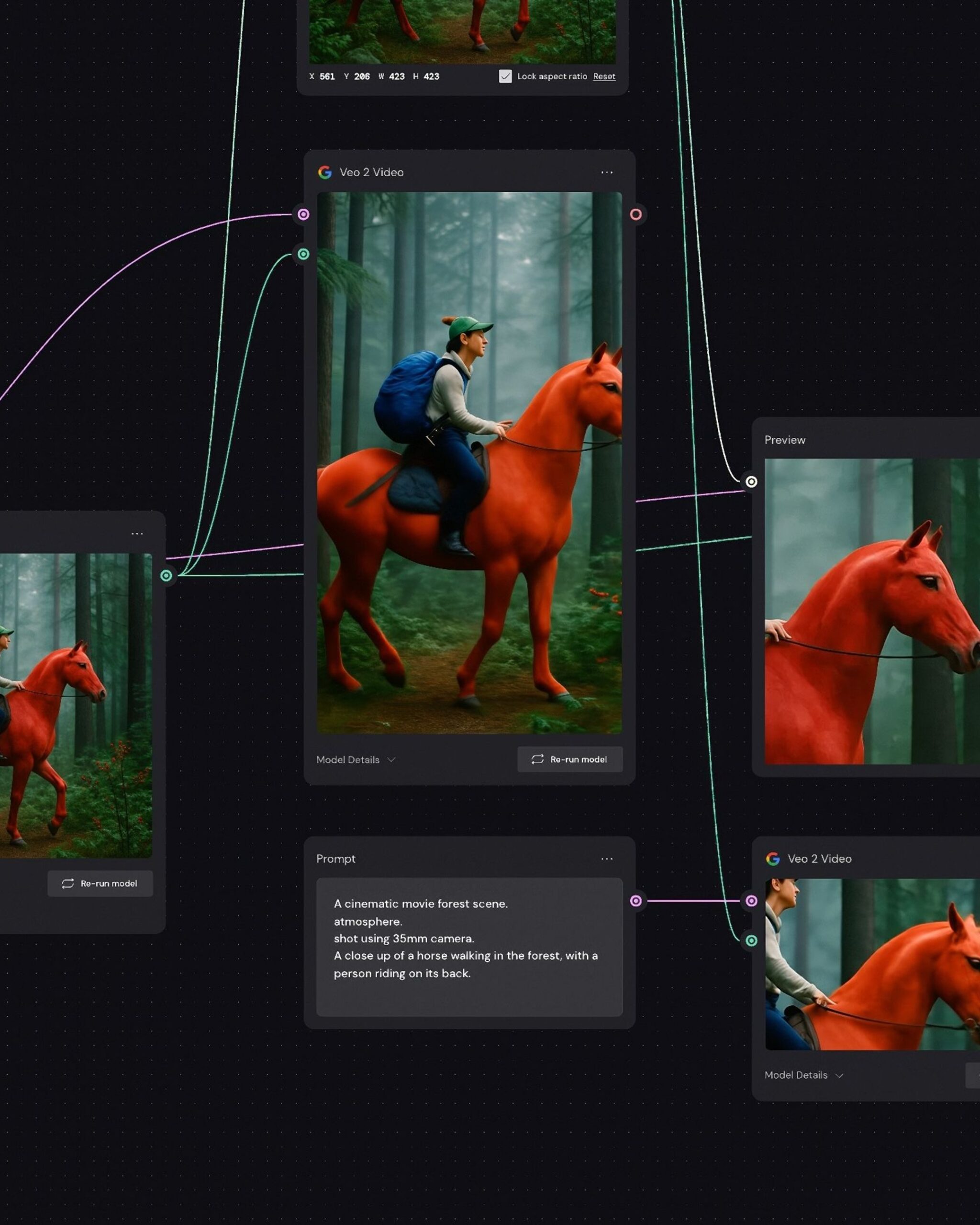
The basic unit is a 'node'. Each step of inserting images and prompts, or creating or editing content, is represented as a single block. Users connect these blocks to organize the production sequence. When modifying the result, you can return to the previous node to change inputs or settings.
It also supports 'branches,' which divide work into multiple directions from the same starting point. This allows you to create drafts with different backgrounds using a single product photo, or apply the same prompt to multiple AI models to compare the results side-by-side. Connecting lines show the steps each draft has gone through, enabling you to examine both the results and the production process together.
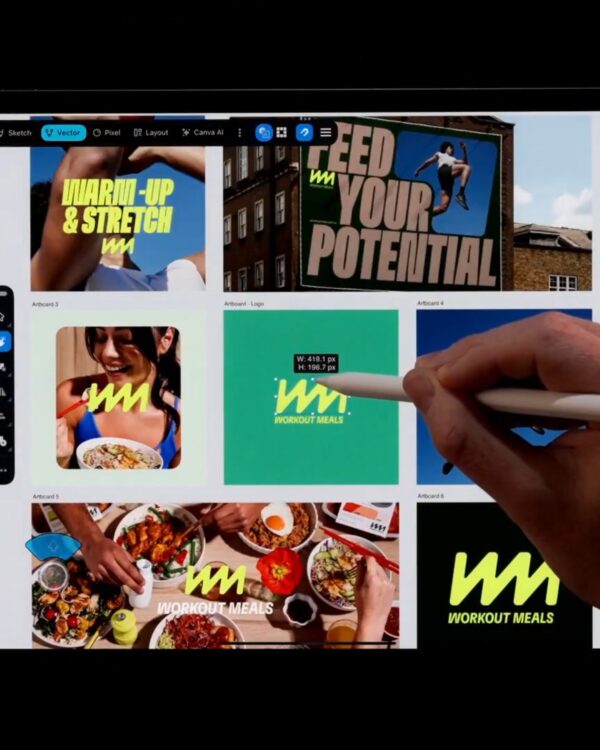
Modifications made after creation are also linked as nodes. It supports color correction, brightness adjustment, image, video, and text compositing, cropping, and video length adjustment. Instead of recreating the object for every minor edit, you can adjust detailed elements using editing tools.
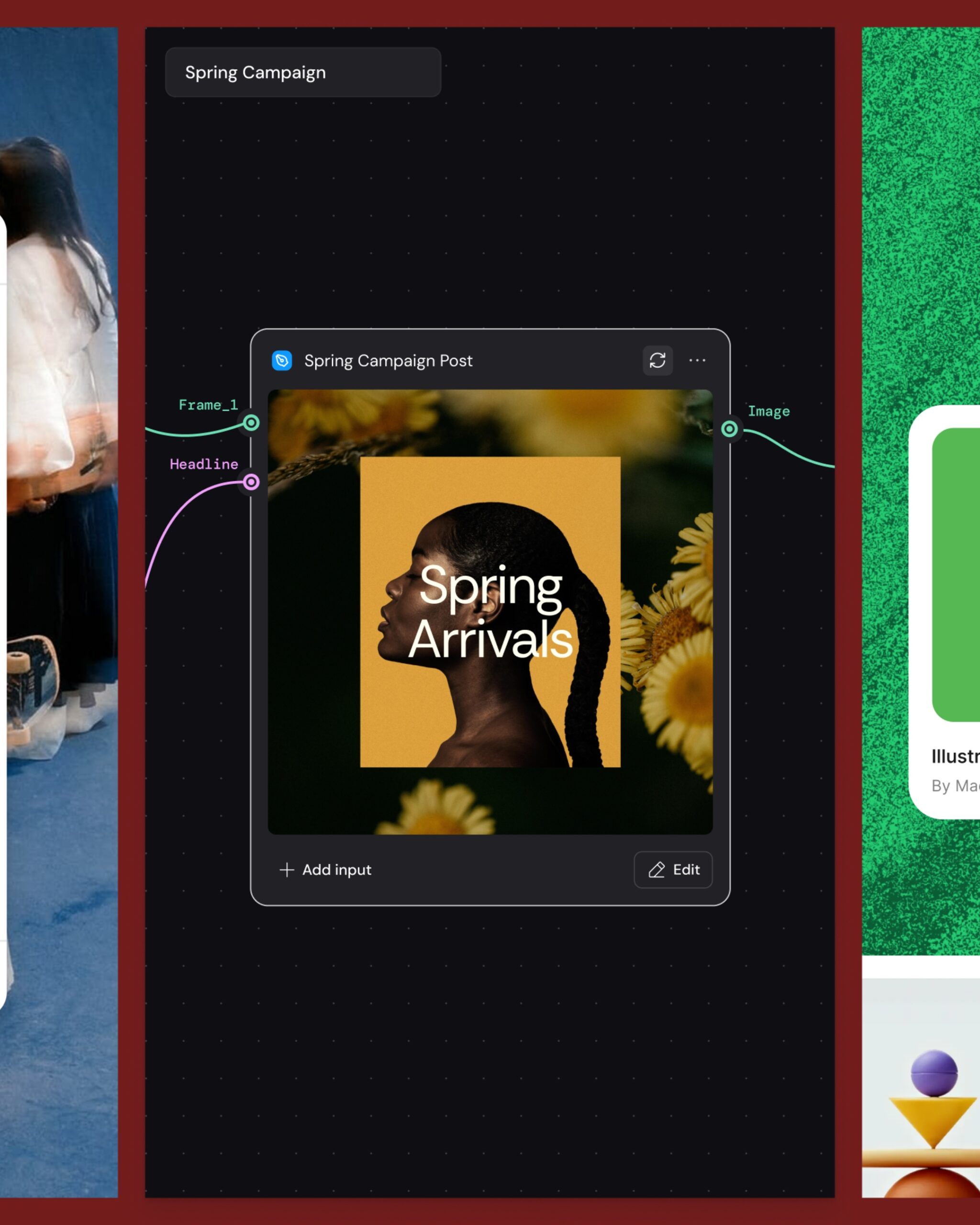
Recurring workflows are grouped and shared using the 'Weave tool.' This method allows colleagues to upload photos and execute tasks without having to directly manipulate the node structure. You can also paste Figma design frames into the Weave to link them to the original. Changes to the original frames are reflected in the linked nodes, using the existing layout and branding settings as input for the next production run.
See more and sources