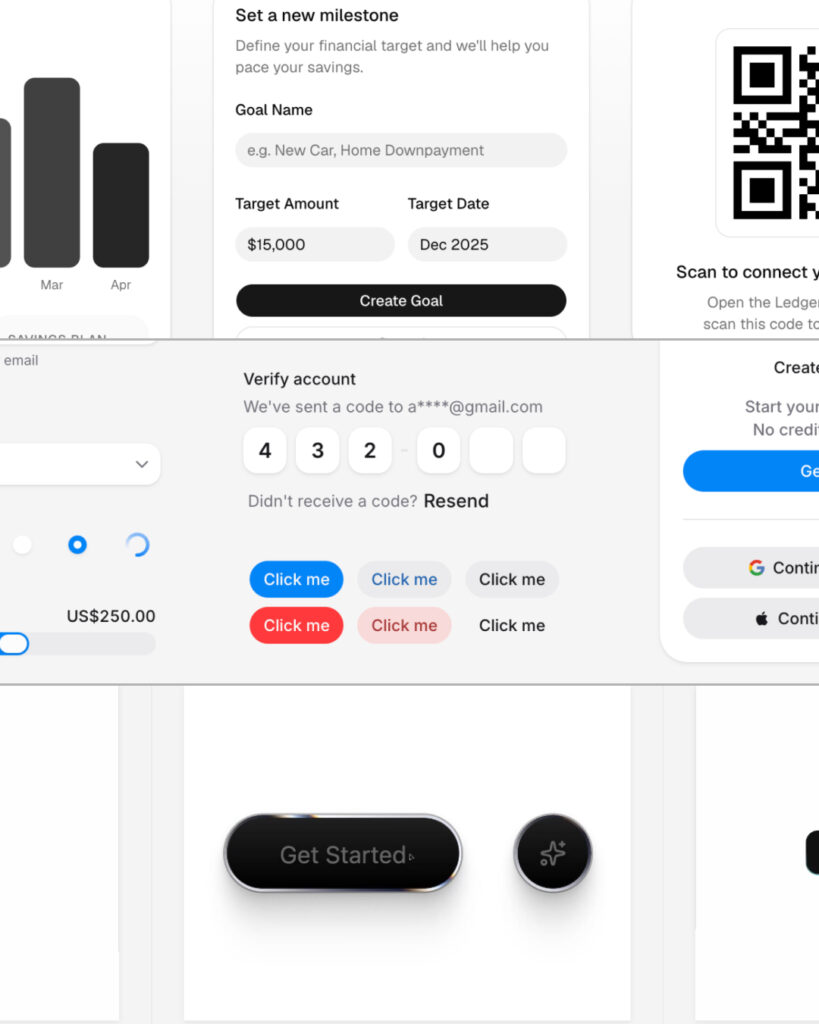
We have entered an era where anyone can create websites or apps. You can request AI to build a website or app from scratch, and basic functions can be implemented quickly. Some people have even started creating and using their own tools tailored to their needs instead of Sass. The barrier to entry for development has clearly lowered.
Does that mean we don't need to worry about design at all? Not at all. Design has always aimed for excellent problem-solving. Especially for a product where I am the user, a design that excels at solving my problems is required. The most fundamental ingredient needed for this is UI.
AI can quickly generate average UIs. However, UIs created without context tend to remain merely average, and modifying them later to fit your specific context is more difficult than expected. To develop a better product, you need a UI that can be adjusted and expanded in the direction you desire.
Of course, building a UI has long been a difficult task. Designers had to create the form stitch by stitch, and developers had to make it work stitch by stitch. It wasn't a one-time project either; they had to continuously solve countless problems that arose during actual operation.
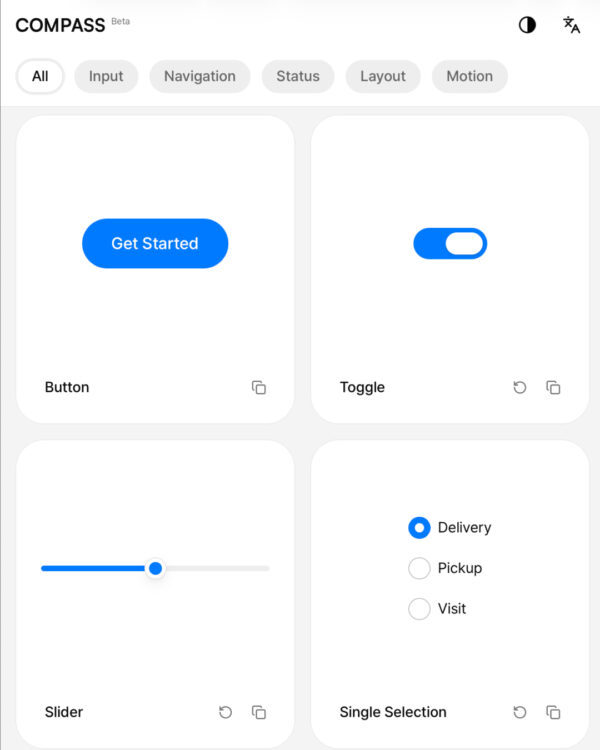
Fortunately, there are now many well-established starter UIs available. Among them are UI libraries designed to be easily understood and utilized by AI. In this article, we will examine AI-specialized UI libraries and explore how to build your own library based on them.