Shopify has unveiled a new design for Shopify Admin, the admin screen that sellers use every day.
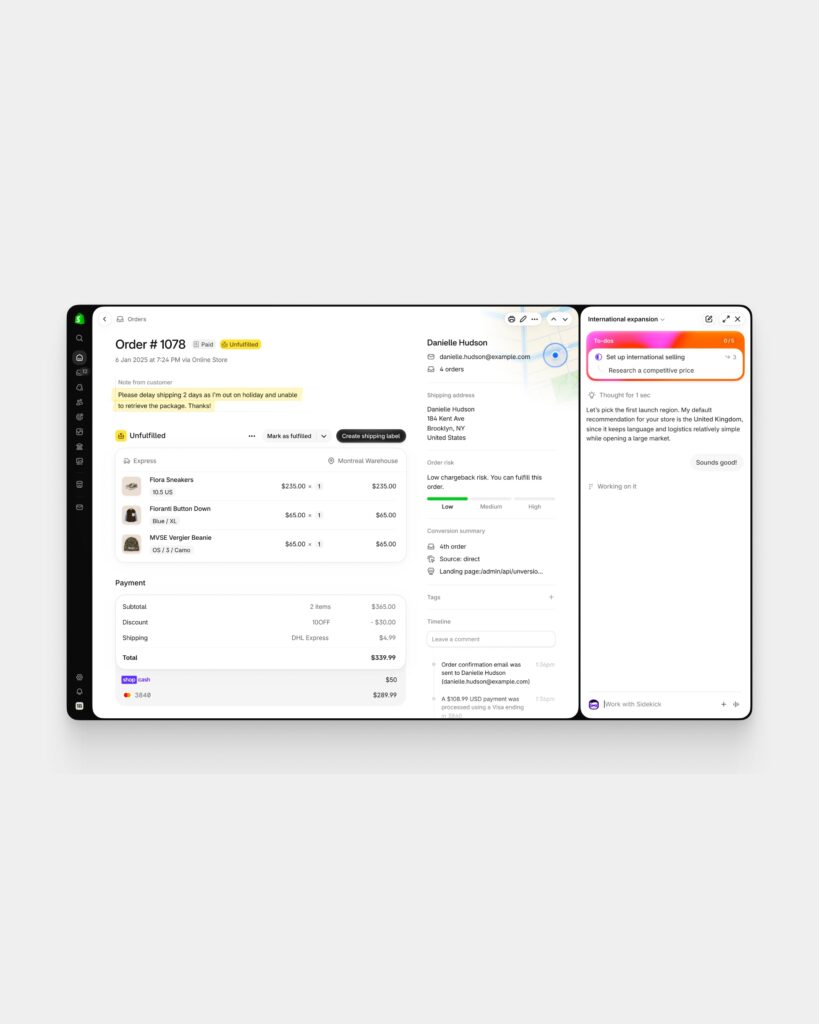
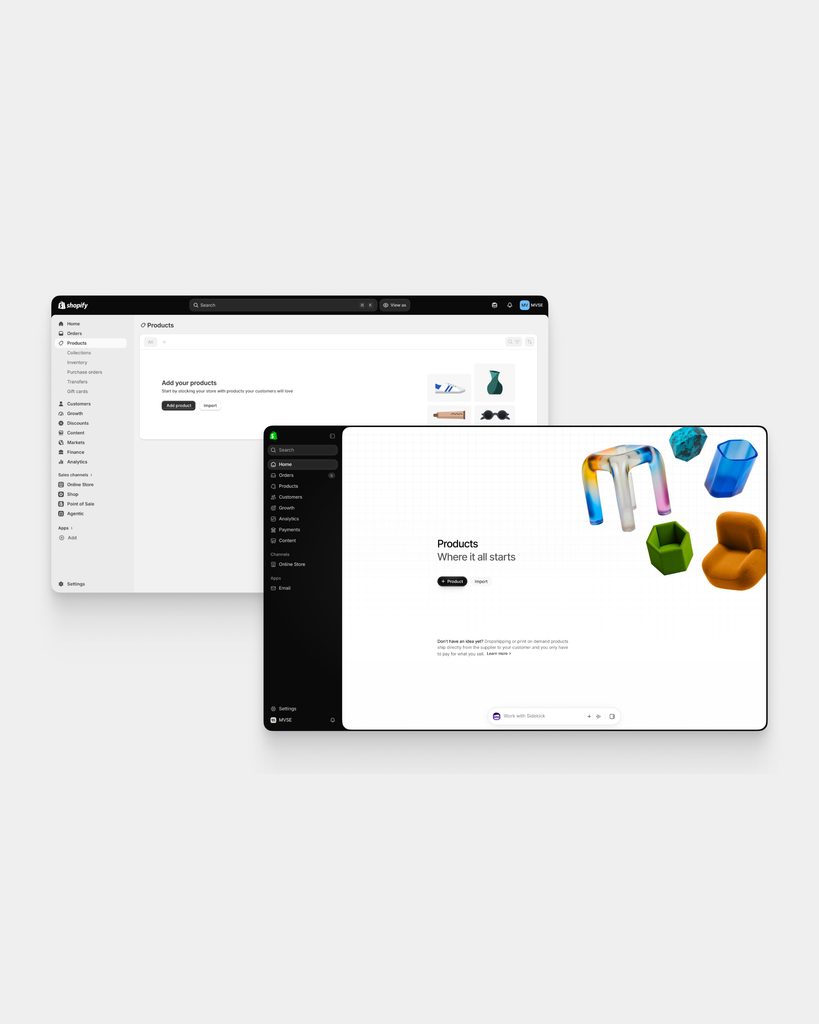
The focus of the changes is the screen structure. Search, notifications, and store selection functions, which were previously at the top, have been moved to the left-side navigation. The navigation can be collapsed or expanded. This configuration is designed to allow sellers to utilize a larger workspace when navigating between product, order, and settings screens.
Visual elements have also been changed. Colors, fonts, spacing, and icon systems have been reorganized, and the container structure stacked across multiple pages has been reduced. The Shopify design team explained that their goal was to help sellers find important information more quickly when they visit a page.
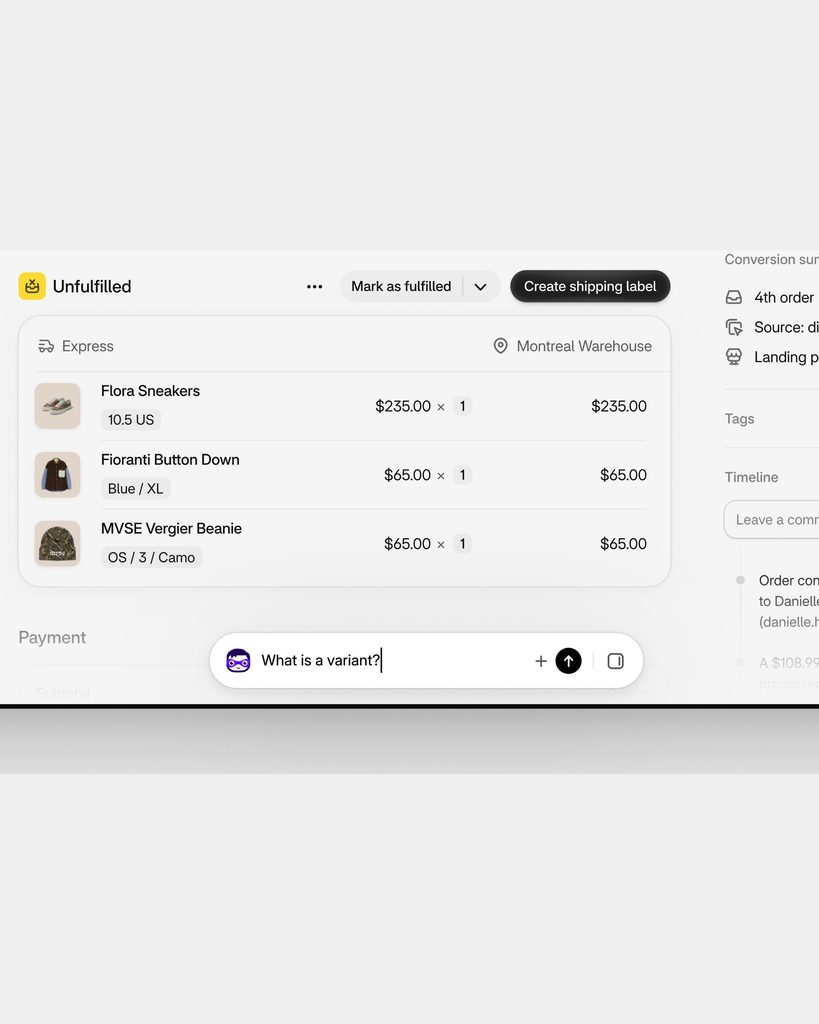
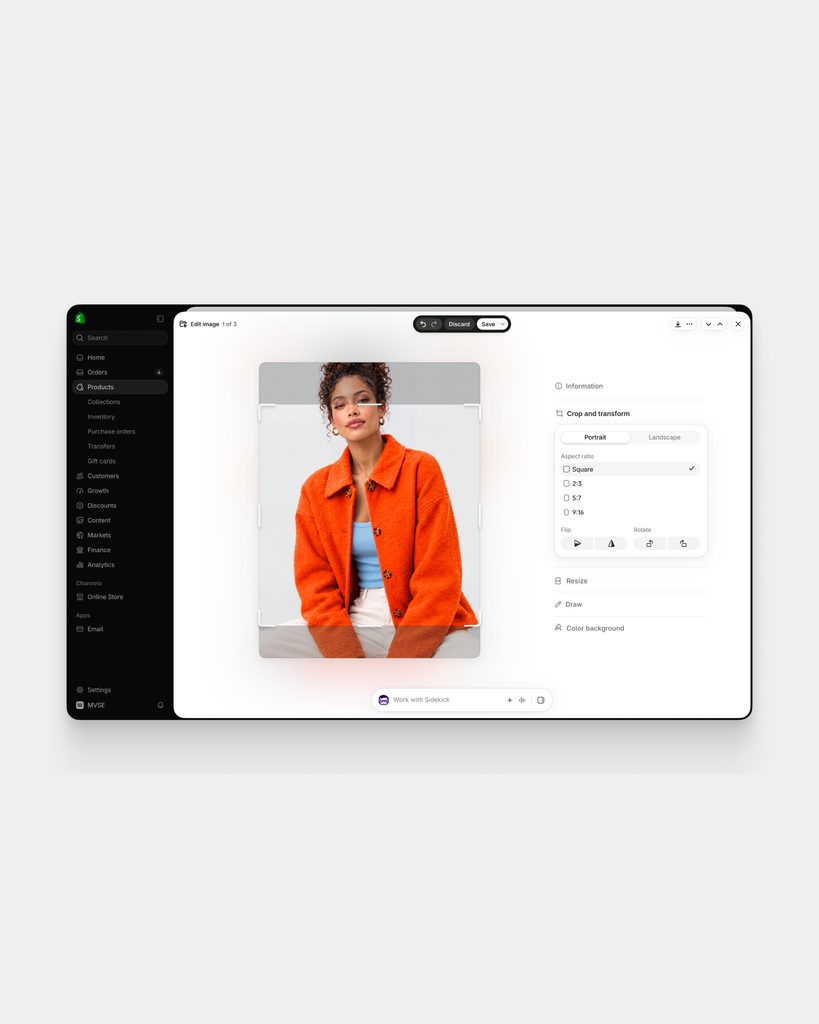
The placement of the AI tool Sidekick has also changed. Moving away from the existing side panel-centric structure, it has been positioned as a chat input window floating at the bottom of every page. Short questions are handled in the floating chat, while longer tasks expand into the side panel. Shopify stated that Sidekick daily sessions increased 4.8-fold from 2025 to 2026.
A key feature of this design is that AI functionality is integrated into the default layer of the work screen rather than as a separate menu. At the same time, the goal was to minimize page overlap and position actions closer to items handled by the seller, such as products or orders. The developer documentation advises app developers to apply safe area variables to ensure that the floating Sidekick does not overlap with the fixed bottom UI.
See more and sources
https://www.shopify.com/blog/admin-new-look