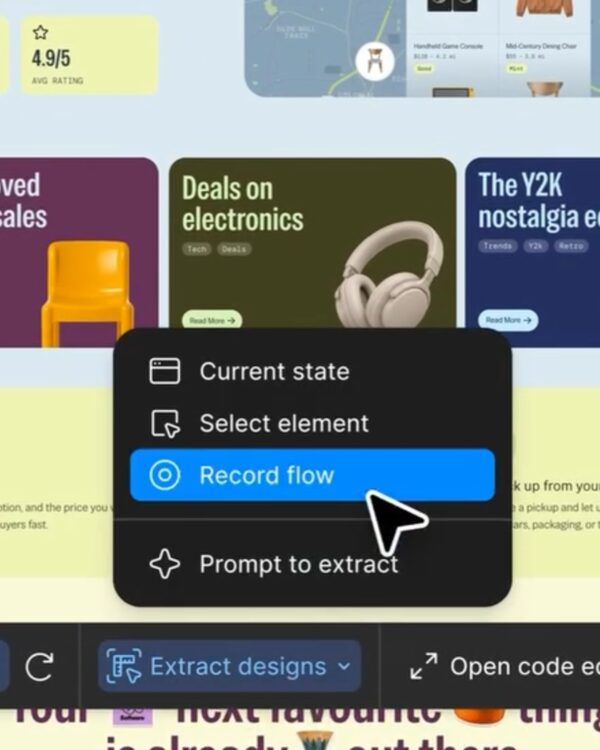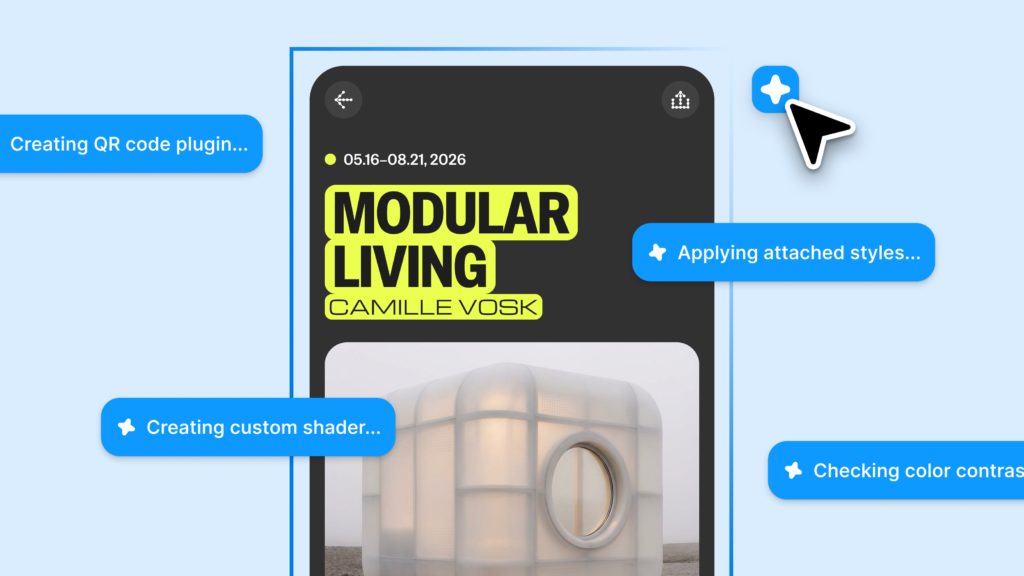
Figma has expanded its Design Agent feature into open beta. The key point of this update is not simply an AI that creates screens based on prompts. It is closer to an agent that understands the team's files, workflows, external tools, and iteration prompts to work together on the Figma canvas.
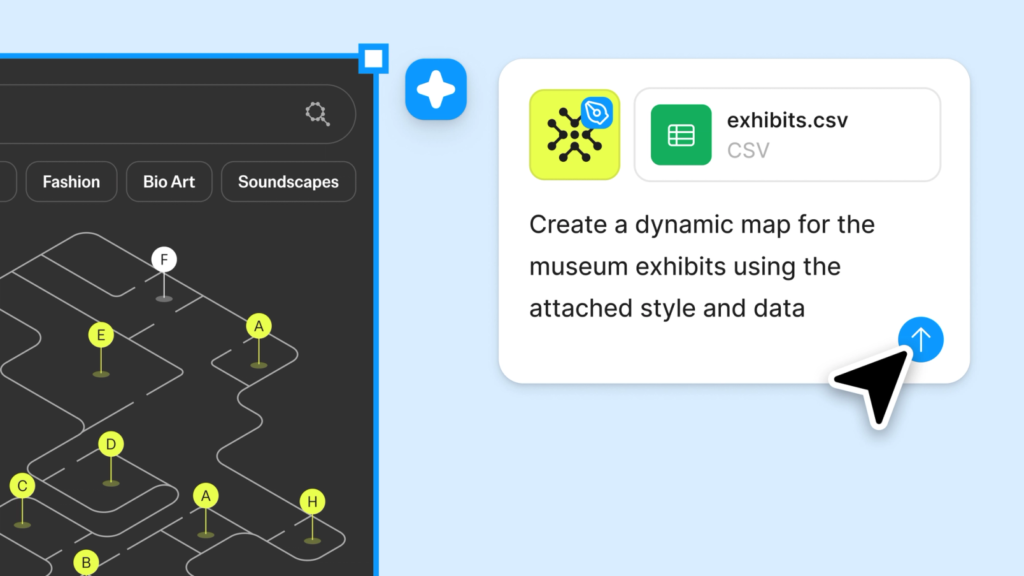
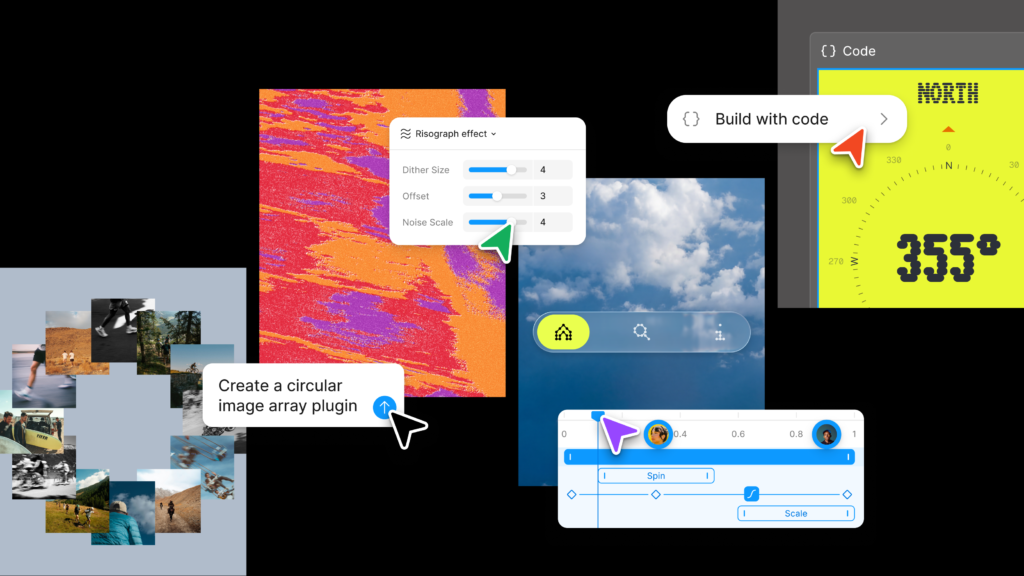
The biggest change is Generative Plugins. Users can request the Figma agent to create reusable plugins. For example, they can directly create tools to import HTML into a canvas, build dashboard layouts, or visualize data. Previously, this required development knowledge and a separate development environment, but now users can make requests and experiment immediately within Figma.
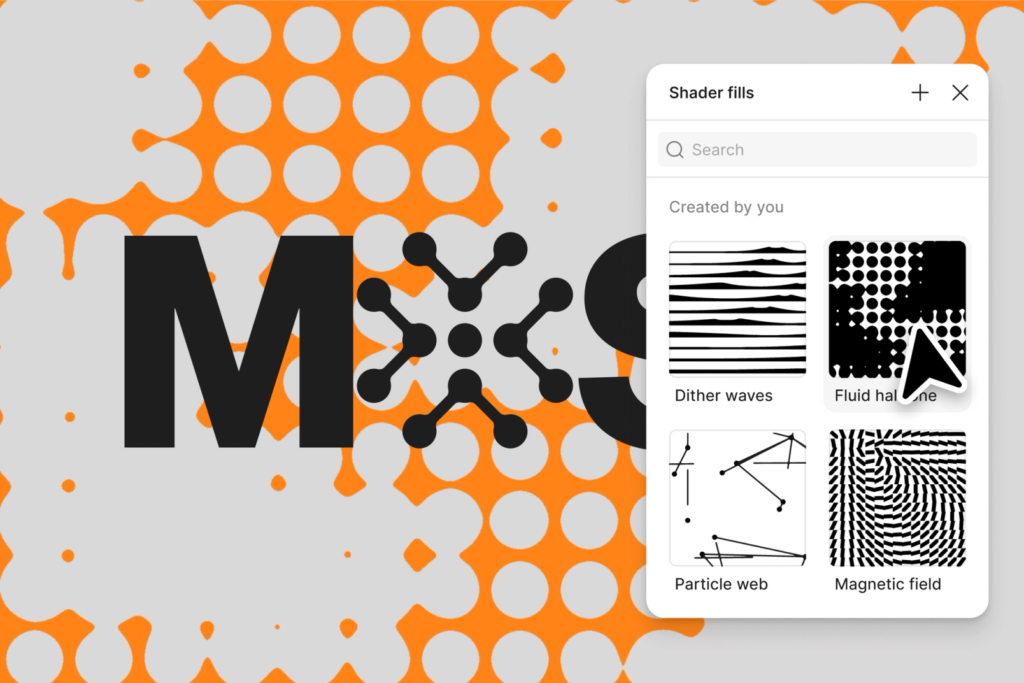
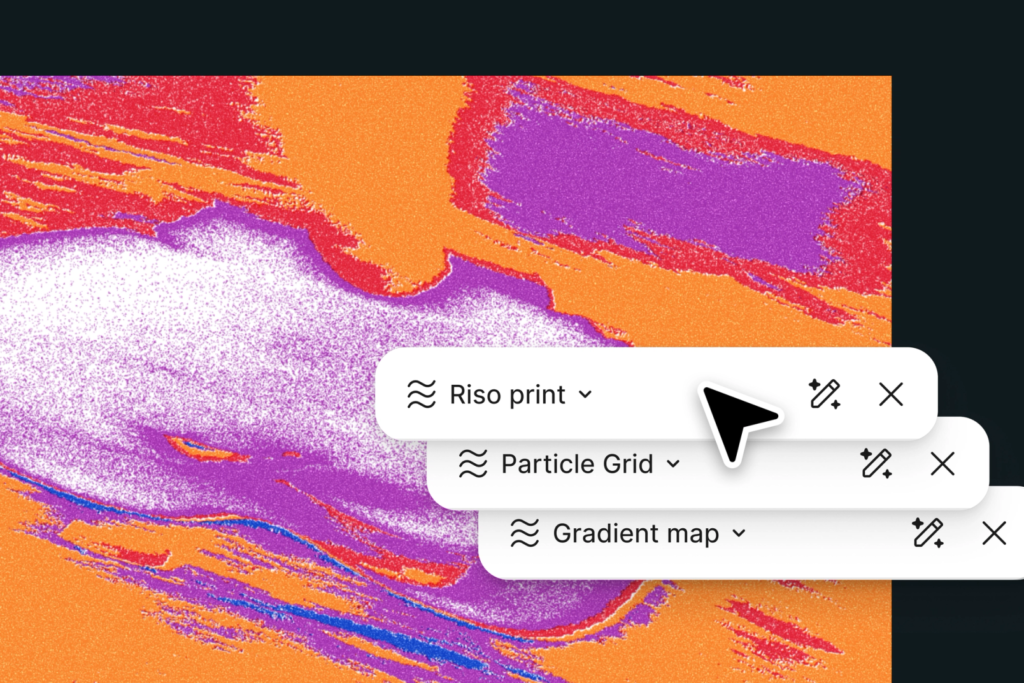
Visual rendering capabilities have also been expanded. Agents can create WebGPU-based shader effects and shader fills. Effects such as dithering, liquid metal, fractal noise, moiré, and pattern grids can be created and adjusted via prompts. Created shaders and plugins are available in the new Tools tab. Figma also provides over 30 plugins and shaders to get you started.
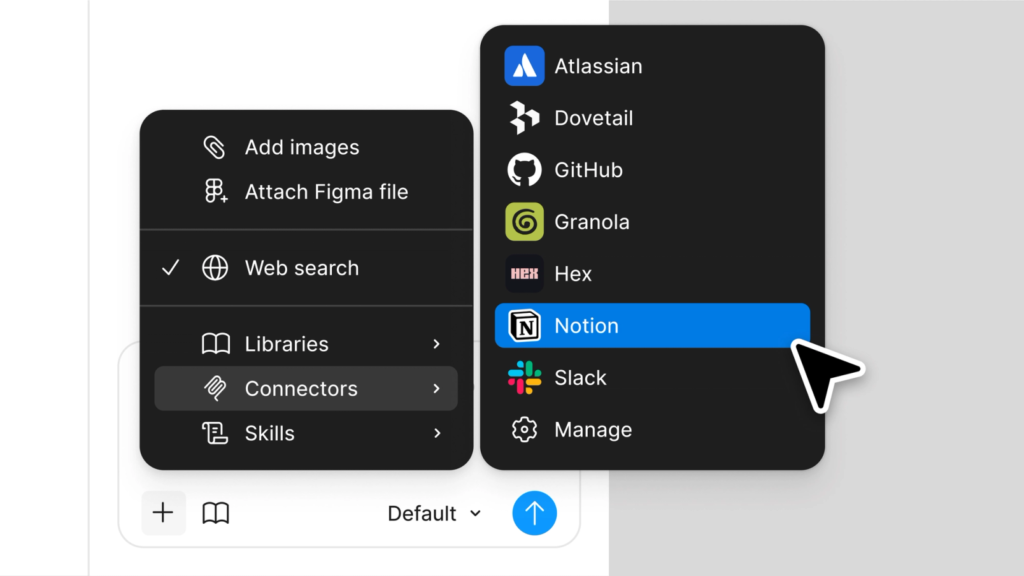
The context available to agents for reference has also expanded. Users can attach files such as interview documents, UX copy, and data reports to chats. By attaching links to other Figma files, they can refer to components, tokens, layouts, and style structures. They can retrieve the latest data or actual content through web searches and also import information from external tools like GitHub, Atlassian, Slack, Notion, and Linear using MCP connectors.
Skills for saving repetitive tasks have also been added. You can save frequently used prompts as slash commands and share them with your team. Tasks such as accessibility checks, applying specific brand tones, and recurring design reviews can be turned into team-based workflows. Collaborators can view agent conversation history, allowing them to refer to the work process as well as the results.
Figma Design Agent is available in open beta to Full seat users on Professional, Organization, and Enterprise plans. Collab, Dev, and View seat users can use it on Drafts. It is available for free during the beta period.
More and Sources