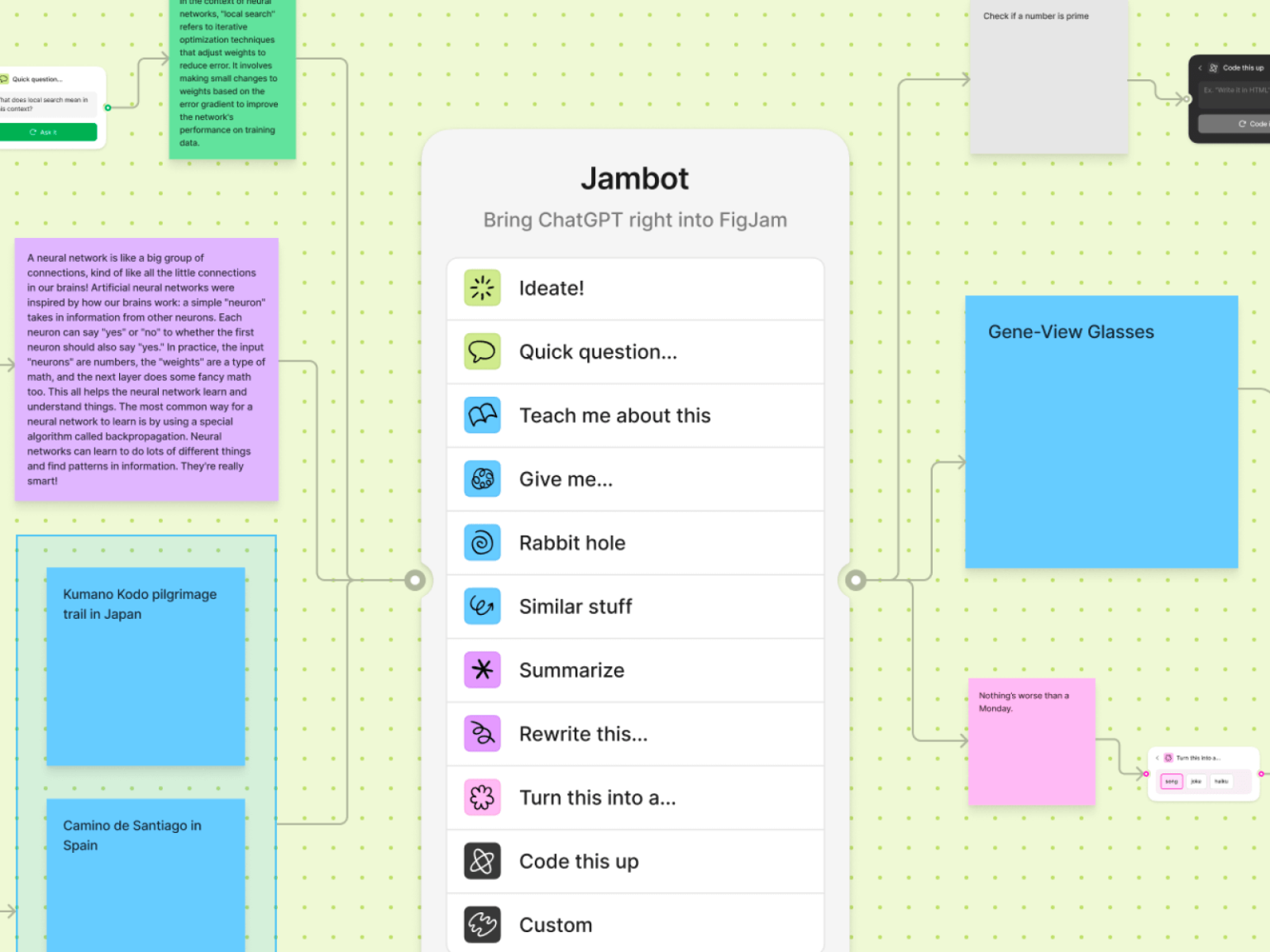

On August 22nd, Figma released the beta of Jambot, an AI Figma widget. This is the first AI tool introduced to Figma after the acquisition of Diagram. This is a tool that can be used in Figjam, Figma's collaboration tool. It is a tool that helps you express your thoughts and concepts freely.
Help increase productivity at Figjam with the power of OpenAI. You can use 11 functions to brainstorm, ask/answer, summarize information, etc. It is currently available for free, paying customers must contact their administrator before using the widget.
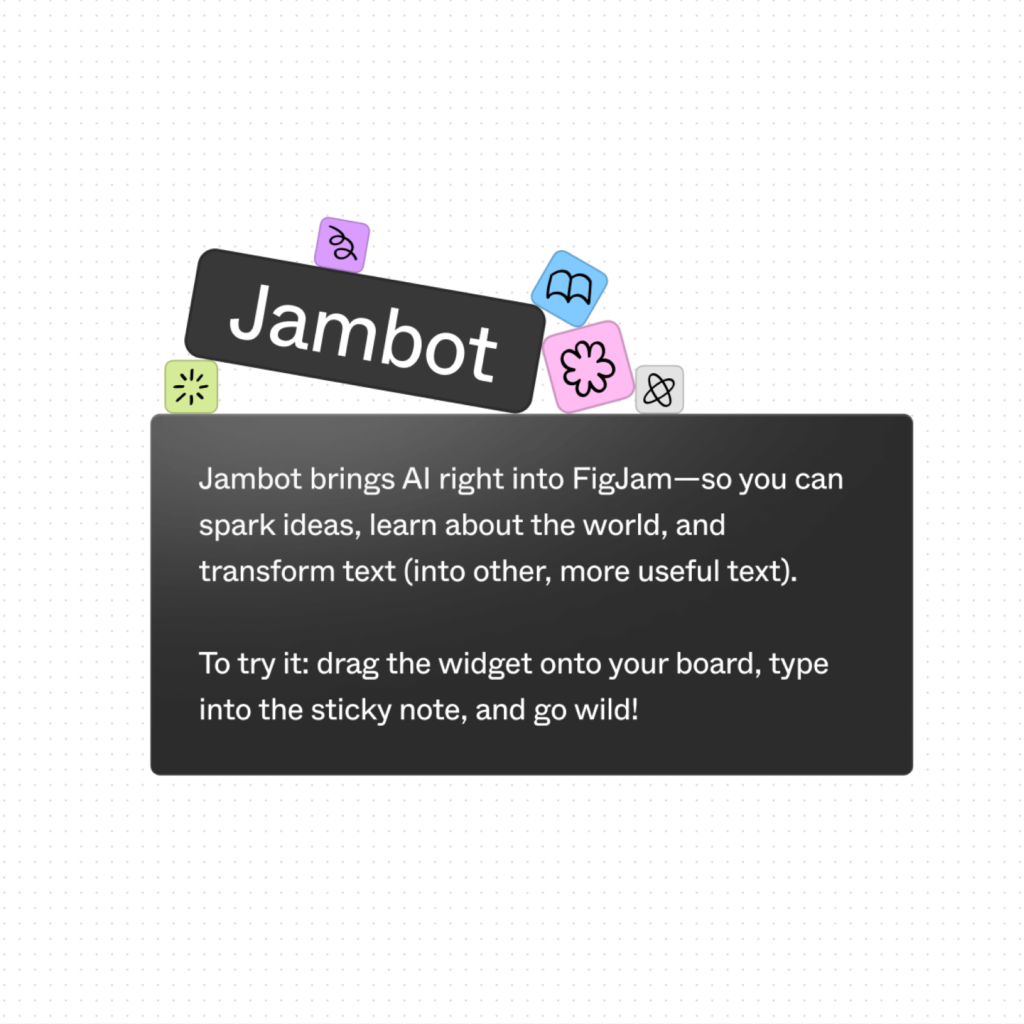
As always, Figma has released example files for the community to try out for themselves. You can take a look at the ‘flow of thought’ proposed by Figma.
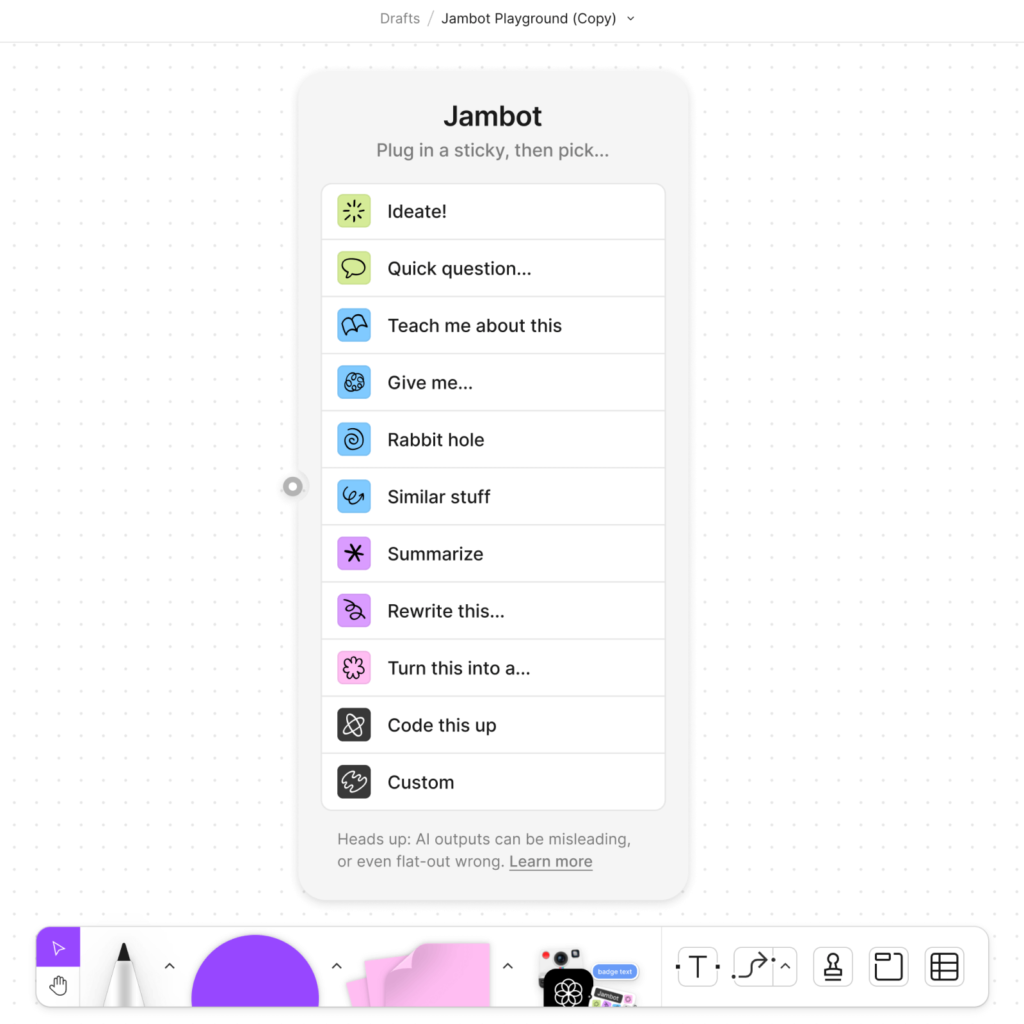
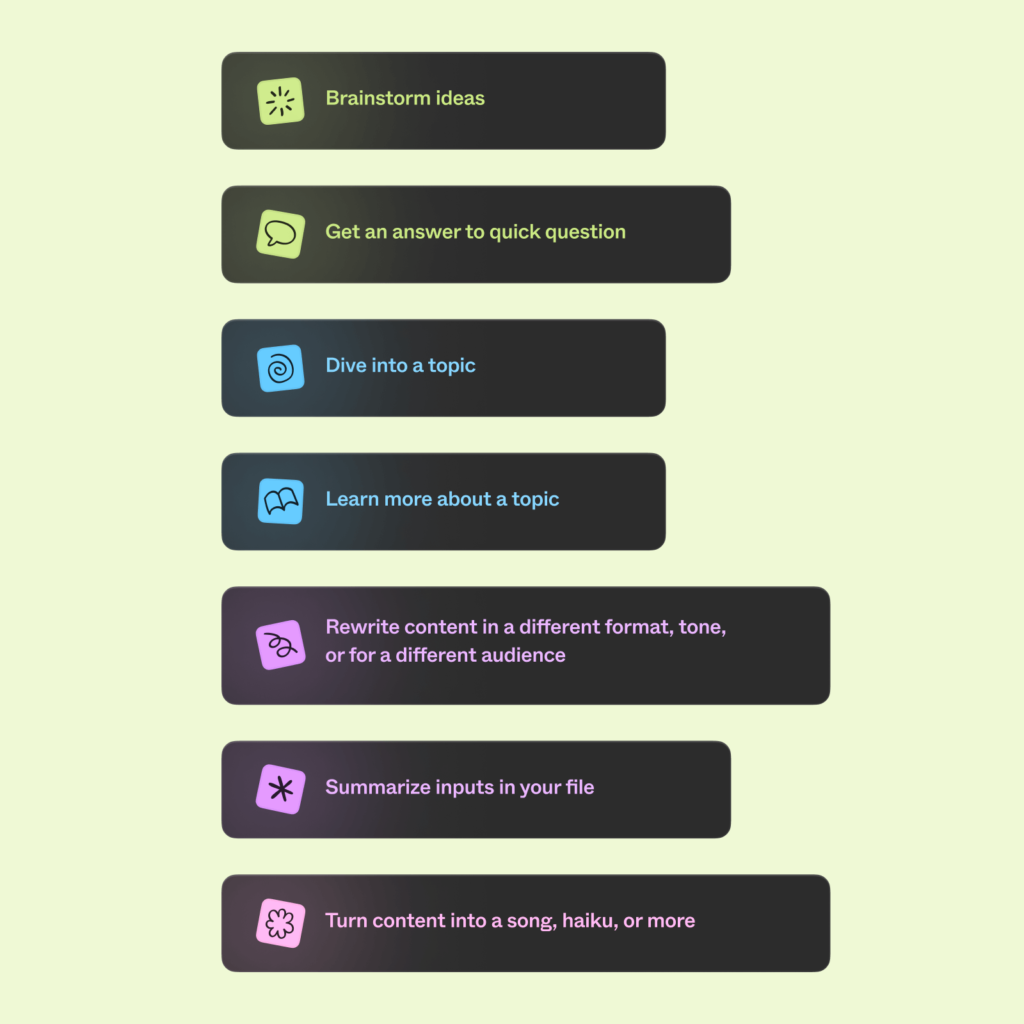
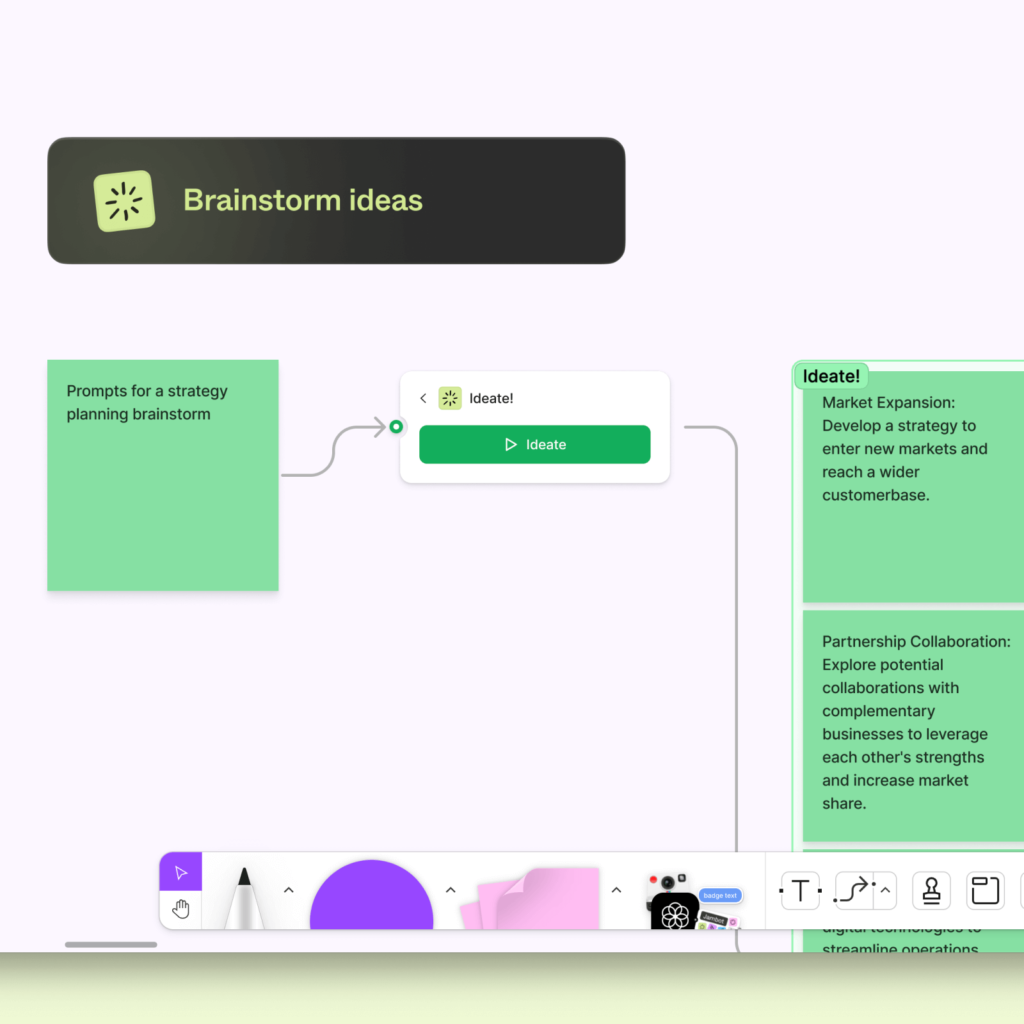
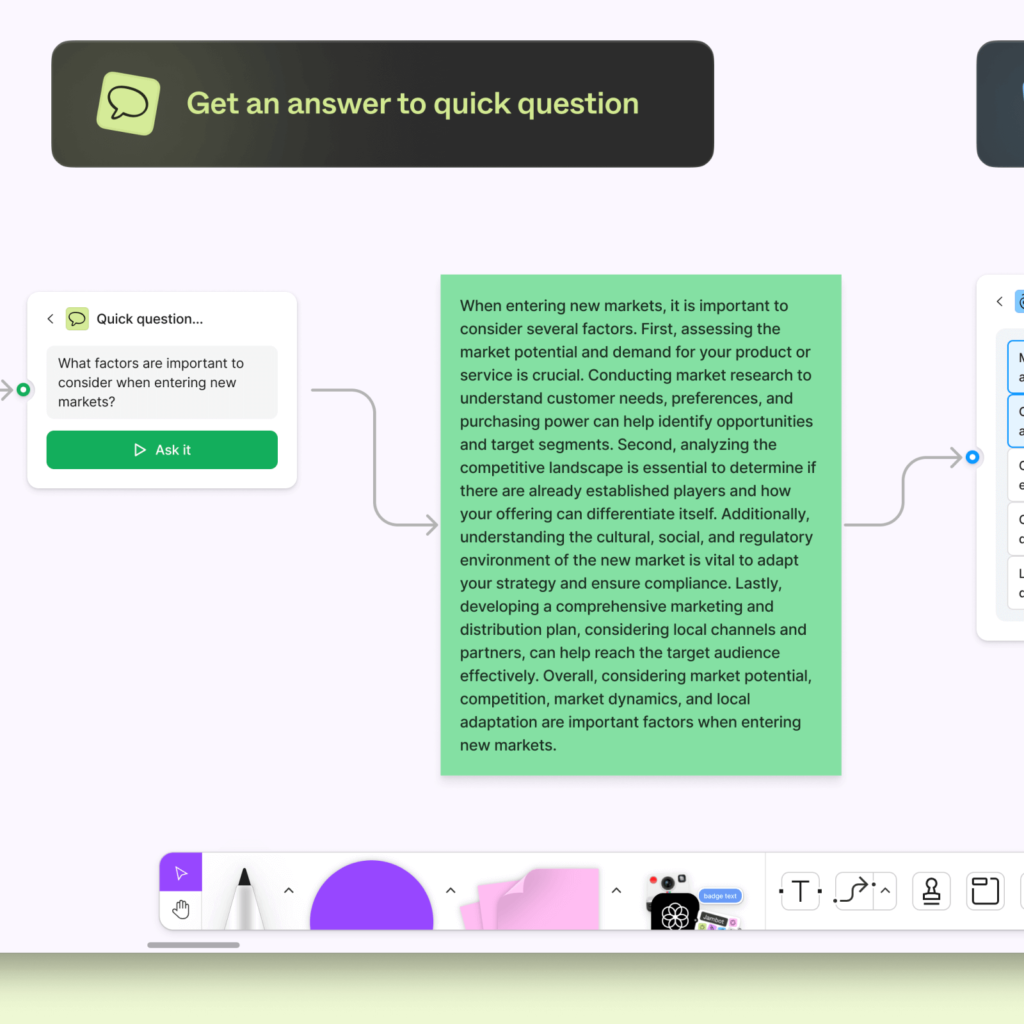
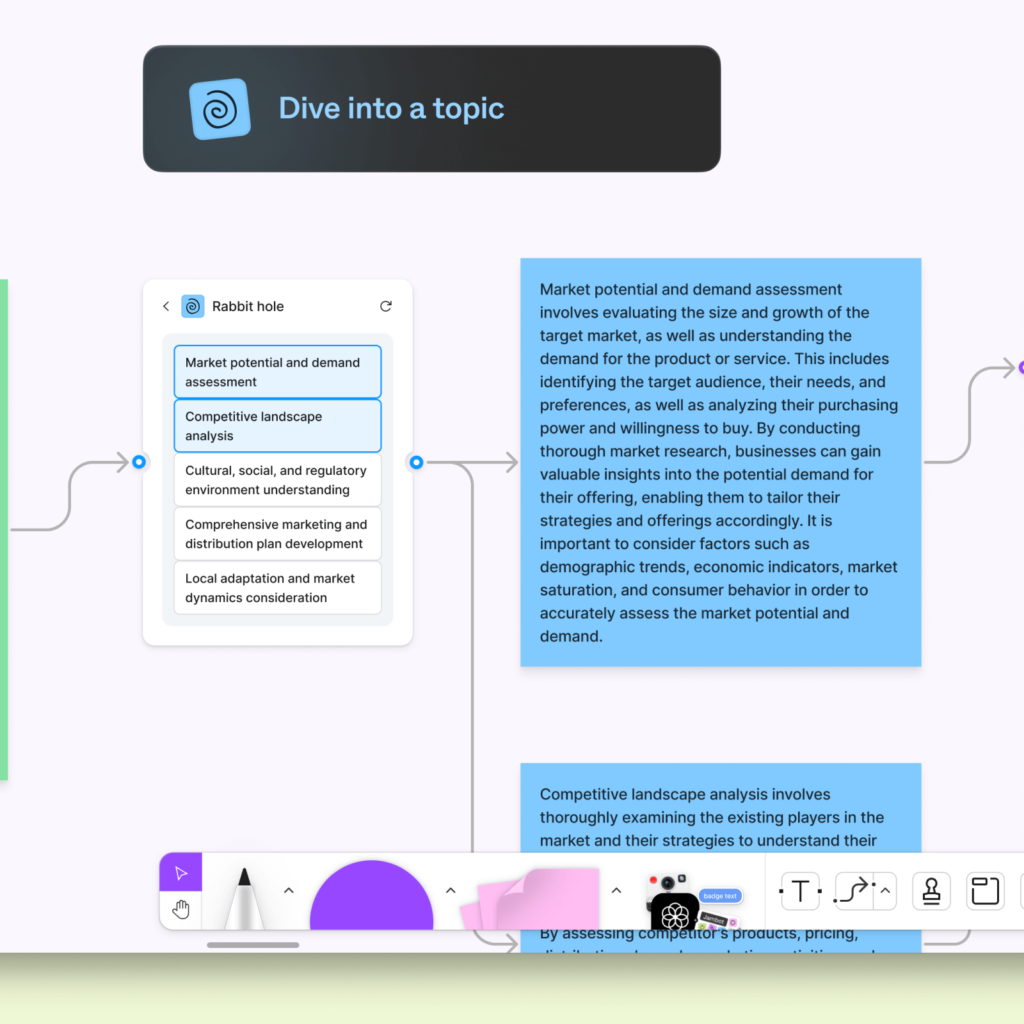
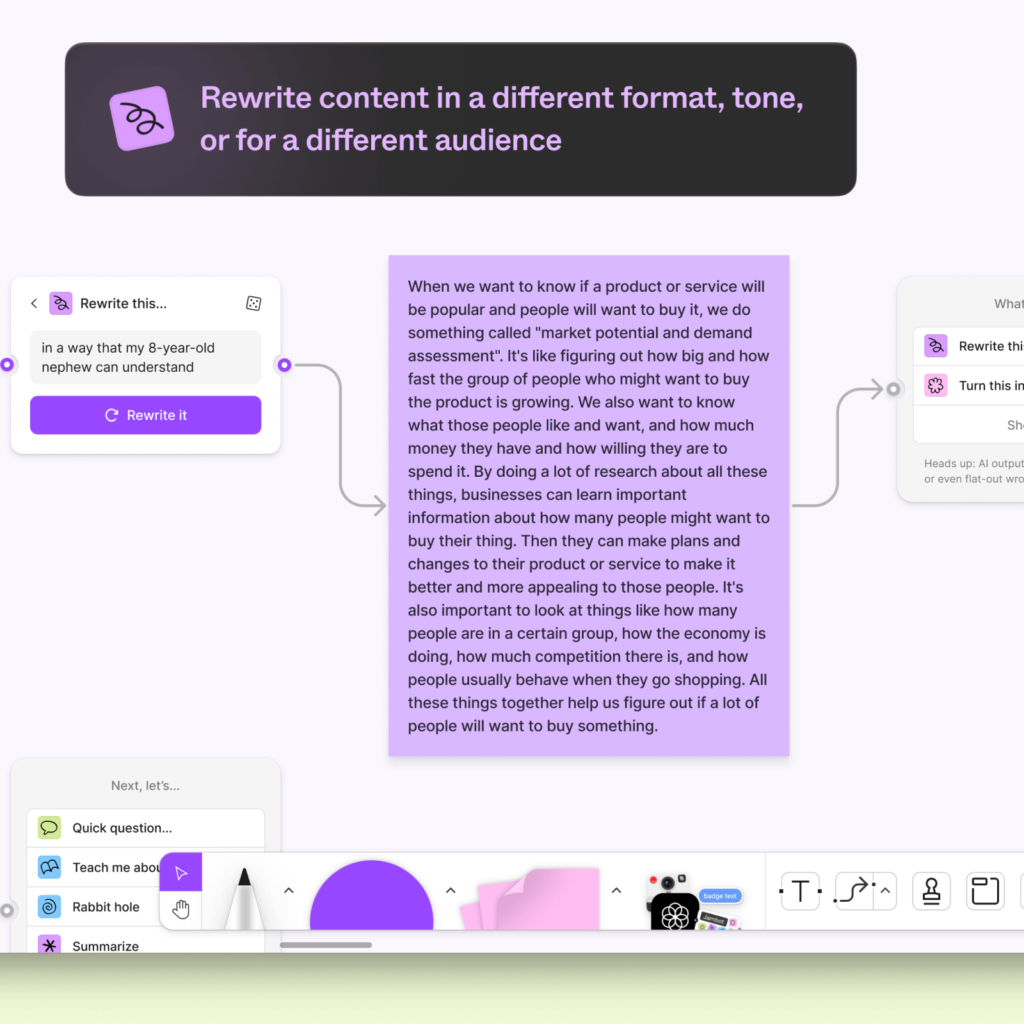
First, we ask the AI to brainstorm on a specific topic with Ideate!. If you answer multiple ideas, we'll ask you more questions using Quick Questions. If you want to go deeper into a specific topic, use the rabbit hole. We dig into the details and rewrite it in a format and tone that suits the audience with Rewrite it.
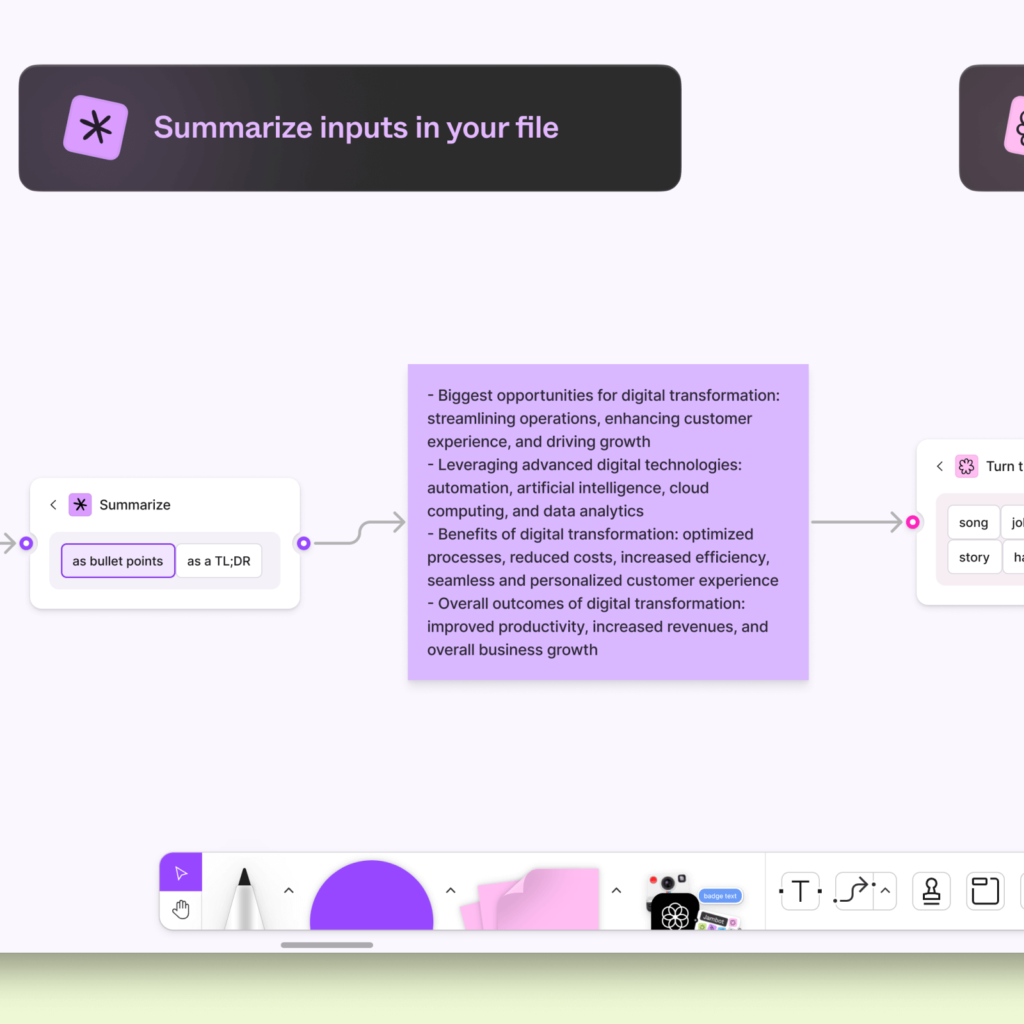
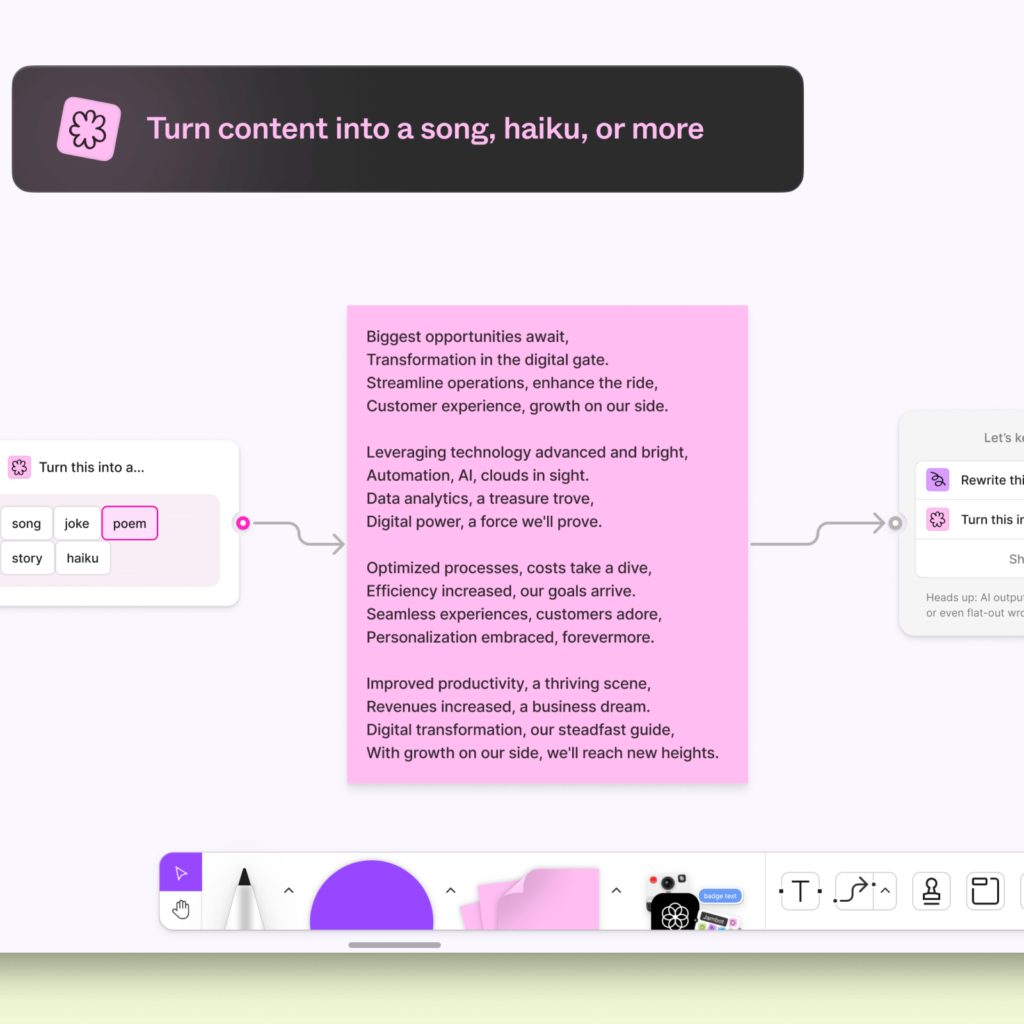
You can ask them to teach you about a specific topic by Teach me about this, or you can ask them to summarize long content by summarizing it. Turn this into a… You can also turn it into a song, story, joke, or poem.
You can ask us to write code for you or customize it yourself like any other AI tool.
Figma, which innovates productivity through technology, has finally started applying AI. We started with features to reduce friction in the experience of using PigJam to organize your thoughts. It scratches the areas that were bothersome when using the original Pig Jam.
Many companies are using AI technology for chat interfaces. Although PigJam is distinguished by stickers and arrows, it still appears to be a prompt-based text AI tool. I also think it overlaps with Notion.
Before applying AI directly to Figma, I thought that I would first apply Figjam, which is closer to text-based. I think it may be because of the strategy to expand into collaboration rather than focusing only on designing digital products. I still feel bad about my Korean language experience.
©Figma