Before the upcoming WWDC, Apple first unveiled several new 'accessibility' features that improve cognitive, visual and voice accessibility. It is expected to roll out to several Apple devices later this year.
'Ease of use' refers to various functions that help users conveniently operate the interface in various physical conditions. 'Live Speech', Personal Voice, and 'Point and Speak' were released.
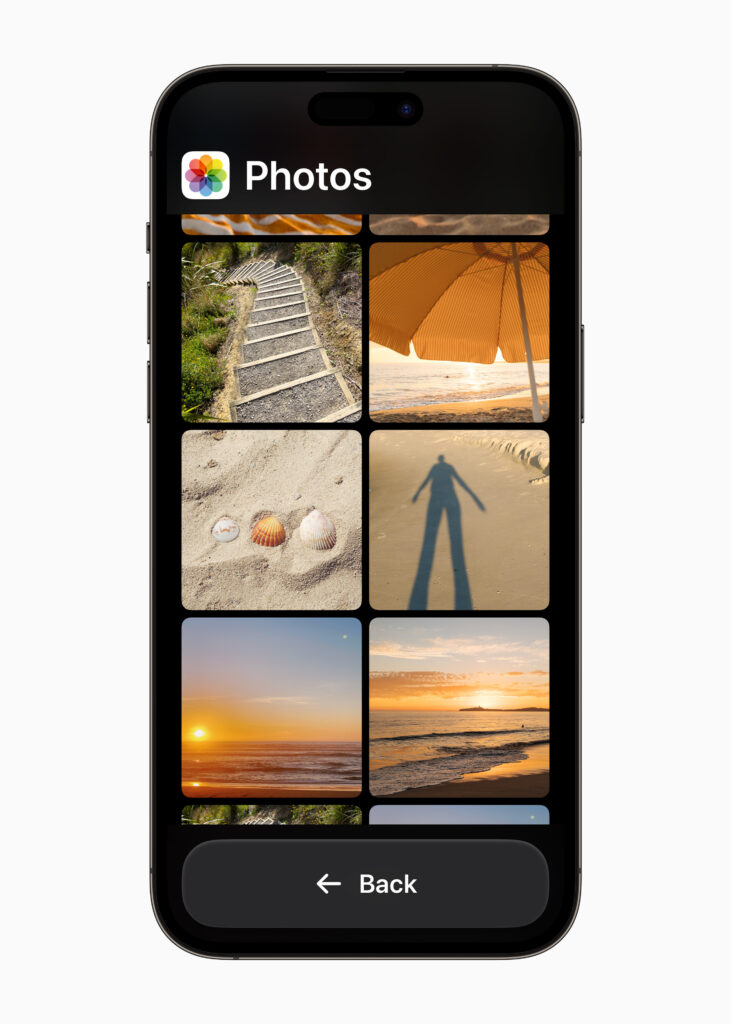
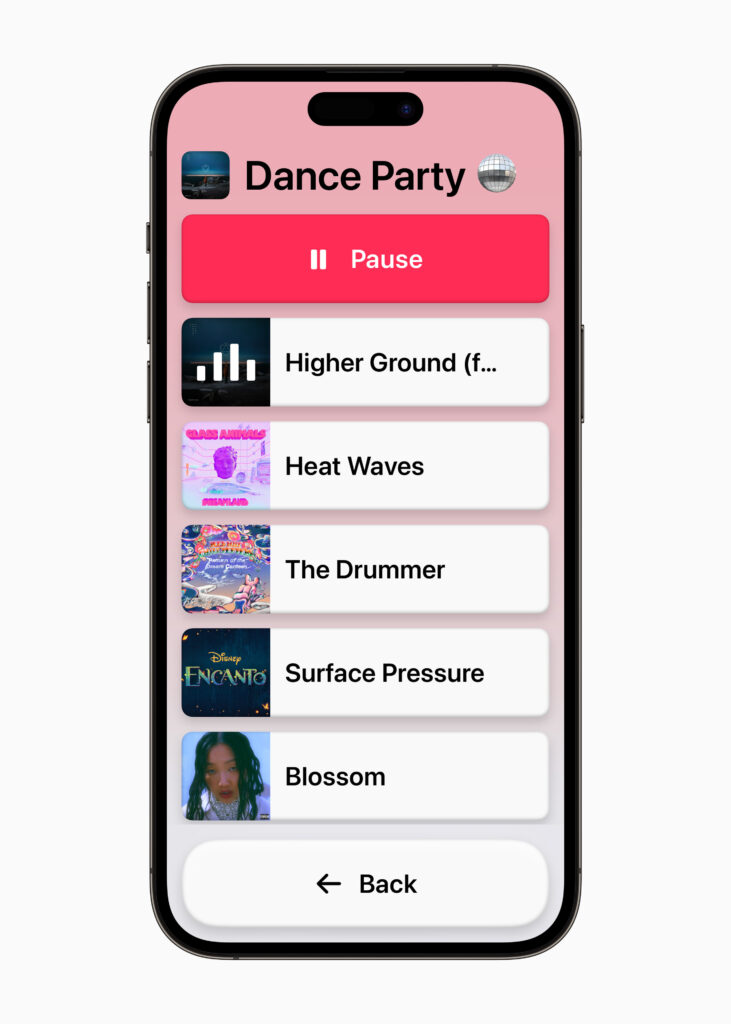
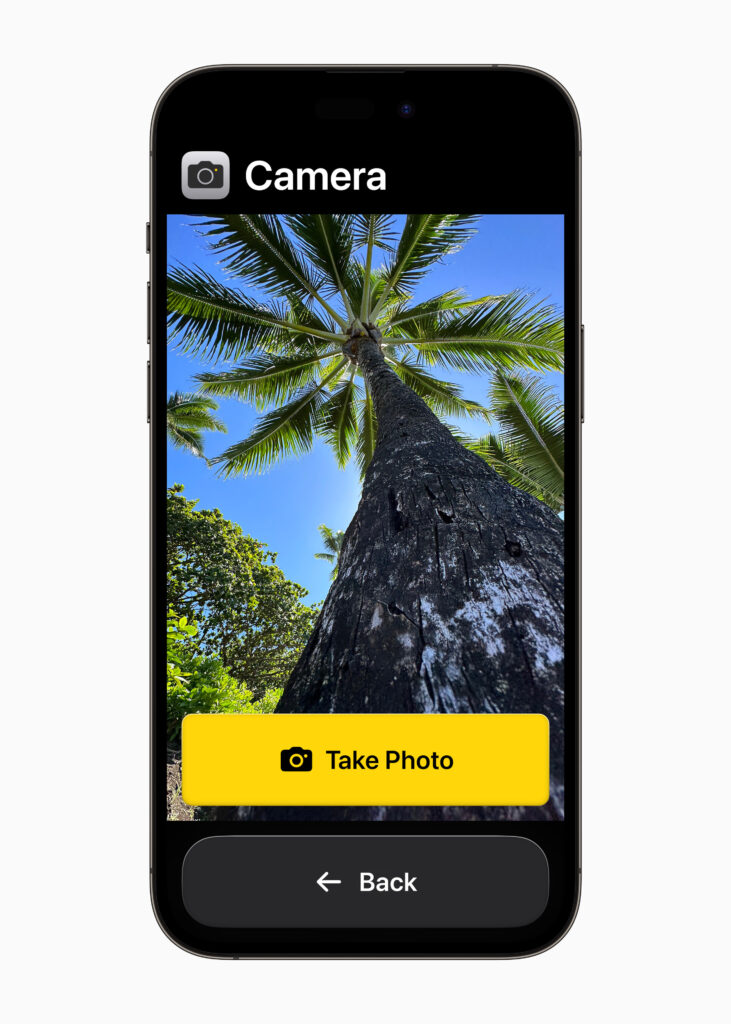
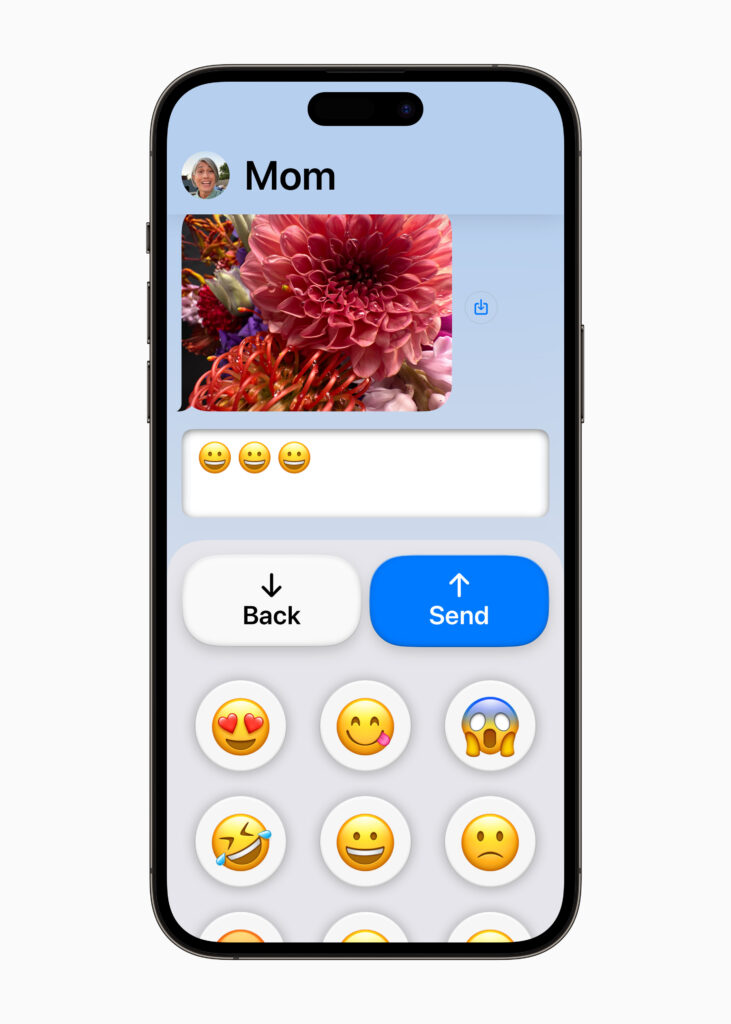
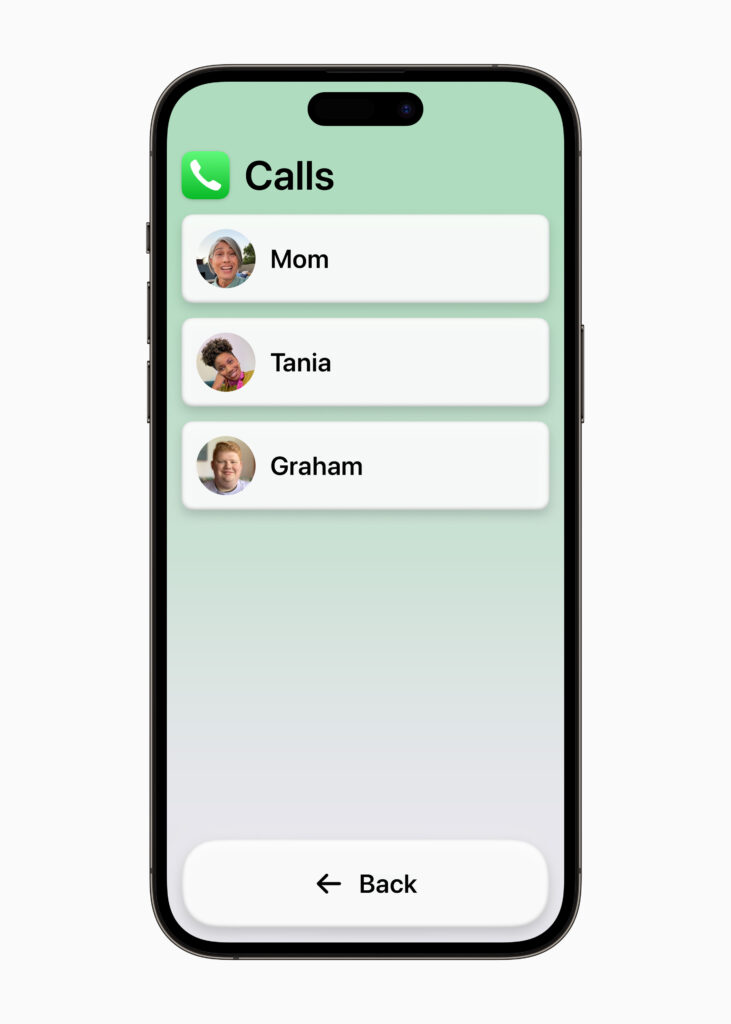
'Assisted Access', which will soon be released on iOS and iPad, was developed with feedback from people who have difficulty recognizing it. Elements used in the UI are displayed large. There is also a back button that allows you to undo an operation if you make a mistake.
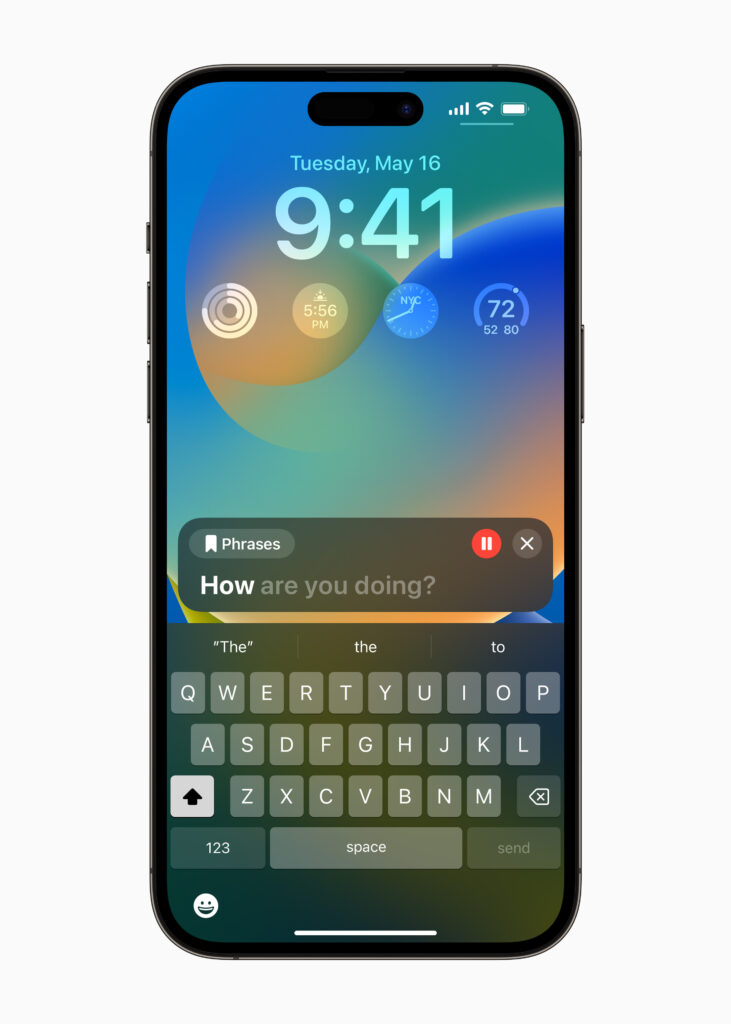
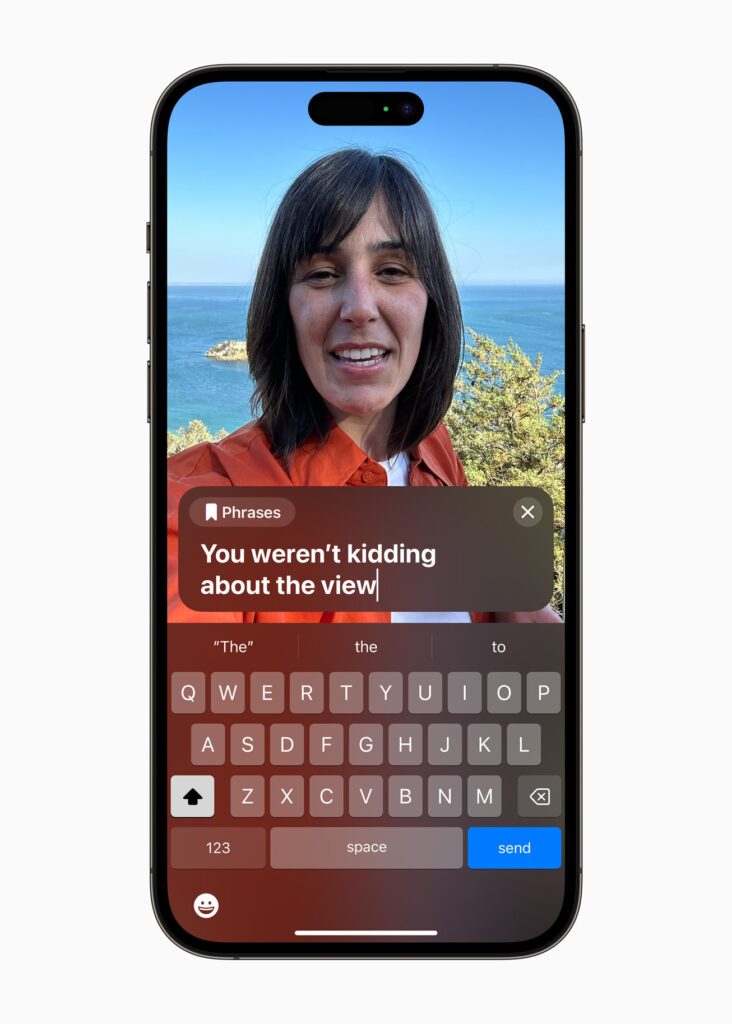
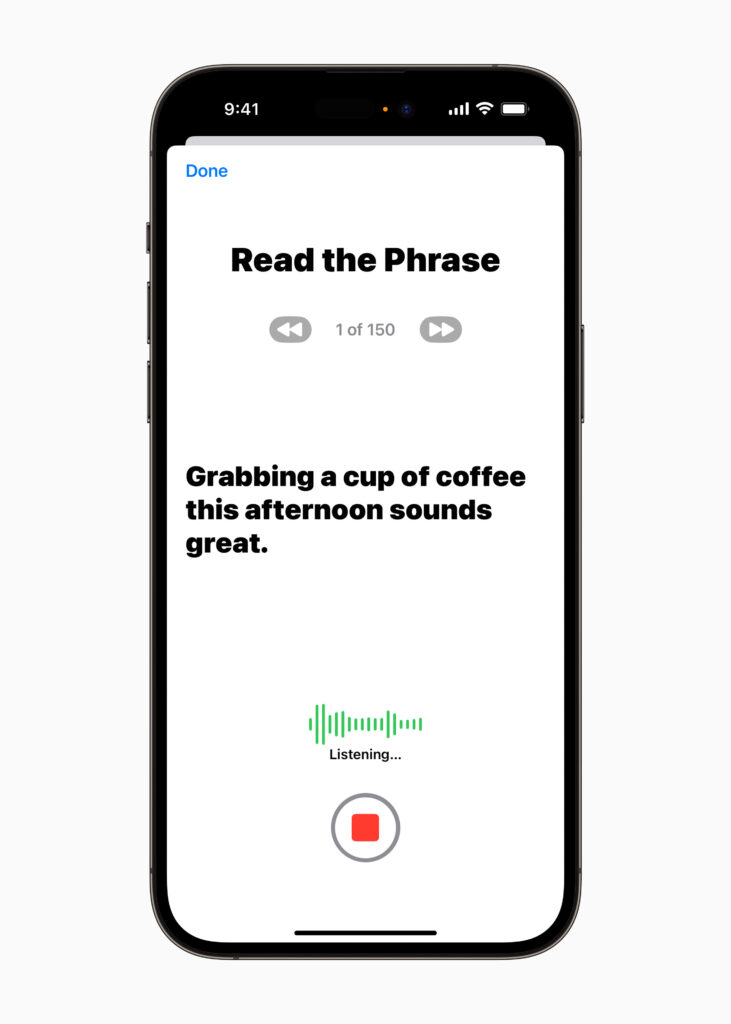
'Live Speech' is a function that speaks your voice instead in various environments. Just type in a phrase you use often and the device will speak for you. 'Personal Voice' works with 'Live Speech' to store your voice on the device. I can speak through the device in synthesized sounds similar to my own voice.
'Point and Speak' interprets objects or letters and informs them. If you point your finger at the desired part, the text is read aloud. A sign language interpretation service called 'Sign Time', a similar function, will also be provided.
When designing UX, we always consider both best-case and worst-case experiences. We designers, who need to increase the sum of all experiences, always face limits. Because a company's resources are not unlimited, it narrows down which users to focus on. It is inevitable that there will be experiences that are missed.
But Apple is different. Being the world's No. 1 company will never be easy. I can't make it roughly. I think that it has been expanded to a wider area to reduce the inconvenience of users in various environments, rather than exclusive welfare for those with differences even in the face of various challenges. Except for the word Apple.