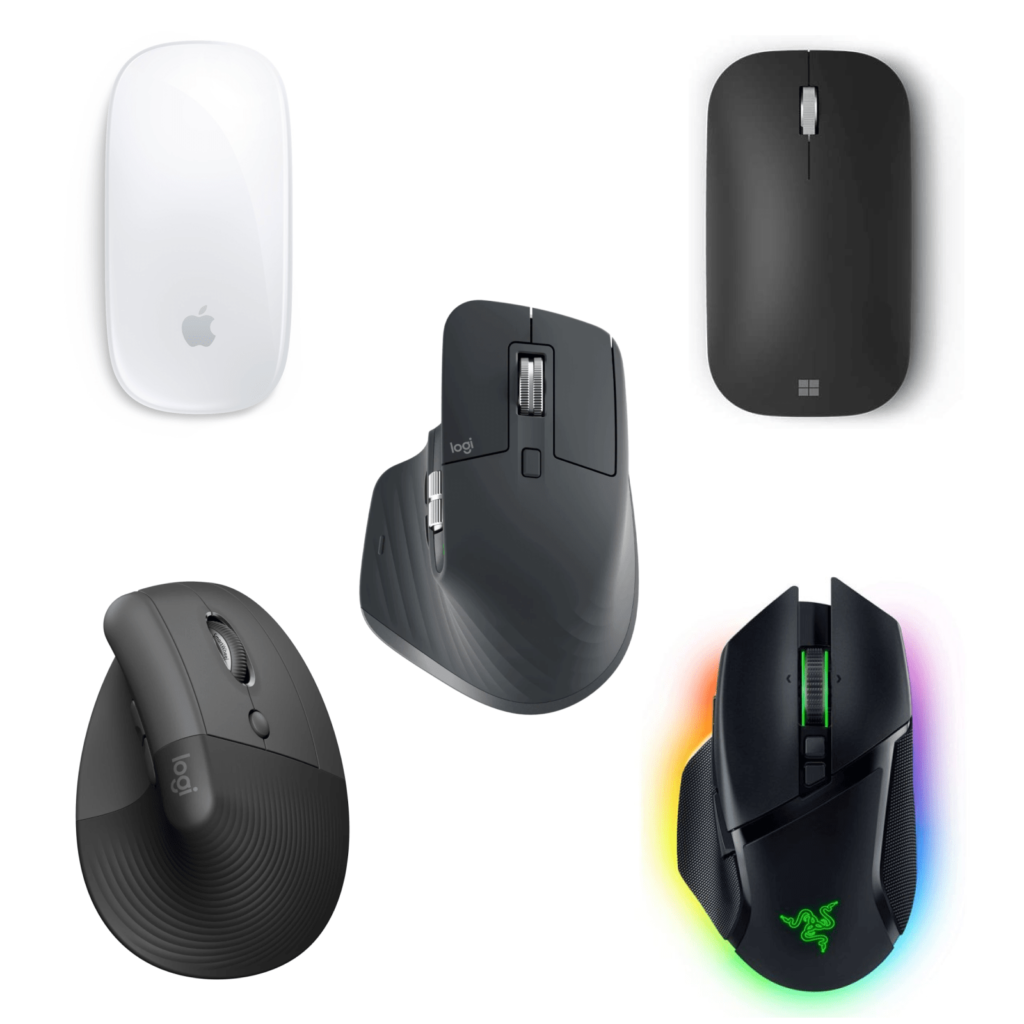
The mouse is a powerful tool that many office workers use throughout the day. It's like a hand to a designer. Recently, the Design Compass community voted on which mouse to use the most. There were expected mice, but there were also unexpectedly unique devices.
Suddenly, a mouse with a good design came to mind. We've collected the best mice as objects that provide a unique experience rather than a contested ranking. Introducing five beautiful, useful, and easy-to-use mice that I have felt while using them.
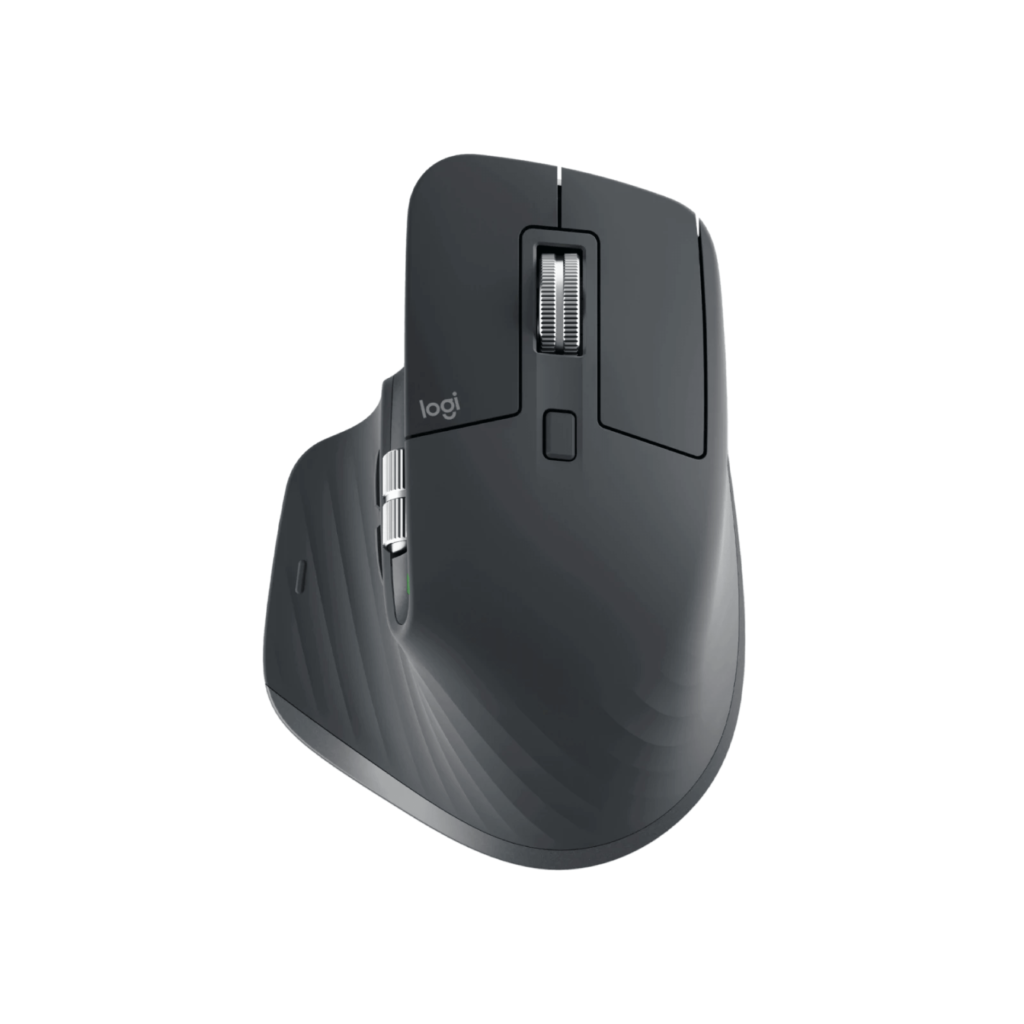
This is a mouse from Logitech, famous for being the best office mouse. Logitech's top-of-the-line mouse and keyboard. It is a shape that intuitively comes to mind when you hold it in your hand. The texture and finish are delicate so that the shape of the asymmetry and ambiguous angle does not look distorted. The infinite scroll wheel, accurate dark field sensor without a mouse pad, and seven customizable buttons are useful.
Specifications
Advantages
disadvantage

It is a mouse that allows seamless use of Apple products when using iMac and MacBook. Although physically a one-button mouse, you can use the entire mouse surface as a touchpad. You can intuitively scroll in different directions. This is one of the powerful features when using graphics and video related tools. It is the usability of using it as a mouse with a finger grip and using it as a touchpad.
Specifications
Advantages
disadvantage
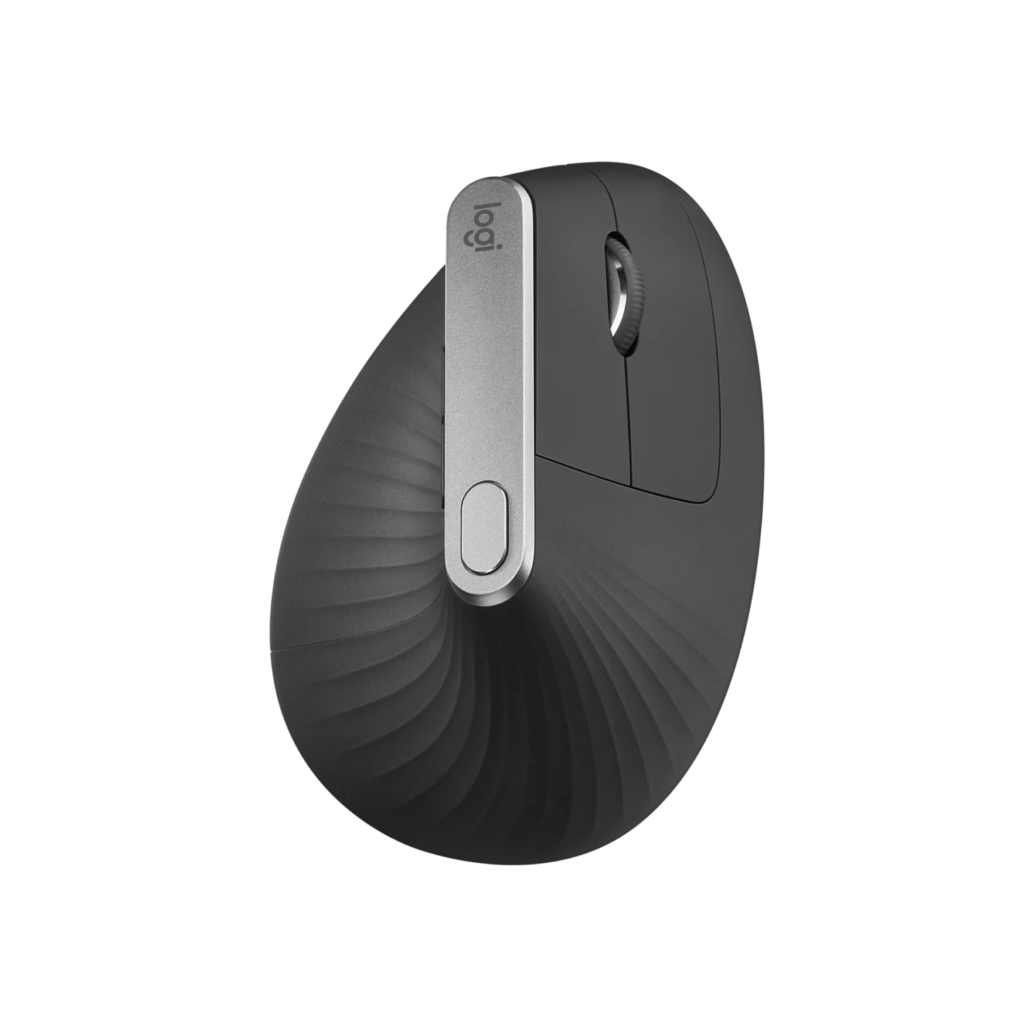
This mouse is used with the wrist held vertically. When using a mouse, a person's wrist is inevitably twisted. Raise the mouse at about 57 degrees to reduce the strain on the wrist and arm.
Specifications
Advantages
disadvantage
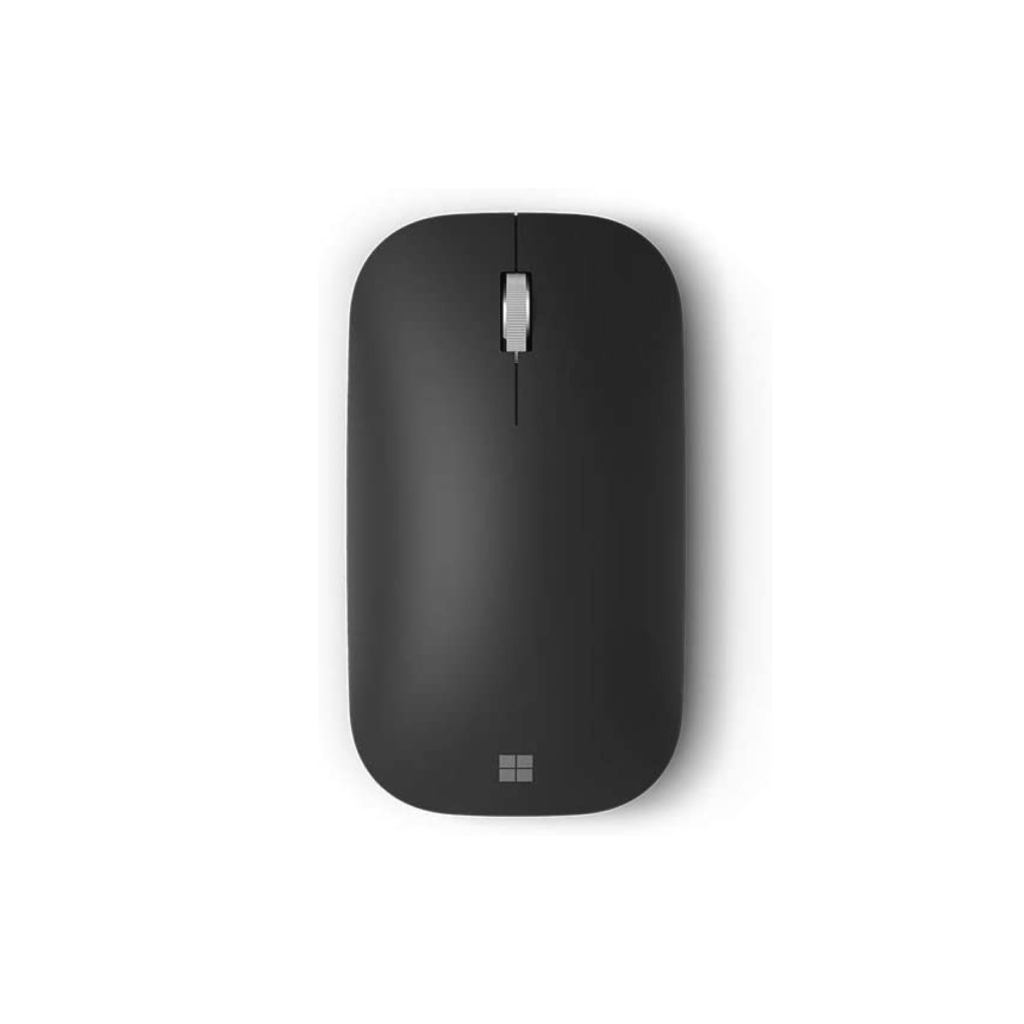
It is a mouse from Microsoft, a famous hardware brand. Left-click, right-click, and scroll are clearly separated to match traditional mouse usability, so you can use them clearly. It is flat and lightweight, making it easy to carry. The texture of the mouse surface and the metal texture finish of the scroll are hard and feel good. A mouse down mouse faithful to the basics.
Specifications
Advantages
disadvantage
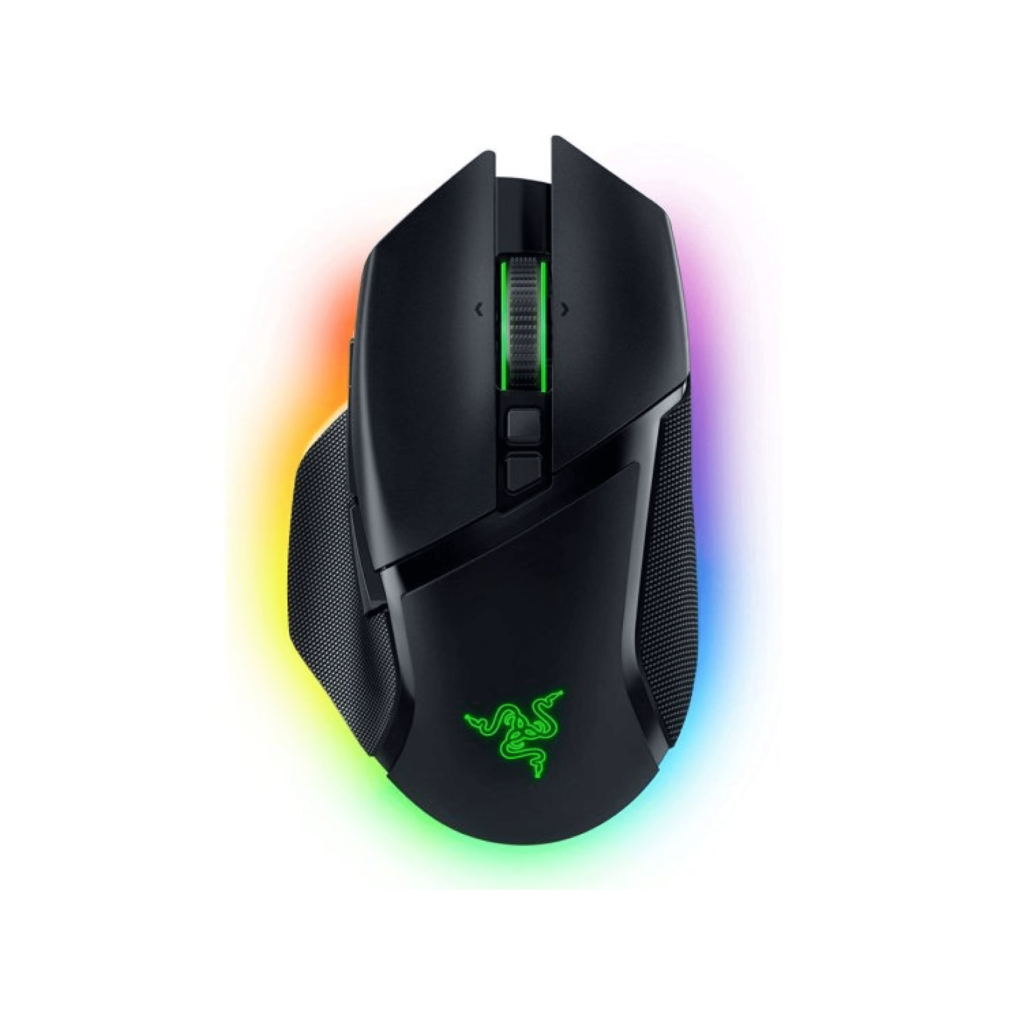
This is a mouse from Razer, which makes gaming hardware. If you enjoy playing games outside of work, you can't help but use a fancy gaming mouse. As a gaming mouse, you can point quickly and accurately, so you can use it comfortably in various work environments. It is an LED that can look cheap if done wrong, but the delicately displayed LED is natural.
Advantages
disadvantage
“This posting is part of the Coupang Partners activity, and a certain amount of commission is provided accordingly.”