Notion has finally officially launched offline editing. This update is generating significant interest, as it's been a feature users have been asking for for years. Keep in mind that not all documents work offline automatically; users must manually enable it.
Notion has long been positioned as an all-in-one workspace that relies on an internet connection. However, the inconvenience of interrupting workflow in poor network environments has been consistently pointed out. Now, with the introduction of offline mode, you can open and edit pages even on trains or planes, and they will automatically sync when the connection is restored.
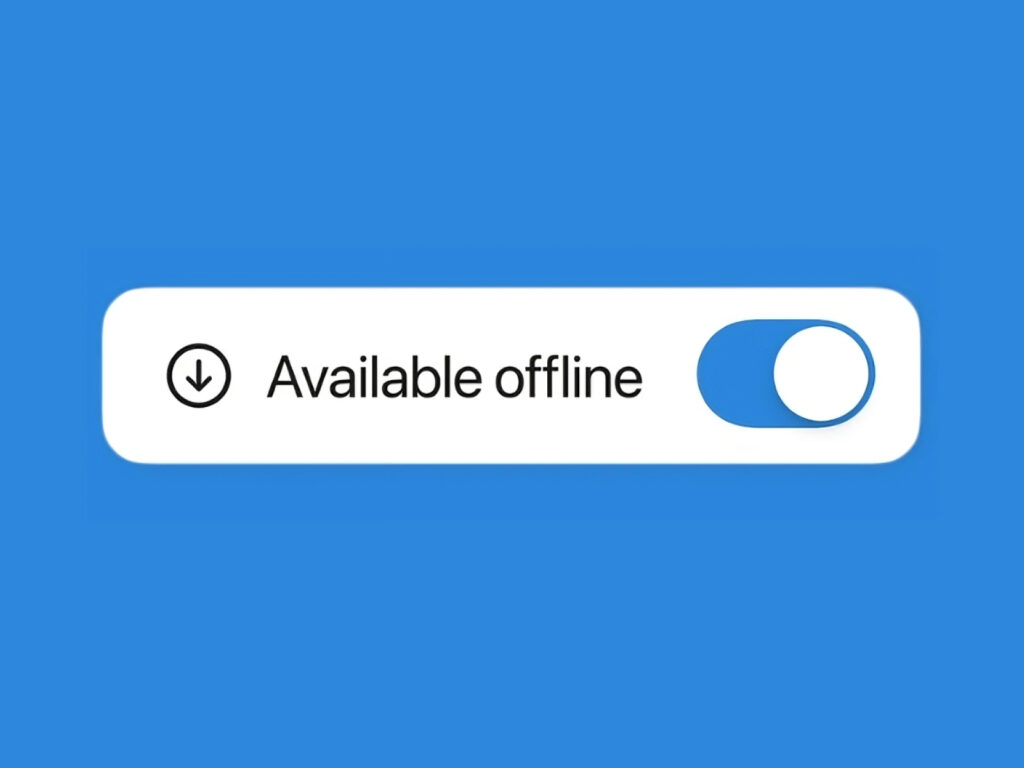
Free users must manually enable the "Available Offline" feature for each page to view desired documents offline. Paid plans (Plus, Business, and Enterprise) automatically download recent and favorite documents for immediate use, but manual settings are still required for other pages. This feature is not supported in web browsers and is only available on mobile and desktop apps.
While you can create new pages and edit basic blocks while offline, advanced features like AI blocks, external embeds, and forms are unavailable. The database is also automatically saved only up to 50 rows in the first view, and additional data must be downloaded separately. Furthermore, offline mode is device-specific, requiring separate settings on both your phone and PC.
In this update, Notion has introduced a new "Offline Dashboard" that allows users to view and manage downloaded pages at a glance. Unnecessary pages can be easily deleted, and the automatic download feature can be toggled on and off. The search function has also been improved for offline use, allowing you to quickly retrieve saved pages.