Figma has updated the way objects in images are selected and its AI vector editing capabilities. On November 5, 2026, it improved the editing structure for icons and illustrations created by AI agents. On the 6th, it unveiled a feature that automatically selects objects in images by clicking on them.
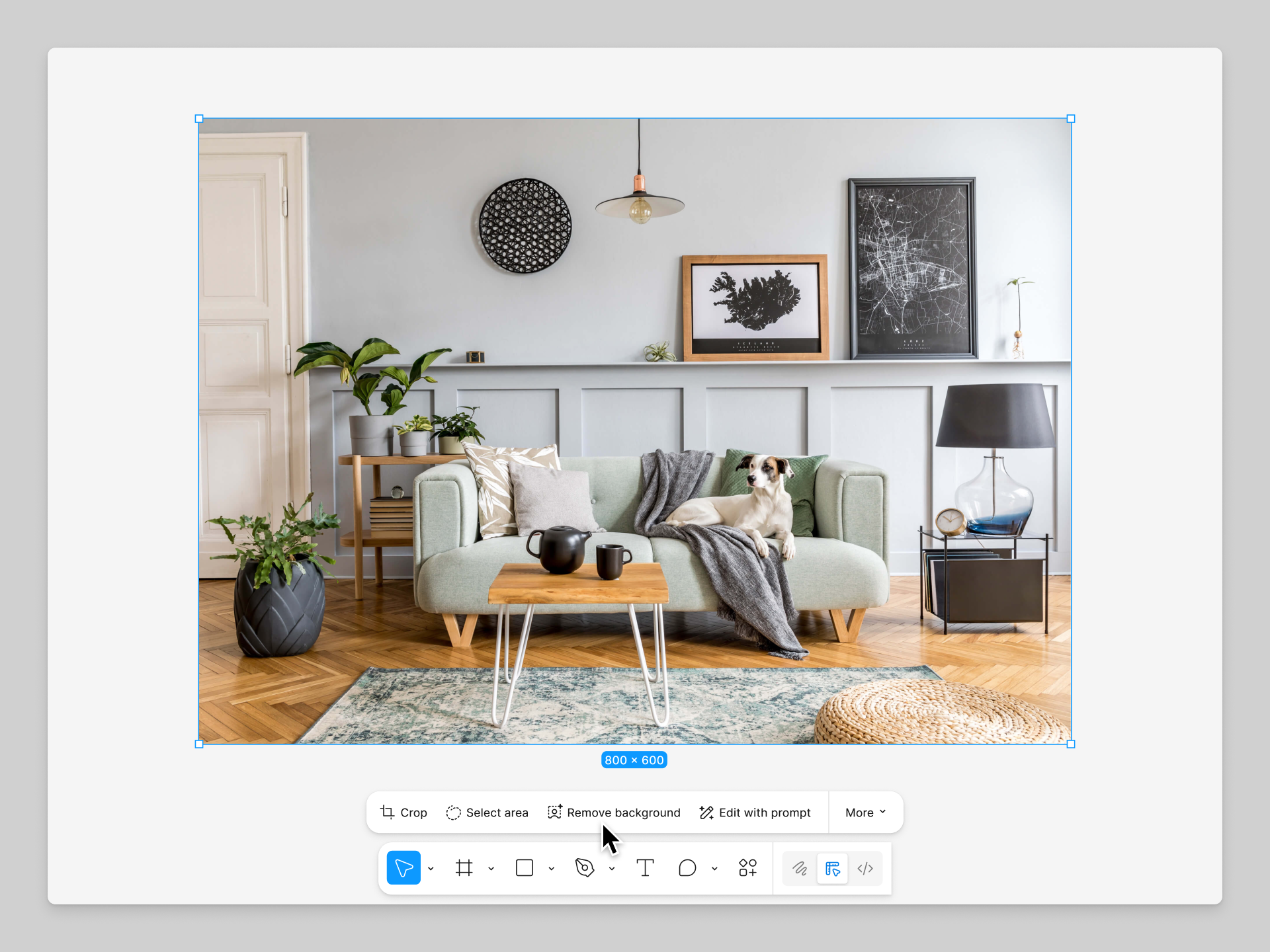
When you click the desired object in the 'Select area' of the image editing tool, Figma selects that area. The selected object can be separated into a new image layer or erased from the original. Previously, you had to manually trace the outline using the lasso tool. Click-based selection is supported in the Figma desktop app for macOS.
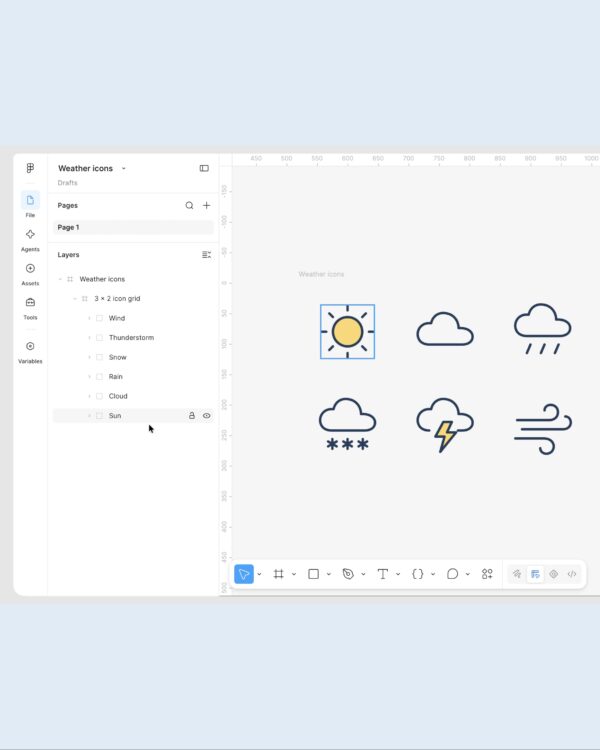
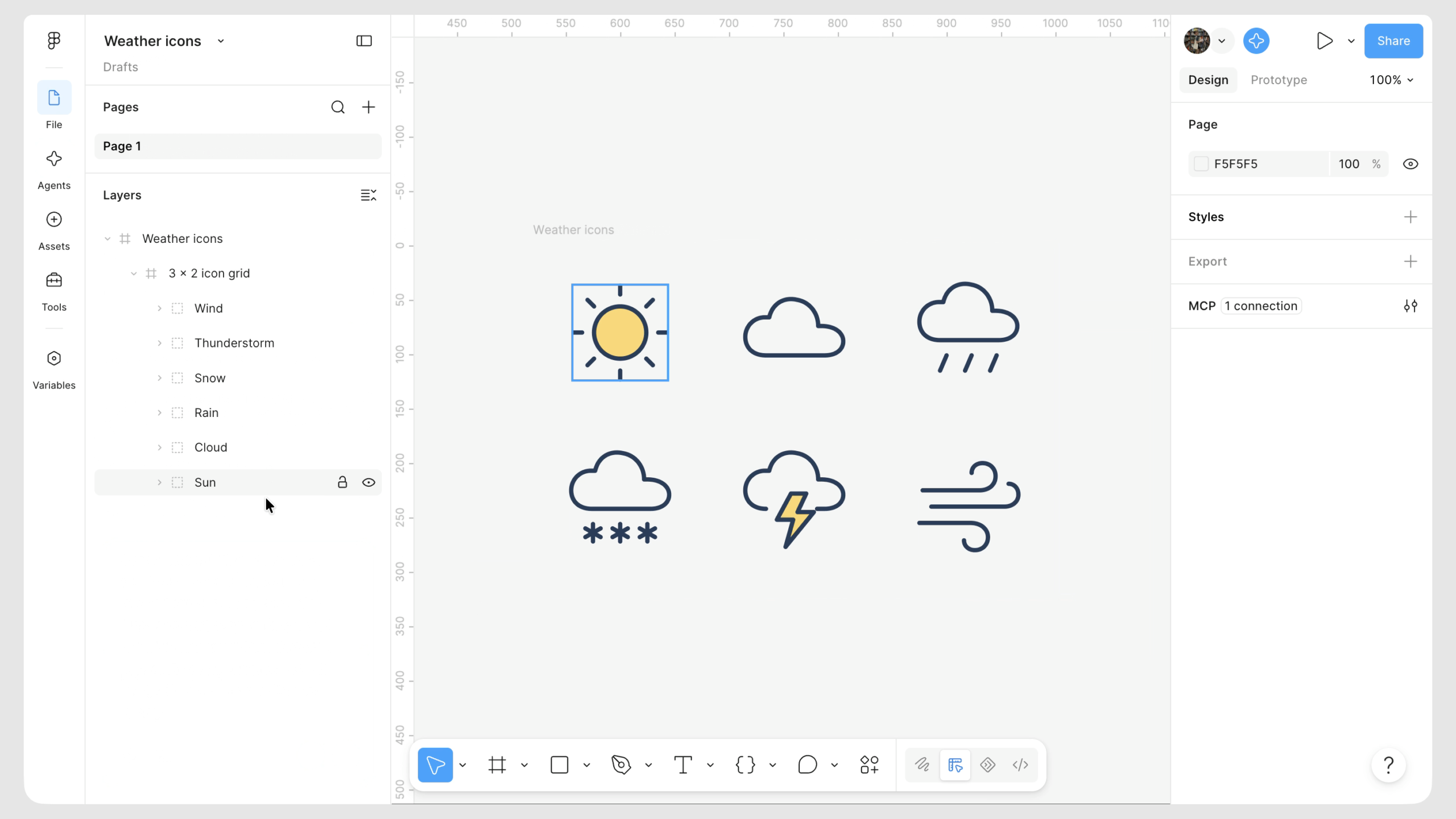
Vectors generated by the AI agent consist of independent layers, and related elements are grouped together. For example, after creating a set of weather icons, you can select and modify the sun and clouds individually. Parts represented by lines are generated as strokes. This reduces the need to redraw shapes when adjusting stroke thickness or end shapes.
It also supports attaching existing icons or illustrations as references. The agent generates graphics of a similar style based on the reference materials. The completed vectors can be animated layer by layer in Figma Motion.
The Figma help section introduces how to edit generated results and how to vectorize static images, respectively. The weather icons in the materials below are examples of AI-generated vectors. The lasso video demonstrates the editing method before click-based object selection is revealed.
See more and sources
Figma Release Notes · November 6 Automatic Object Selection
Figma Release Notes · November 5 Vector Edit