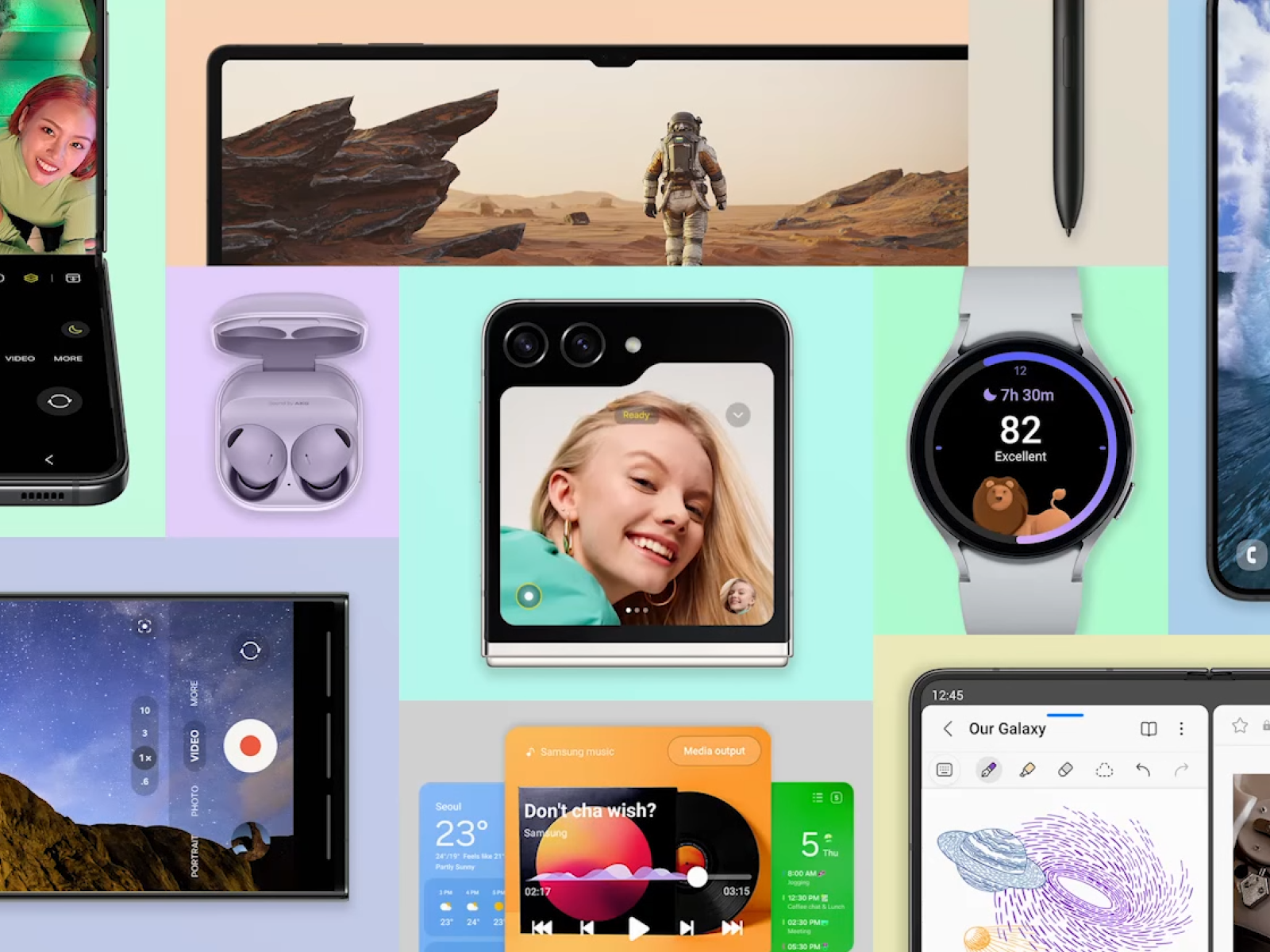
삼성 갤럭시 시리즈의 One UI 6가 정식 버전을 배포했습니다.
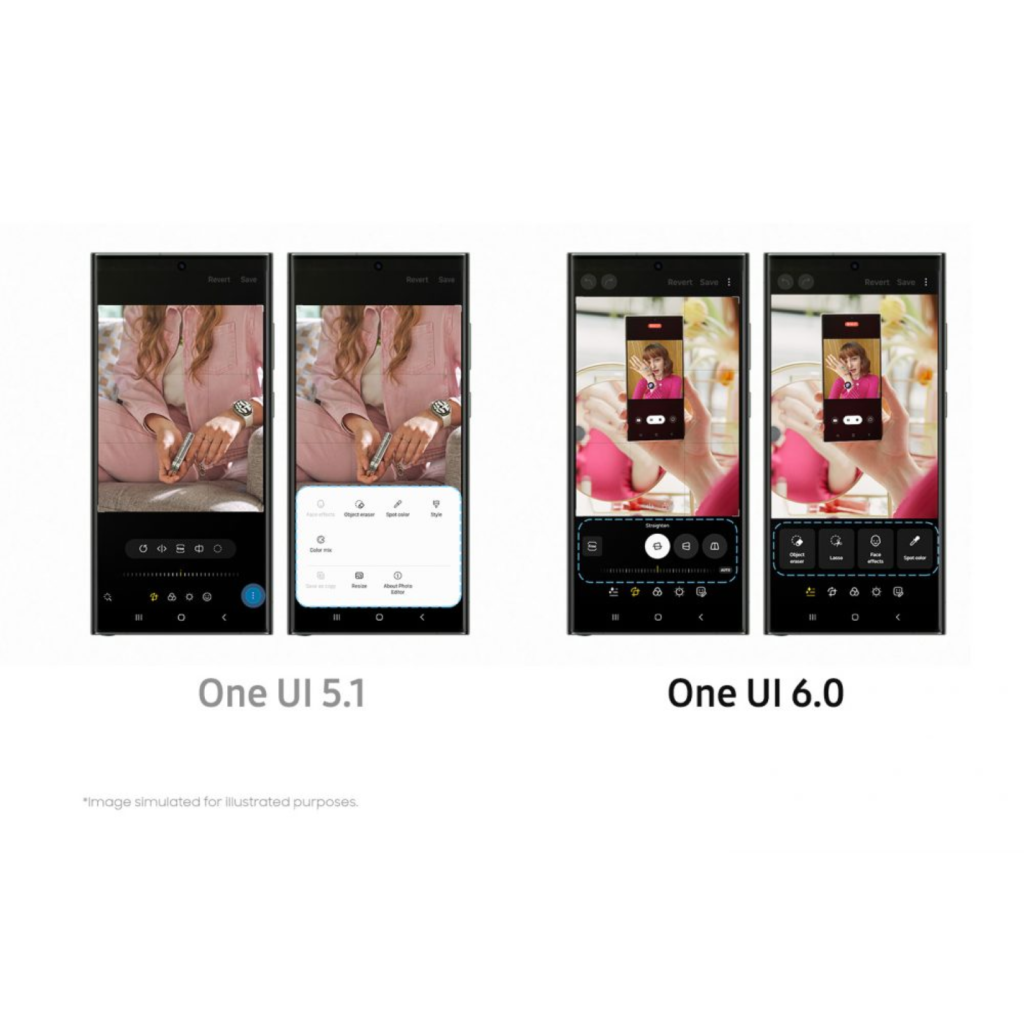
안드로이드 13 기반의 One UI 5.1에서 안드로이드 14 기반의 One UI 6.0으로 업데이트되었습니다. GUI가 크게 바뀌진 않았으며 UX 개선이 많습니다. 주로 스마트폰을 제어하는 경험과 사진/영상 촬영 경험이 개선되었습니다.
가장 많이 사용할 ‘빠른 설정 패널’의 레이아웃이 변했습니다. 화면 상단을 아래로 밀면 등장하는 ‘빠른 설정 창’에서 밝기를 제어할 수 있게 되었습니다. 화면 상단을 두 번 내려서 접근할 수 있던 전체 화면 ‘빠른 설정 창’은 이제 오른쪽 상단을 쓸어내려 접근할 수 있습니다.
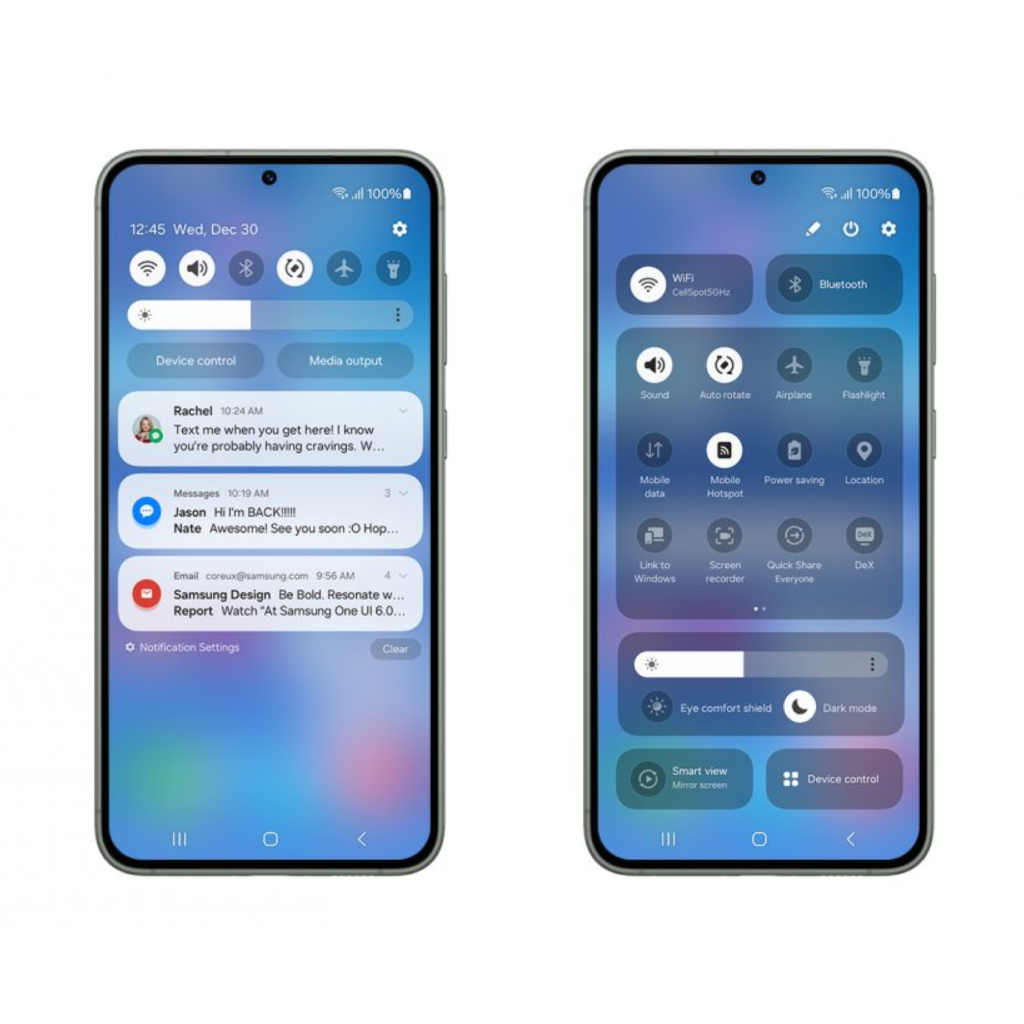
알림을 확인하는 단계에서는 컨트롤의 여백이 좁아졌고 확장된 페이지에서는 여유가 생깁니다. 상단에 위치한 기능 중에 빈도가 높은 기능도 제법 있어 보이는데 ‘스마트 뷰’와 ‘제품 제어’가 가장 아래에 있는지 궁금하네요.
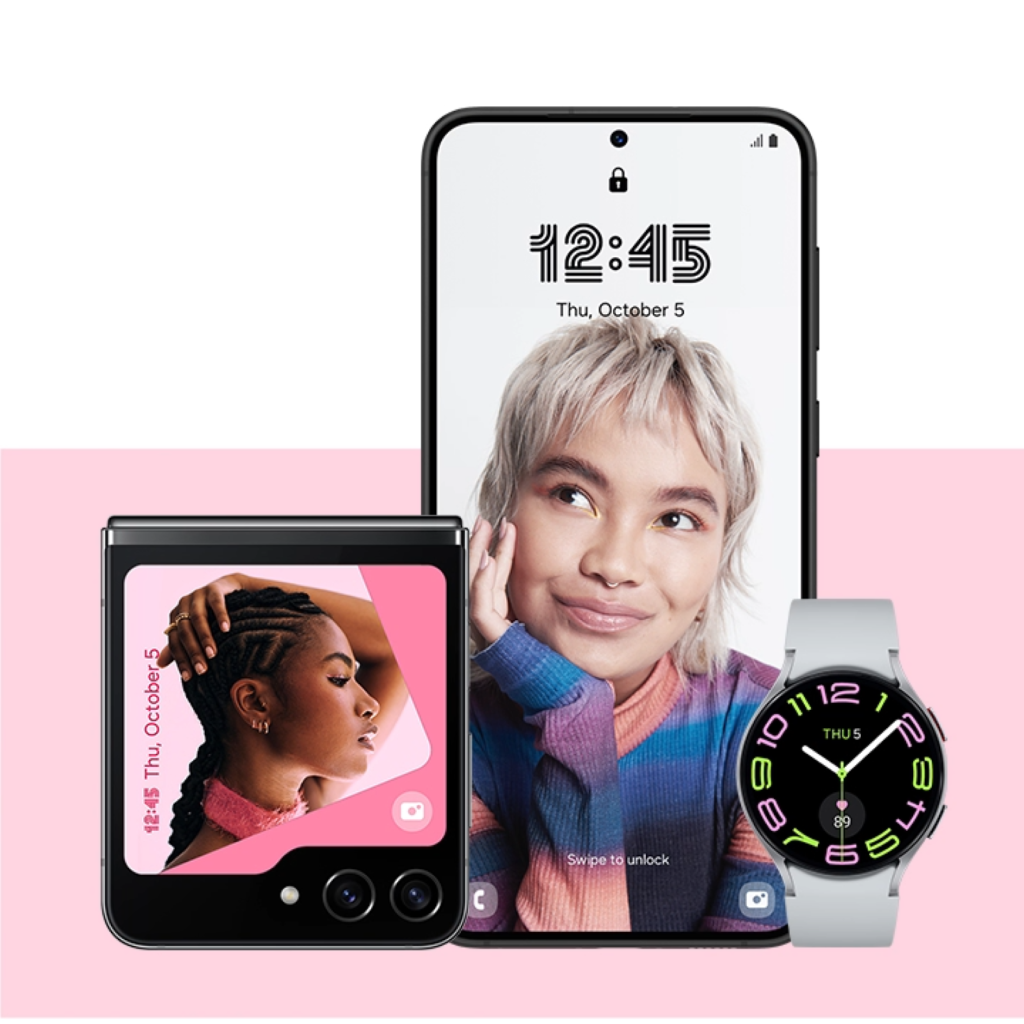
‘모드 및 루틴’ 기능을 이용해 잠금 화면을 내 상황에 맞게 바꿀 수 있습니다. 모드에 맞게 다른 잠금 화면을 설정할 수 있습니다. 예를 들어 운동 모드로 전환되면 운동 앱이 표시되며 헬스장에 도착하면 자동으로 모드가 전환될 수 있습니다. 어떤 카메라 모드를 기본 모드로 할지도 설정할 수 있습니다. 촬영한 사진과 영상을 어디에 저장할지도 지정할 수 있습니다.
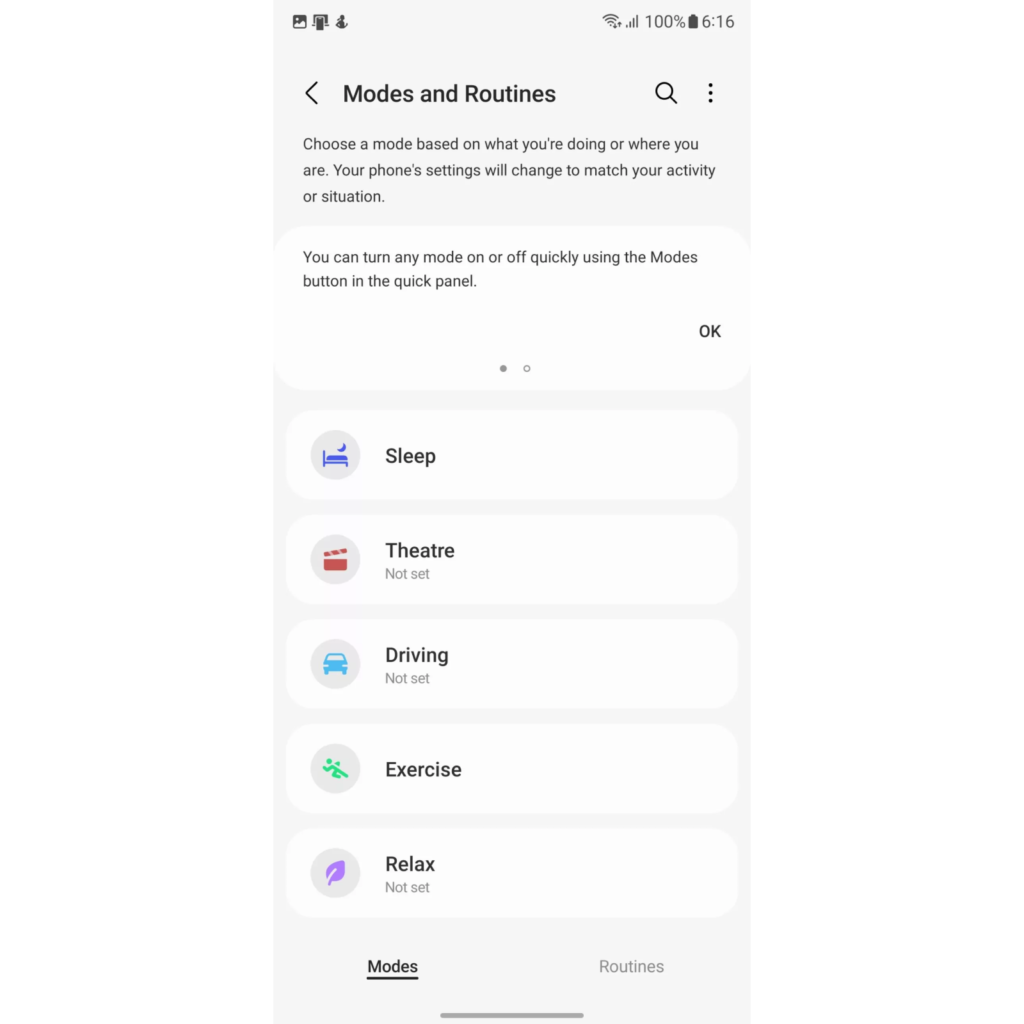
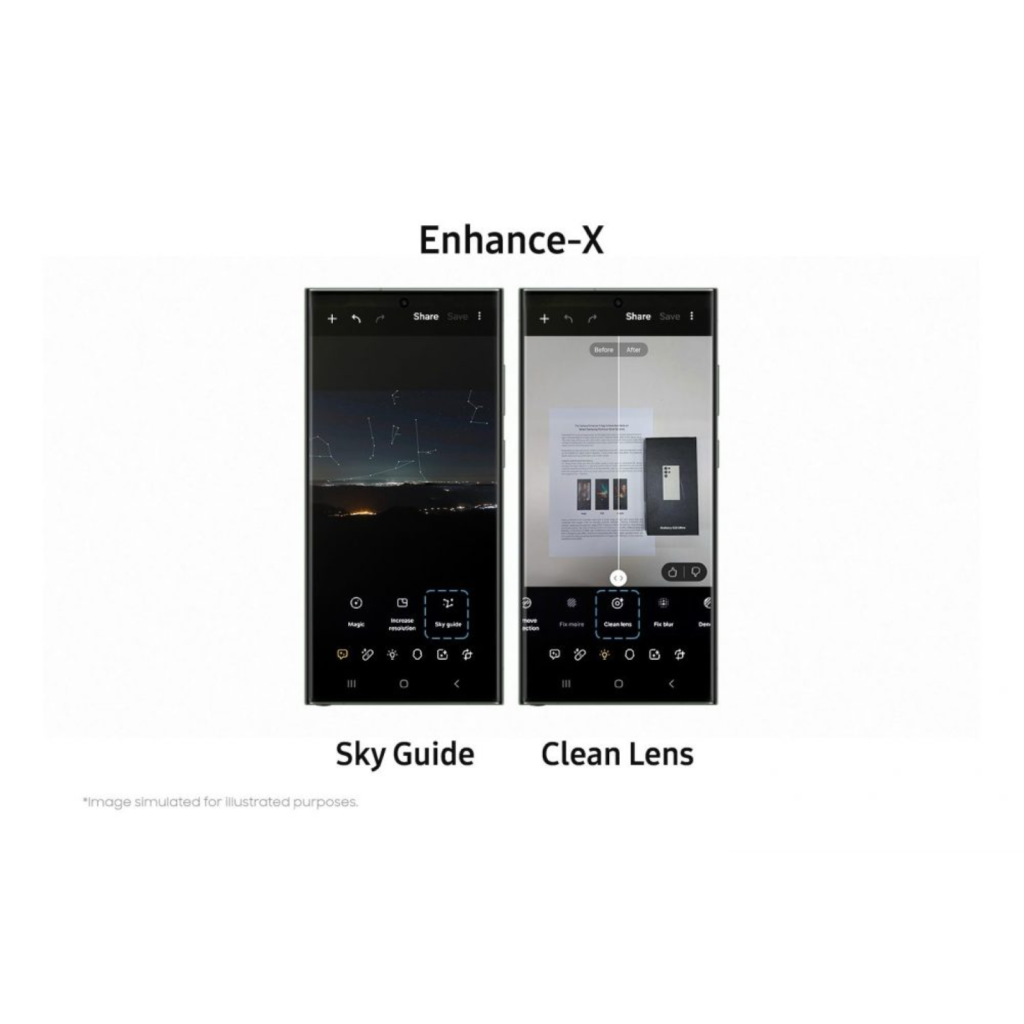
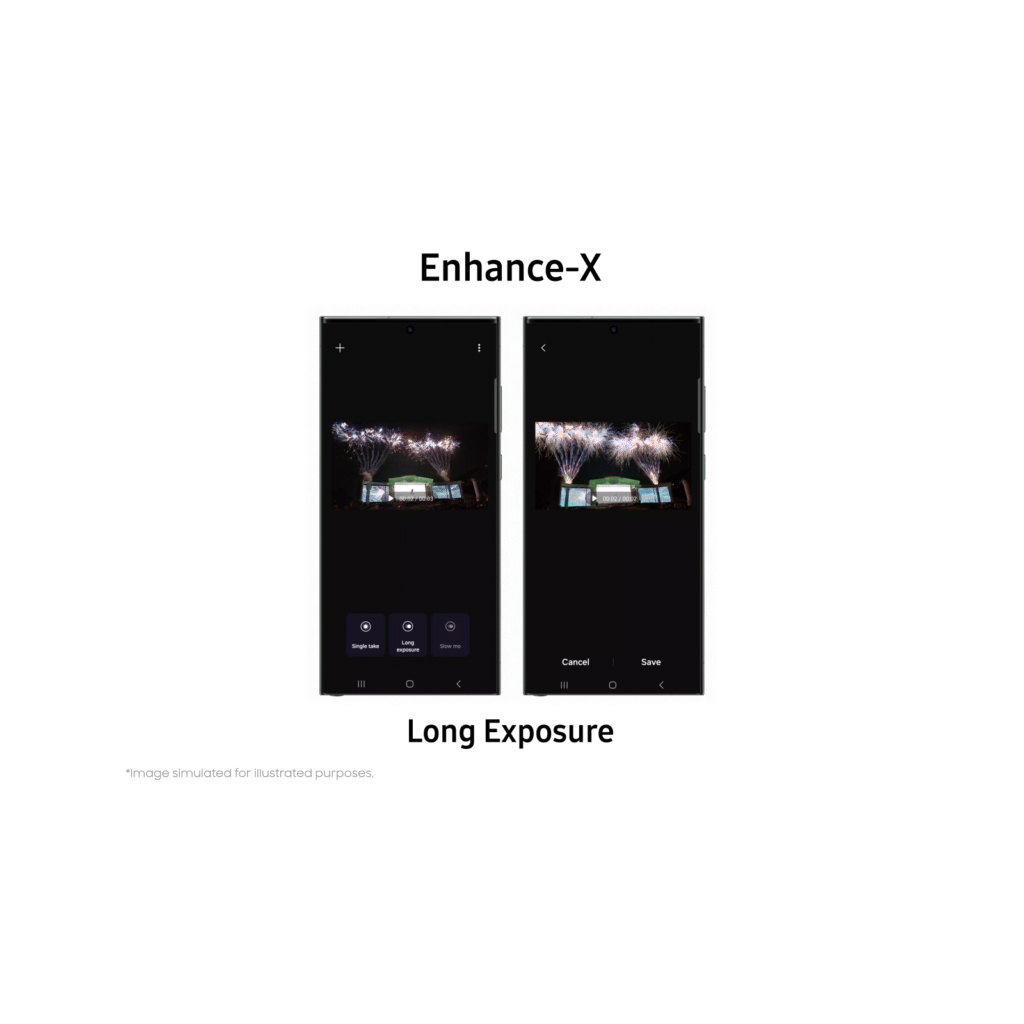
사진 촬영이 많이 업데이트되었습니다. Enhance-X 앱은 갤럭시의 후보정 앱으로 AI를 이용해 사진과 영상을 보정합니다. 밤하늘에 천체를 알려주거나 렌즈에 낀 잡티 제거, 슬로우 모션, 장노출 등을 할 수 있습니다. iOS에서 제공하는 AI 이미지 자르기도 가능합니다. 전용 비디오 편집기 Studio도 추가되었습니다. 갤러리 앱 오른쪽 하단 메뉴를 누르면 사용할 수 있습니다.