Mozilla is introducing an AI controls menu in Firefox that allows users to toggle generative artificial intelligence features on and off from a single location. Mozilla says it will enhance user choice, reflecting the fact that some users are resistant to AI while others prefer practical tools.
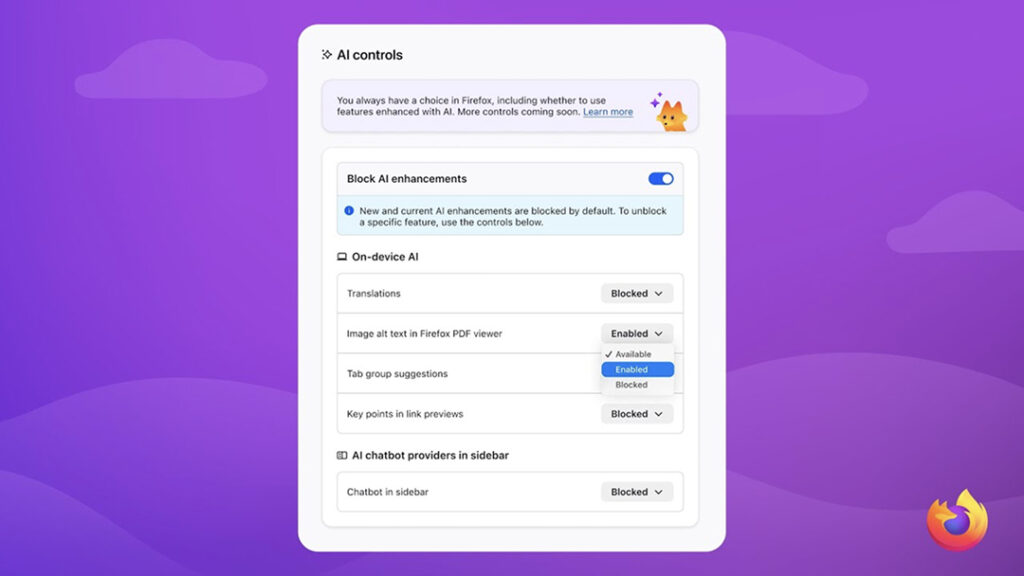
The new feature adds an AI Controls section to the desktop Firefox settings. It will be available starting with Firefox 148, with a release date of February 24, 2026. This menu is designed to serve as a single entry point for blocking current features as well as future generative AI features.
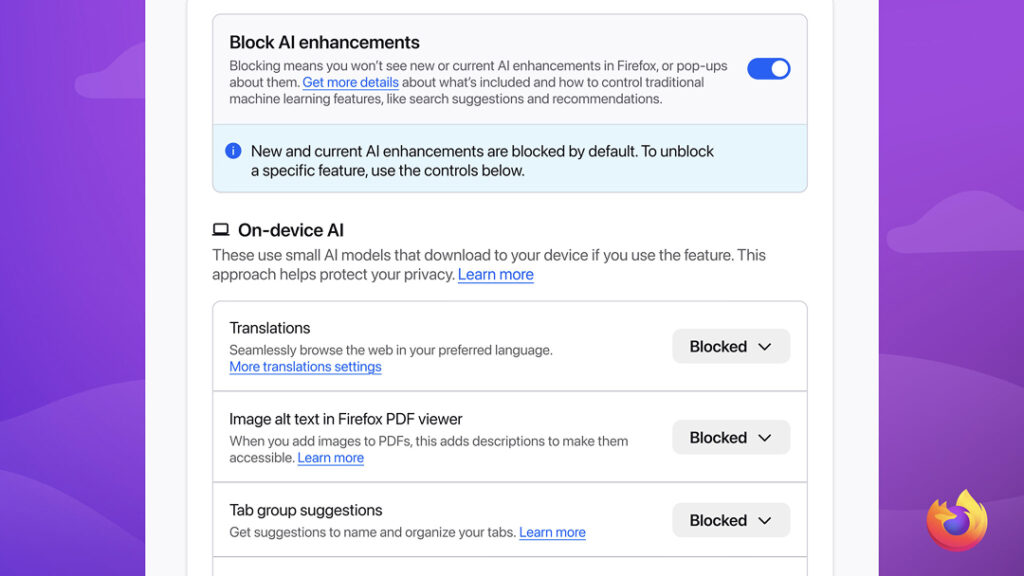
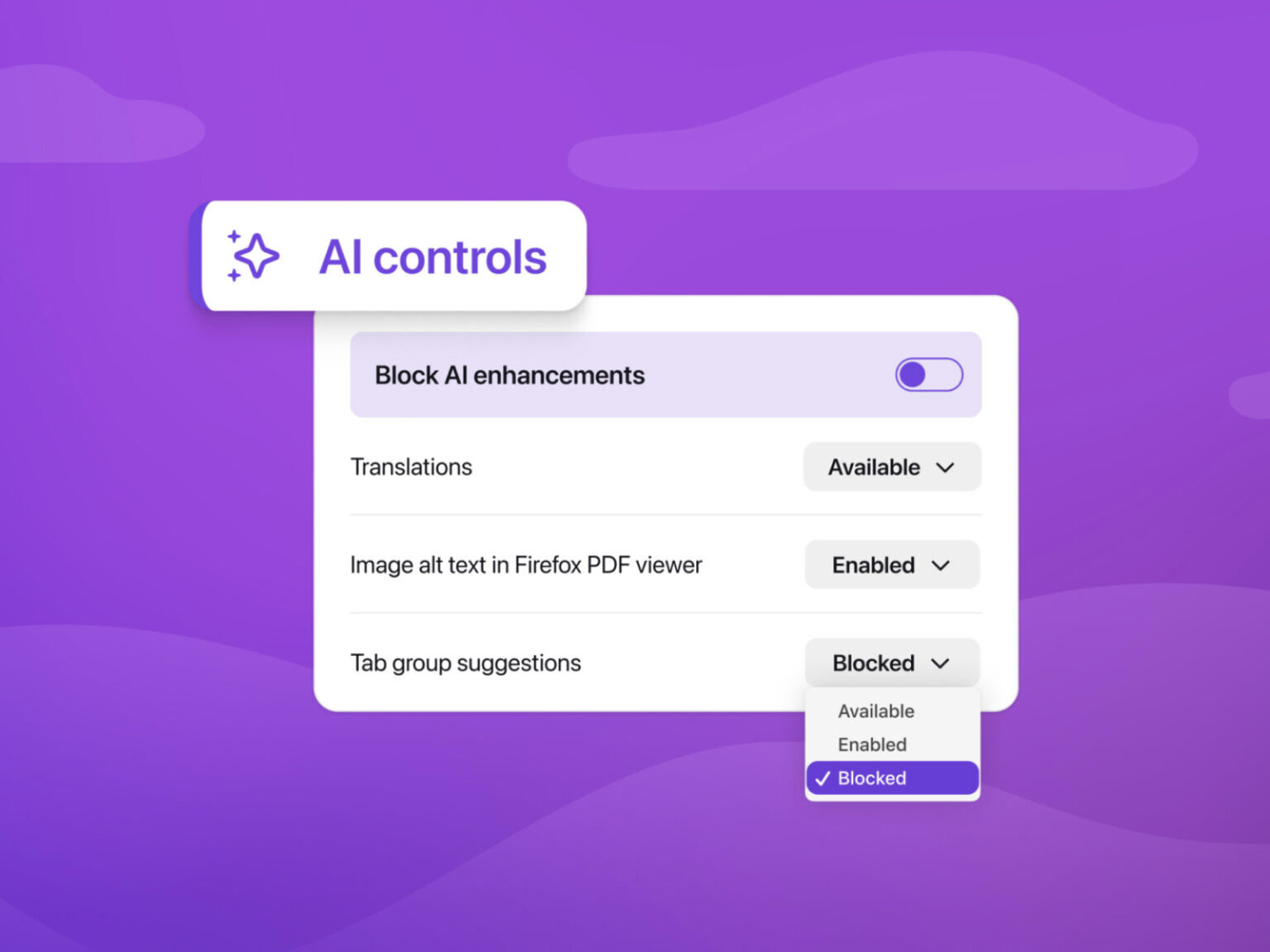
The key is the "Block AI-enhanced features" toggle. Enabling this feature prevents pop-ups and notifications encouraging users to use existing and planned features. Mozilla explains that users' AI preferences will remain in effect after the update and can be changed at any time.
The AI Control menu also allows you to manage individual features. This includes a webpage translation feature. It also includes a feature that automatically adds alternative text to images within PDFs to improve accessibility. It also includes the AI Tab Group feature, which groups tabs and recommends related tabs and suggests group names. The link preview feature, which displays key content before opening a link, is also included in the management options.
The sidebar chatbot feature can also be controlled from the Controls menu. Users can select and use the desired chatbot while browsing. Examples include Claude Chatzypt, Microsoft Copilot, Google Gemini, Le Chat Mistral, and more. However, the company maintains that this feature will remain optional, to be enabled only when necessary.
Foreign media outlets interpreted this move as a de facto blanket blocking of AI functionality. Some also saw Mozilla's emphasis on user trust and control as the browser race shifts toward AI integration.