UI Design Classes Massive Update

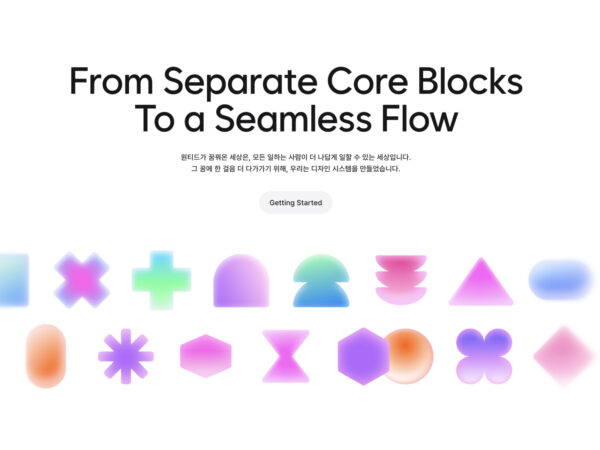
The Design Compass UI class has been updated in a big way. LV5 has been added, where you can learn the components that form the basis of UI. You can learn in depth about a total of 14 core components for input, inquiry, and information.

Each component is an essential element when humans communicate with machines, and the concept has not changed even when computers expanded to smartphones. As the AI era opens in the future, even if new interfaces emerge, we have systematically organized the components that you must know when designing UI.

We have gathered excellent design systems from Apple, Google, Meta, Adobe, IBM, Airbnb, Uber, Line, etc., and have included UI planning methods that have many strategic advantages based on our experience in the field. Rather than simply following the form, we have organized it with a focus on planning how to design components for a certain purpose.

You will learn planning methods divided into graphics that deal with visual forms, composition that deals with relationships and arrangements between elements, and interaction that deals with rules for interaction. You can also create UI for each component and receive feedback.

LV5 Components for Good UI – Input

  • Button
  • Text field
  • Select
  • Slider

LV5 Components for Good UI – View

  • card
  • tab
  • filter
  • pagination

LV5 Components for Good UI – Information

  • Show process
  • Badge
  • Tags
  • Avatar
  • Dialogue
  • Bottom sheet

We are gradually building up everything you need to know to create a good UI. Please look forward to the upcoming LV6.

https://designcompass.org/courses/ui-design/

Open KakaoTalk room without ads
Plus
25. 12. 12
Plus
25. 12. 12
Plus
25. 12. 11
Plus
25. 12. 11

DesignCompass Newsletter

Design for Business. We deliver daily news about AI, Products, Brands

By submitting your email, you are deemed to have agreed to our Terms of Use and Privacy Policy .
Design for Business